Temple Software Views for Office, Trustees and Priests
A temple has counter staff, trustees, accountants and priests, and each reads its own slice of the same records. Each role opens the screens for its own work.
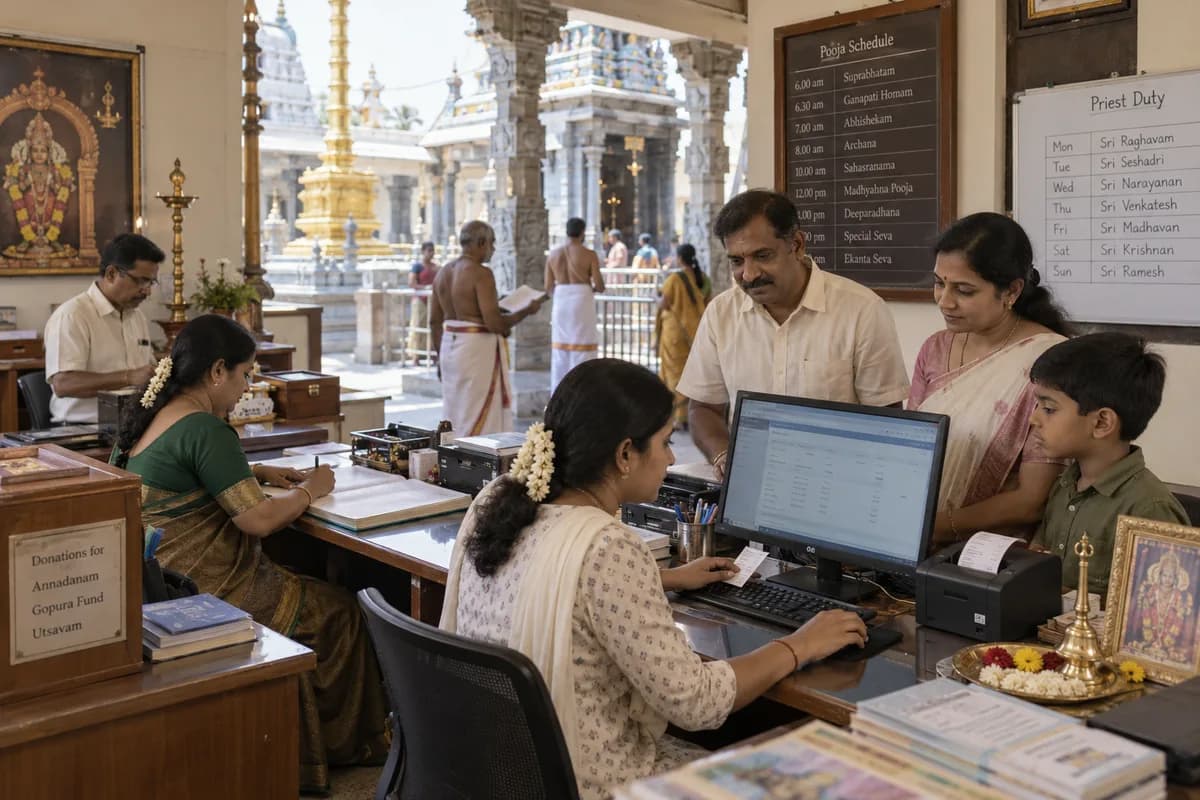
Four roles, one set of records
Through the day
At the counter, staff pick the seva, date and slot, note the gothra, nakshatra, rashi and sankalpa, and take payment. Online requests arrive as pending bookings. The devotee has already filled in those details. The office assigns a priest and marks the booking confirmed, assigned or completed. Each paid booking and each donation takes the next receipt number in the one series, and the receipt downloads as a PDF with the trust’s name and registration number.
Closing the day
The dashboard shows today’s donations, the month’s total, the day’s bookings and the online requests still waiting, with collections by payment mode. Trustees read it. Exports go to the accountant for the books and the audit. Cancelled receipts remain visible. Each stays in the register with the reason recorded.
What the trust decides
- Who may cancel a receipt, agreed with the trustees before go-live
- Who may enter a hundi count under its own head
- Which staff and volunteers get counter access
- Which trustees view the dashboard
- Whether priests are listed on the website
Frequently asked questions
Can several counters issue receipts at once?
Yes. On festival days they all draw from the same numbered series, so the day’s total adds up.
What does a priest see?
The sevas assigned for the day, with each devotee’s gothra, nakshatra and sankalpa. Which other screens a priest opens is agreed with the trust.
Can the accountant work without the office’s help?
Yes. Donations, bookings, devotees and receipts download as CSV spreadsheets from the reports, for the books and the trust’s audit.
Who decides each person’s access?
The trustees and the office agree it with us during implementation. Training is part of set-up, so counter staff and volunteers each learn just the screens their tasks need.
Tell us what you need.
Share your requirements and one of our engineers will come back to you within one business day.
What happens after you share your requirements
- A senior engineer reads your answers. Nobody phones first.
- Within one business day you get a written note: what we understood, what we would start with, and the questions we still have.
- If it fits, a proposal follows with the order of work, what we need from you and what you receive at each step.
- No call is booked and nothing is paid until you have read the note. Your details stay with us.
Start with your requirements
Seven short steps that tell us what you need. A senior engineer reads them before anyone gets in touch.
Share your requirements