Business solutions for Car wash centres
Explore software for work such as “Vehicle intake, agreed wash scope and collector records”. Review each business function below, including when it fits and what to check before implementation.
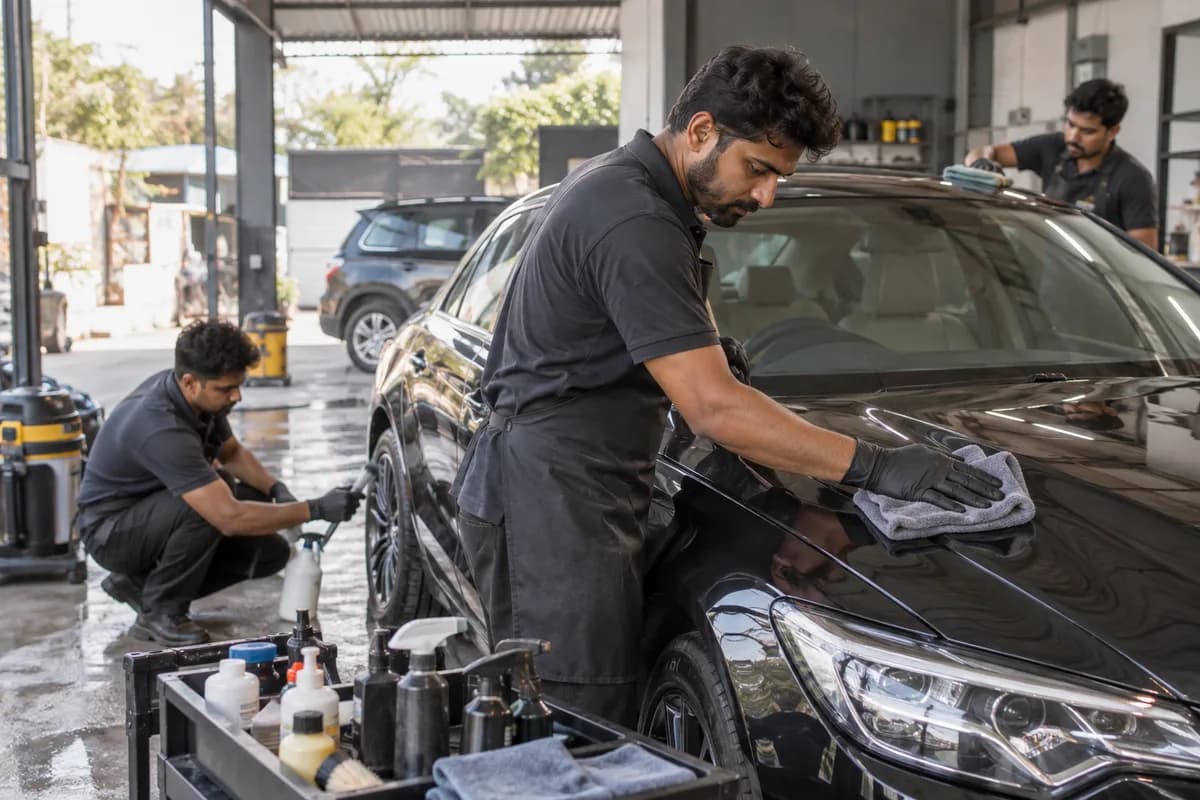
How the business operates.
A car wash centre accepts a vehicle for an agreed wash or interior clean and returns it with the visit and payment recorded. A staffed bay needs a queue, custody and work checks; an unattended self-service installation needs equipment and payment-event records. Define the actual model first. Cleaning customer fleets does not mean operating them.
The records that hold the operation together.
- Vehicle visit number, registration, service choice and customer contact permission
- Intake condition record, restricted photo references, declared items and key handover
- Bay assignment, work status, completed add-ons and supervisor check
- Prepaid entitlement reference, redemption, invoice and payment allocation
- Consumable receipt, issue, count difference and equipment downtime record
- Customer complaint, reviewed evidence, decision and handback acknowledgement
Operational bottlenecks to check
Booked and walk-in queues collide
Track booked arrivals and walk-ins together. Equipment stops or delayed interior work need an updated queue and customer communication, not duplicate bay bookings.
Service choice changes inside the bay
Keep the original choice, accepted add-on and revised amount visible. This prevents an unaccepted service from reaching the bill and exposes work completed without a matching charge decision.
Condition evidence is incomplete
Link intake, handback and complaint records to the same visit. Restrict photos and contact details to the staff who need them; record uncertainty when the original evidence is missing.
Follow the work across teams.
This is a planning flow. Confirm the steps, owners and approval rules against your actual operation.
Roles and responsibility boundaries.
Reports your managers need.
- Vehicles waiting, in work and awaiting collection by bay
- Completed visits and repeat washes by service and reason
- Approved charges, package redemptions, receipts and unsettled fleet bills
- Consumables used, count differences and equipment downtime
- Open complaints, assigned reviewers and outstanding customer decisions
Connections to scope
- Booking and job-card records need the same vehicle visit reference; assess exports or a supported connection before automating the handoff.
- Accounting and payment records need invoice and transaction references, with failed or unallocated receipts retained for reconciliation.
- Automated wash equipment is separate scope: confirm supplier access and event meaning before treating a machine event as a completed customer visit.
- Customer messages require an authorised channel, permitted content and a record of delivery failure.
Confirm data access, record ownership and the exchange method for each connection. Inclusion here does not mean every connection is available in a standard package.
Setup decisions and adoption risks.
Use these requirements to plan phases, data migration and user training. Agree the release sequence after reviewing your current systems.
Limitations to settle before implementation
- The centre remains responsible for vehicle handling, equipment readiness, product selection and work quality. Software records support those decisions.
- Use the applicable vehicle and product instructions; no single wash method or care interval applies to every finish.
- Local environmental, workplace, tax and customer-property obligations require the operator’s own review.
- Doorstep routes, unattended payments and recurring subscriptions need their own confirmed scope before inclusion.
Modules to consider first.
These functions connect to the operating model above. Confirm each one against the work your business actually runs.
Choose the operation you want to improve.
Use these activities to explain your scope. Your business does not need every function in the directory.
- Vehicle intake, agreed wash scope and collector records
- Staffed bay queue and work-stage tracking
- Interior cleaning and accepted add-on records
- Cleaning-material issues and equipment downtime records
- Visit billing, payment and customer handback
- Visit-linked damage concerns and reviewed follow-up
Explore the business functions.
Production, stock, fleet and recurring billing functions apply only where your business runs those activities. Read the suitability conditions on each page.
Bookings and Appointments
Helpdesk
Finance & Accounting
Field Service
Inventory Management
Start with the problem your team can describe.
Bring a sample record and show where information is copied, missed or waiting for approval. Scope the first useful change from there.
What happens after you share your requirements
- We review your brief and the systems you already use.
- We clarify the workflow, missing information and the work to consider first.
- The proposed scope sets out the deliverables, responsibilities and dependencies.
- Review the scope and commercial terms before deciding whether to proceed.
Start with your requirements
Describe your current process, the people involved and the change you need. Start with the details you know; we can clarify the rest together.
Share your requirements