Business solutions for Environmental testing laboratories
Explore software for work such as “Effluent and wastewater testing”. Review each business function below, including when it fits and what to check before implementation.
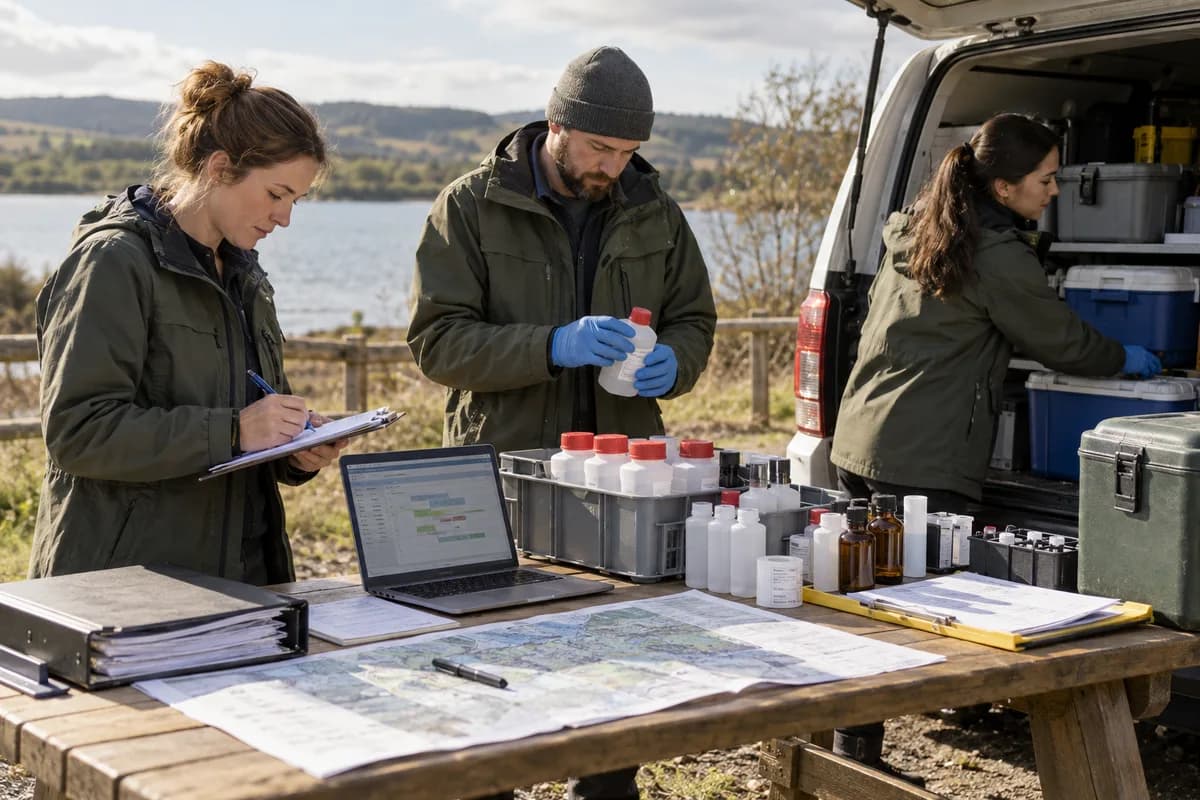
How the business operates.
An environmental laboratory is asked one question about every sample. Can the result be trusted? The answer depends on who collected it, how long it waited, which instrument ran it and who checked the numbers. Much of that is written on paper forms, bench sheets and instrument printouts, then typed again into a report by someone who was not at the bench.
The records that hold the operation together.
- Clients, sites and permits. Keep each client’s sites, contacts, permit limits, reporting formats and billing terms on one record.
- Sampling schedules. Plan field rounds by site, matrix and date, assign samplers and generate the bottle list for each visit.
- Chain of custody. Capture collection time, location, preservative and each handover, from the field tablet to the receipt desk.
- Sample receipt and labelling. Log arrival condition and temperature, assign laboratory numbers and print labels for bottles and aliquots.
- Test menu and methods. Maintain the methods you offer, with units, detection limits, holding times and the price of each test.
- Analytical batches and controls. Build batches with blanks, duplicates and spikes, and compare every control with its acceptance range.
- Instruments and reference standards. Track calibration, maintenance, reference materials and expiry dates, and link each batch to the instrument and standards used.
- Result entry and review. Enter or import results, calculate derived values, and route each batch to a reviewer for approval or return.
Operational bottlenecks to check
Chain of custody is on paper
Signatures go missing. Staff fill the custody form by hand in the field, the desk copies it into a register, and a blank signature surfaces only when the client chases the report.
Holding times pass unnoticed
Some tests must start within hours or days of sampling. Without a running list, a sample can wait on the bench until its result is no longer valid, and nobody notices before the report is drafted.
Instrument and quality records are separate
Calibration dates, reference standards and batch controls sit in logbooks and instrument folders. A reviewer must open the logbook, the reference standard file and the instrument folder before approving a single result, and the delay stacks up across a whole batch.
Reports are typed from bench sheets
Results are copied from spreadsheets into a report template. Each copy risks a transposed digit. Every correction needs a new version. The client must be told which one is current.
Turnaround is promised without a view of the queue
Sales agree dates with clients while the bench is already full, and analysts learn of the commitment only when the sample arrives at the receipt desk. Dates slip.
Follow the work across teams.
This is a planning flow. Confirm the steps, owners and approval rules against your actual operation.
Roles and responsibility boundaries.
Reports your managers need.
- Samples by stage and by days to holding limit
- Turnaround by method and client
- Quality control results by batch and analyst
- Instruments and standards due for calibration or replacement
- Reports issued, corrected and withdrawn
- Revenue by client, matrix and test
Connections to scope
- Instrument result files
- Barcode and label printers
- Accounting software export
- Field tablets
- Client portal
Confirm data access, record ownership and the exchange method for each connection. Inclusion here does not mean every connection is available in a standard package.
Setup decisions and adoption risks.
Use these requirements to plan phases, data migration and user training. Agree the release sequence after reviewing your current systems.
Limitations to settle before implementation
- A laboratory that tests a few samples a week for a single client may manage with a logbook and a report template.
- A clinical or pathology laboratory working on patient specimens will find the diagnostic lab product closer to its needs.
Modules to consider first.
These functions connect to the operating model above. Confirm each one against the work your business actually runs.
Choose the operation you want to improve.
Use these activities to explain your scope. Your business does not need every function in the directory.
- Effluent and wastewater testing
- Stack emission and ambient air monitoring
- Drinking water testing
- Soil and solid waste testing
- Noise and workplace monitoring
- Annual testing contracts
- Baseline studies for clearances
- Sampling visits and field monitoring
- Customer audit and supplier compliance reports
Explore the business functions.
Production, stock, fleet and recurring billing functions apply only where your business runs those activities. Read the suitability conditions on each page.
Assets and Fleet
Retail and POS
Manufacturing
Human Resources
CRM
Field Service
Platform
Start with the problem your team can describe.
Bring a sample record and show where information is copied, missed or waiting for approval. Scope the first useful change from there.
What happens after you share your requirements
- We review your brief and the systems you already use.
- We clarify the workflow, missing information and the work to consider first.
- The proposed scope sets out the deliverables, responsibilities and dependencies.
- Review the scope and commercial terms before deciding whether to proceed.
Start with your requirements
Describe your current process, the people involved and the change you need. Start with the details you know; we can clarify the rest together.
Share your requirements