Business solutions for Farm equipment and tractor dealers
Explore software for work such as “New tractor sales by horsepower range”. Review each business function below, including when it fits and what to check before implementation.
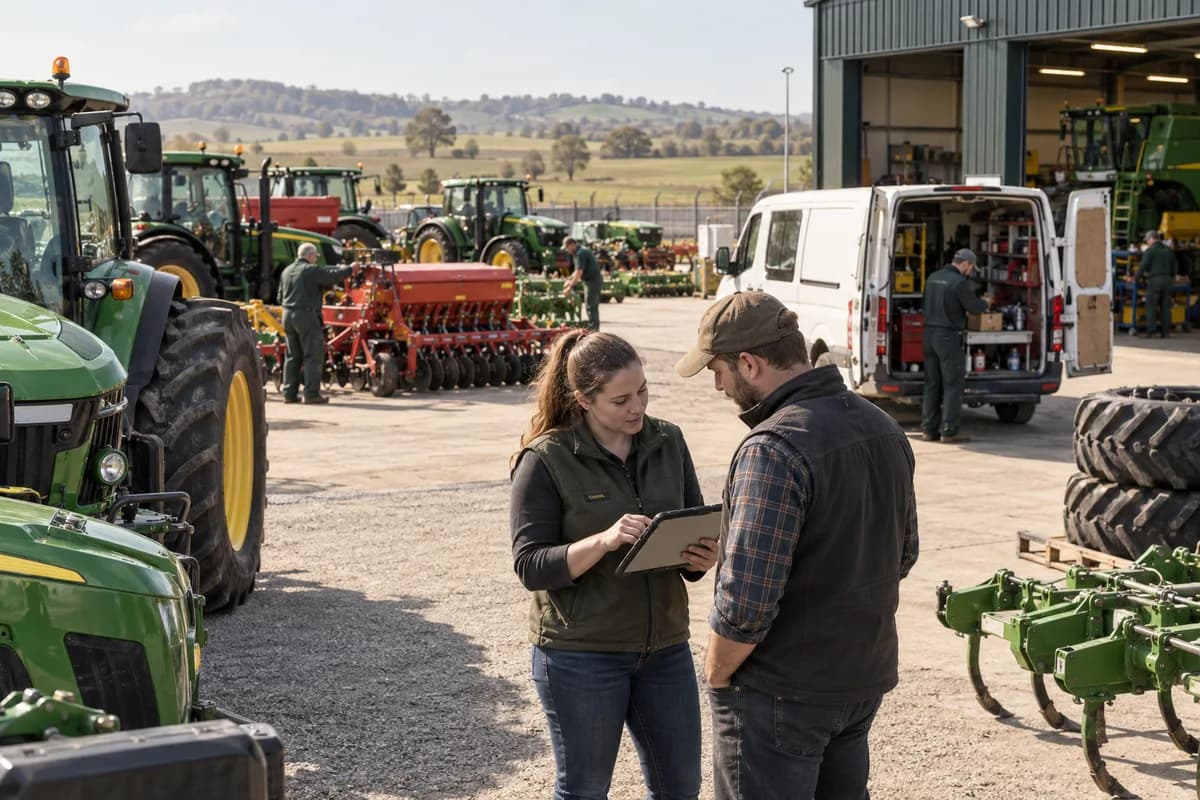
How the business operates.
A tractor is sold once and serviced for twenty years. The dealer who keeps its serial number, its hours, the front loader bought with it and every repair on one record is the dealer the farmer rings first. Trust follows the record.
The records that hold the operation together.
- Machine stock by serial number. Hold each tractor, combine, baler and implement with serial, model year, engine hours, location and cost, from inward receipt to sale. Hours roll forward at every visit.
- Farm customer records. Keep each farm with its machines, acreage, crops such as wheat, maize or silage grass, and contacts, so a call about a baler opens the whole fleet.
- Packaged quotations. Quote a tractor with loader, plough or baler as one package, and keep the drawbar, hitch and hydraulic coupler kit each implement needs on the line. Revisions stay on file.
- Trade-ins and used equipment. Value an old machine by hours, tyre wear and condition, log reconditioning cost, and list it with its service history and photographs. The figure comes off the new deal.
- Demo machines and farm loans. Record which demo baler, sprayer or tractor is on which farm, the loan dates, hours at departure and return, and what the farmer thought of it.
- Financing and deposits. Hold the lender, the scheme, the deposit received and the balance due on each sale, and show a pending finance approval against the salesperson’s name until the lender answers.
- Parts counter and seasonal stock. Count belts, knife sections, twine, filters and hoses, set higher reorder levels for planting and harvest, and sell by counter or phone order. Last season’s weekly sales sit beside each line.
- Workshop jobs and bay plan. Book repairs and pre-season service against bays and technicians, from a hydraulic pump rebuild to a grease and filter service, with labour and parts logged to the machine.
Operational bottlenecks to check
Implements are not tied to the tractor
A front loader, a mouldboard plough and a round baler are sold on three invoices. Years later nobody can say which hitch class or hydraulic kit belongs with which machine.
Trade-in values are guesses
Meter hours, tyre wear and attachments are noted on a scrap of paper. The used list shows a price with no basis behind it. Buyers notice.
Parts run out in the wrong week
When the cutter bar goes into the first field, knives, guards and filters are the first lines to vanish. The reorder was placed after the bin was already empty.
Field calls are dispatched by phone
A fitter is told to drive to a farm with a vague description of a hydraulic leak. The fitter then finds the seal kit is still sitting at the counter. A second trip follows.
Warranty claims miss the hours
The manufacturer wants engine hours on the day of failure and the delivery date. Both sit in different books. The claim comes back.
Follow the work across teams.
This is a planning flow. Confirm the steps, owners and approval rules against your actual operation.
Roles and responsibility boundaries.
Reports your managers need.
- Machines in stock by model, hours and age
- Demo machines on loan and days out
- Trade-ins valued against price achieved
- Belts and filters sold weekly against earlier seasons
- Field calls by fault: hose, bearing, header
- Warranty claims raised and paid
- Hire days and invoices by machine
Connections to scope
- Manufacturer ordering and warranty portals
- Lender and finance partner exports
- Accounting software export
- Telematics hours from tractors and combines
- SMS or messaging to farmers
Confirm data access, record ownership and the exchange method for each connection. Inclusion here does not mean every connection is available in a standard package.
Setup decisions and adoption risks.
Use these requirements to plan phases, data migration and user training. Agree the release sequence after reviewing your current systems.
Limitations to settle before implementation
- A farmer who buys a tedder, a mower or a drill for their own fields will not need a dealer system, only a service book.
- A repair workshop that sells no machines, only rebuilds hydraulic pumps and gearboxes, will find a service shop product closer to its work.
Modules to consider first.
These functions connect to the operating model above. Confirm each one against the work your business actually runs.
Choose the operation you want to improve.
Use these activities to explain your scope. Your business does not need every function in the directory.
- New tractor sales by horsepower range
- Rotavators, cultivators and tillage implements
- Harvesters and sowing equipment
- Used tractor sales and exchange
- Genuine spare parts and service camps
- Finance and subsidy assistance for the farmer
- Tractor-mounted sprayers and small farm machines
- Rental and custom hiring of equipment
Explore the business functions.
Production, stock, fleet and recurring billing functions apply only where your business runs those activities. Read the suitability conditions on each page.
Manufacturing
Field Service
Job Cards
Keep the inspection, work, parts and status of a service job together.
View workflow and suitability →Service Reminders
Track due service events and their follow-up messages.
View workflow and suitability →Technician Scheduling
Assign service work to suitable available technicians.
View workflow and suitability →
CRM
Platform
Inventory Management
Start with the problem your team can describe.
Bring a sample record and show where information is copied, missed or waiting for approval. Scope the first useful change from there.
What happens after you share your requirements
- We review your brief and the systems you already use.
- We clarify the workflow, missing information and the work to consider first.
- The proposed scope sets out the deliverables, responsibilities and dependencies.
- Review the scope and commercial terms before deciding whether to proceed.
Start with your requirements
Describe your current process, the people involved and the change you need. Start with the details you know; we can clarify the rest together.
Share your requirements