Business solutions for Frozen food manufacturers
Explore software for work such as “Cloud kitchen and QSR accounts”. Review each business function below, including when it fits and what to check before implementation.
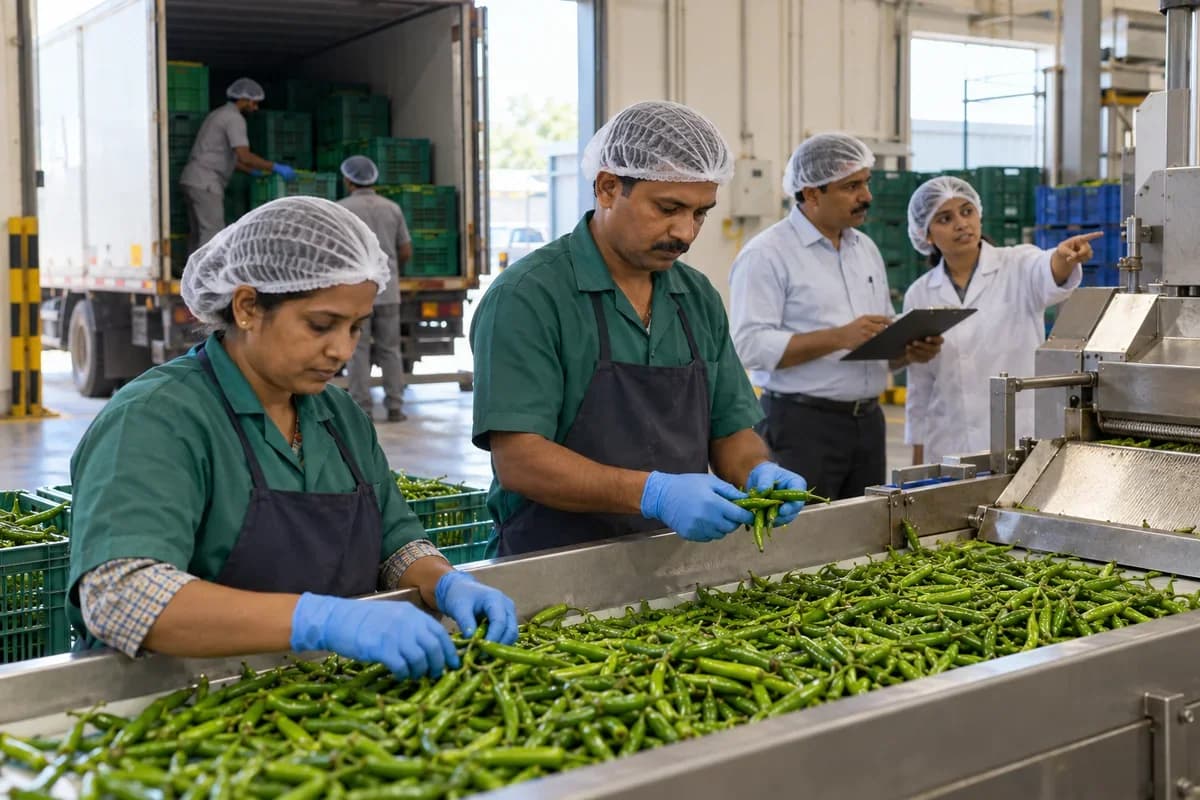
How the business operates.
Freezing fixes a product in time. Whatever was in the vegetables, the fish or the dough when it entered the tunnel is what the customer eventually cooks. That makes the record made at the plant far more valuable than it is in a plant that ships fresh.
The records that hold the operation together.
- Raw material receiving. Log supplier, lot, arrival temperature and condition at the dock, and keep a delivery on hold until the check is signed.
- Line batch records. Link each preparation batch of cut, blanched, portioned or cooked product to the raw lots it consumed.
- Freezer and tunnel runs. Record programme, belt speed, air temperature and core readings per run, and flag a run that missed its target.
- Glaze and weight checks. Keep checkweigher and glaze test results by lot, compared with the limits your food safety lead gives each product.
- Recipes for ready meals. Hold component recipes for sauces, grains and proteins, scaled to the kettle or line batch size.
- Lot codes and dating. Print lot codes and best-before dates on cartons from the shelf life held per product.
- Pallet map for the cold store. Assign pallets to aisle, rack and level, and move them between stores with a transfer record.
- Order picking by expiry. Allocate pallets to orders oldest first and print a pick list showing positions.
Operational bottlenecks to check
Core temperatures stay on the logger
The freezer log is downloaded weekly and filed. When a customer reports a soft, refrozen pack, the freezer run behind it is a matter of guesswork.
Raw lots are lost at the line
Receiving notes list suppliers and dates, but the line sheet notes only a product name. The origin of an ingredient in a finished carton is a guess.
Pallet positions live in one head
The cold store lead knows which aisle holds which run. When the one person who knows the racks is away, pickers search rows of identical cartons at minus eighteen.
Glaze and net weights drift
Fish and prawns are sold with a glaze allowance. Under-weights found by a customer’s test are a cost the plant discovers late, after the shipment has left.
Reefer records are left in the cab
The temperature trace from the trailer goes with the driver. A complaint about a thawed pallet arrives, and the plant cannot show the load was cold when it left.
Follow the work across teams.
This is a planning flow. Confirm the steps, owners and approval rules against your actual operation.
Roles and responsibility boundaries.
Reports your managers need.
- Raw lots received with arrival temperature
- Freezer runs that missed core target
- Glaze and net weight results by lot
- Cold store stock by age and aisle
- Pallets near expiry
- Deliveries with trailer trace attached
- Forward and backward trace for a chosen lot
Connections to scope
- SMS
- Temperature logger feed
- Label printer
- Accounting export
Confirm data access, record ownership and the exchange method for each connection. Inclusion here does not mean every connection is available in a standard package.
Setup decisions and adoption risks.
Use these requirements to plan phases, data migration and user training. Agree the release sequence after reviewing your current systems.
Limitations to settle before implementation
- A cold storage warehouse that stores other people’s goods will find Storage Facility Management Software closer.
- A plant that sells only fresh chilled products may prefer Manufacturing Production Management Software.
Modules to consider first.
These functions connect to the operating model above. Confirm each one against the work your business actually runs.
Choose the operation you want to improve.
Use these activities to explain your scope. Your business does not need every function in the directory.
- Cloud kitchen and QSR accounts
- Hotel and caterer supply
- Distributors with deep freezers
- Supermarket frozen aisles
- Quick-commerce and online grocery listings
- Reliable delivery routes for small orders
- Cabinet placement in retail stores
- Repeat orders from trial buyers
Explore the business functions.
Production, stock, fleet and recurring billing functions apply only where your business runs those activities. Read the suitability conditions on each page.
Retail and POS
Manufacturing
Batch and Serial Tracking
Trace goods using batch identifiers or individual serial numbers.
View workflow and suitability →Bill of Materials
Define the materials and quantities needed for a manufactured item.
View workflow and suitability →Quality Control
Record specified inspections and the disposition of checked goods.
View workflow and suitability →
Procurement
Inventory Management
Shipping Integration for Order Fulfillment
Link fulfilment records with the agreed shipping provider.
View workflow and suitability →Stock Tracking and Alerts
Record stock movements and flag items reaching configured levels.
View workflow and suitability →Warehouse Management
Track physical stock by warehouse location and movement.
View workflow and suitability →
Start with the problem your team can describe.
Bring a sample record and show where information is copied, missed or waiting for approval. Scope the first useful change from there.
What happens after you share your requirements
- We review your brief and the systems you already use.
- We clarify the workflow, missing information and the work to consider first.
- The proposed scope sets out the deliverables, responsibilities and dependencies.
- Review the scope and commercial terms before deciding whether to proceed.
Start with your requirements
Describe your current process, the people involved and the change you need. Start with the details you know; we can clarify the rest together.
Share your requirements