Business solutions for Hotels
Explore software for work such as “Direct room bookings”. Review each business function below, including when it fits and what to check before implementation.
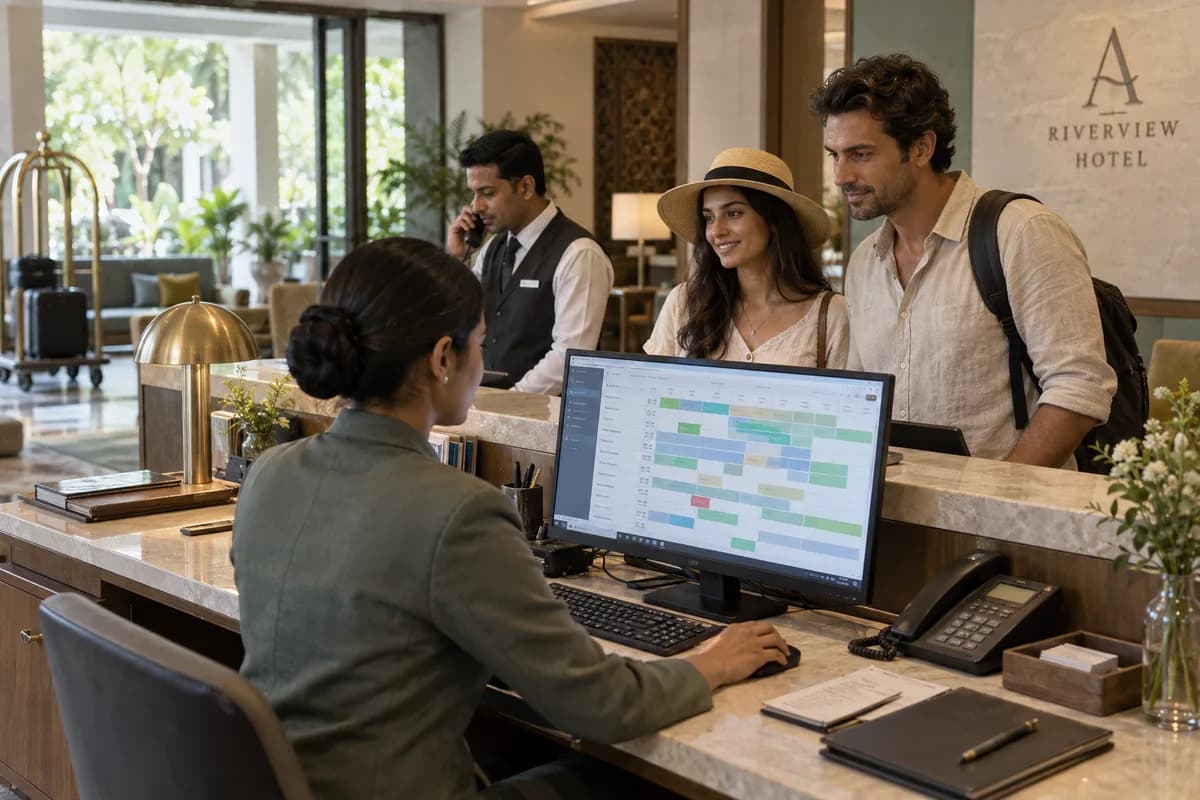
How the business operates.
Rooms sell on Booking.com, Expedia, Agoda, your own site and over the phone. One person at the desk tracks all five while handing out keys.
The records that hold the operation together.
- Enquiries and quotations. Record room enquiries from calls, WhatsApp, walk-ins and travel agents, quote a rate for the dates asked and hold the room until a cut-off; the chart never promises a room twice.
- Rooms and room types. Set up floors, room numbers, room types, bed configuration, extra bed rules and the amenities each class of room carries, from the standard double to the suite with a sitting area.
- Rate plans and seasons. Hold room-only, breakfast and full-board plans, season and weekend rates, and separate agent and corporate rates by date range. The rack rate stays visible beside each contract rate.
- Reservations and the room chart. See every room against every date, confirm bookings, record advances, move a guest to another room and cancel with a reason. A group block is held under one name until the rooming list arrives.
- Front desk check-in and check-out. Match an arrival to its reservation, allot a room, register a walk-in, extend a stay and close the folio at departure. Late check-out is charged from the same screen.
- Guest records and ID proof. Keep the guest name, address, contact, company, ID type and scan, meal preference and the history of earlier stays on one record. Local and foreign guests are held the same way.
- Housekeeping and room status. Work through the cleaning list floor by floor, mark rooms clean, dirty or blocked, and issue linen and amenity stock. Turndown and do-not-disturb requests show on the floor list.
- Guest folio and billing. Post room charges, meal plans, extra beds and counter charges to one folio, and split a bill between guest and company. The tax lines on the bill follow your country’s rules, as your accountant confirms.
Operational bottlenecks to check
Rooms are sold twice
Channel sync lags, or a walk-in is not blocked on Booking.com, and the desk places its own guest elsewhere. The guest is relocated at your cost.
Room service does not reach the bill
A kitchen slip stays in the restaurant, the guest checks out early, and the charge is lost. Nobody bills it later.
Housekeeping status sits in a WhatsApp group
The desk cannot tell which rooms are vacant clean and which are inspected, so an early arrival waits beside a ready room.
Agency payouts do not match booking reports
Commission, tax withheld and cancellation fees differ by channel, and accounts match the lines by hand. Accounts stop halfway.
Follow the work across teams.
This is a planning flow. Confirm the steps, owners and approval rules against your actual operation.
Roles and responsibility boundaries.
Reports your managers need.
- Occupancy percentage and nights sold by room type
- Arrivals, departures and the in-house guest list
- Average room rate (ARR) realised by rate plan and booking source
- Collection by cash, card, transfer and account
- Outstanding on guest folios and agent accounts
- Housekeeping status, blocked rooms and linen issued
- Banquet bookings and hall occupancy by date
Connections to scope
- SMS and email
- Payment links and gateways
- OTA channel manager
- Key card door locks
- Thermal and label printers
- Biometric attendance devices
- Accounting software export
Confirm data access, record ownership and the exchange method for each connection. Inclusion here does not mean every connection is available in a standard package.
Setup decisions and adoption risks.
Use these requirements to plan phases, data migration and user training. Agree the release sequence after reviewing your current systems.
Limitations to settle before implementation
- A homestay with three or four rooms and no restaurant can run on a diary and a bank app.
- Paying-guest accommodation, where rent runs by the month rather than by the night, is covered by the Paying Guest Management System.
- A standalone restaurant with no rooms needs a billing counter rather than a room chart.
Modules to consider first.
These functions connect to the operating model above. Confirm each one against the work your business actually runs.
Choose the operation you want to improve.
Use these activities to explain your scope. Your business does not need every function in the directory.
- Direct room bookings
- Banquet and wedding bookings
- Corporate and MICE bookings
- Weekend staycation packages
- F&B outlet promotion
- Repeat-guest loyalty programmes
Explore the business functions.
Production, stock, fleet and recurring billing functions apply only where your business runs those activities. Read the suitability conditions on each page.
CRM
Finance & Accounting
Bookings and Appointments
Sales and Distribution
Start with the problem your team can describe.
Bring a sample record and show where information is copied, missed or waiting for approval. Scope the first useful change from there.
What happens after you share your requirements
- We review your brief and the systems you already use.
- We clarify the workflow, missing information and the work to consider first.
- The proposed scope sets out the deliverables, responsibilities and dependencies.
- Review the scope and commercial terms before deciding whether to proceed.
Start with your requirements
Describe your current process, the people involved and the change you need. Start with the details you know; we can clarify the rest together.
Share your requirements