Ticket Management for Medical equipment distributors
Keep medical equipment complaints and supplier actions traceable to the device and responsible organisation without turning a support response into clinical or technical approval.
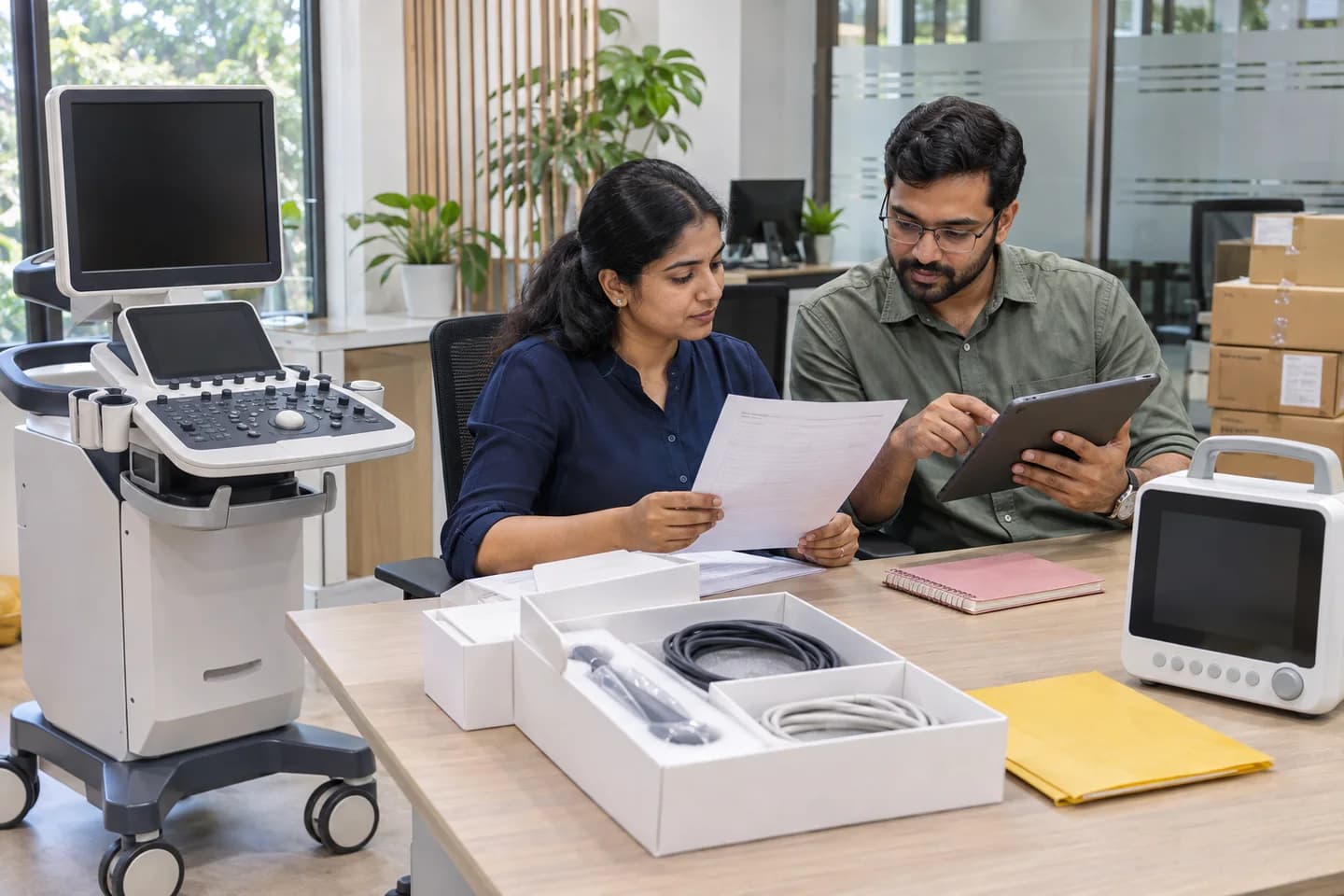
Does this function belong in your operation?
Use when distributors coordinate device-related enquiries across buyers, suppliers and qualified service contacts, including supply-only businesses.
A buyer reports an equipment problem, accessory discrepancy or unresolved service issue, or a supplier notice requires follow-up.
Record equipment complaints against the model, supplied identifier and receiving location, separating the reported observation from a technical conclusion. Route clinical, safety or regulated questions to the responsible qualified organisation through its actual process. Keep supplier notices, return authorisation, physical replacement and customer financial adjustments distinct. A distributor’s status reply cannot certify that a device is safe to use or close another party’s required investigation.
Bring the records the workflow depends on.
- Customer, site and device model or supplied identifier
- Reported observation and affected accessory or configuration
- Source supply and actual support-scope references
- Responsible qualified contacts and restricted evidence permissions
Outputs to check
- Device-linked complaint and supplier-notice register
- Restricted evidence and responsible-response history
- Distributor action record with separate open technical and commercial obligations
Follow the ticket management workflow.
Use this sequence to compare your current process with the proposed module. Agree the owner, permission and exception at each step.
Who uses the module, and who approves?
Keep responsibilities distinct even when one person holds more than one role.
Decide how exceptions are handled.
These business rules belong in configuration and testing. A normal transaction alone does not demonstrate that the workflow is ready.
Can this work independently?
Cases can start independently using a reported issue and available device references. Orders and product records supply identity and scope when available; qualified organisations own assessment, reporting and release decisions. Manufacturer or regulatory interfaces require actual authority and support. A closed case does not authorise a refund, execute a payment or prove confirmed receipt of money.
Systems and records it connects with
- Product and supply records identify the affected model, configuration, actual unit and receiving location.
- Supplier or qualified service records provide response references and authorised technical decisions.
- Return and accounting records retain custody, credits and executed financial actions independently from complaint status.
Configure, test and introduce the workflow.
- Review a missing accessory, supplier-led service request and product notice to identify the actual responsible organisations and escalation evidence.
- Trial an unmatched device identifier and sensitive attachment, checking access restrictions and the separation of reported observations from findings.
- Transfer unresolved cases with their source references and named next owners, preserving any open technical, reporting or financial obligations.
Check the result before rollout.
Apply these checks to a sample from the agreed workflow, then repeat with an exception. Keep the expected result beside the test record.
- Reported observations remain separate from qualified findings and clinical decisions.
- Supplier escalation and notification have actual references rather than being inferred from a saved ticket.
- Return custody, technical disposition, replacement and financial adjustment retain independent evidence.
How the business operates.
A medical equipment distributor supplies identified devices and agreed accessories to healthcare organisations. The commercial buyer, clinical user, receiving store and biomedical team can have different responsibilities. Record the requested model and configuration, the approved supply scope and the people authorised to accept each stage. Equipment may be sourced for an order, held for supply or placed for a documented demonstration; physical custody alone establishes neither ownership nor sale. This work overlaps with medical-supplies distribution, but equipment serial identity, configuration and optional installation handover need their own records. Clinical suitability, device authorisation and technical release remain with the responsible qualified parties.
The records that hold the operation together.
- Institutional buyer, authorised order contact, receiving location and separate clinical, biomedical and accounts contacts with appropriate access permissions.
- Model, catalogue and configuration references, supplied serial or lot identifiers where applicable, accessories and source document versions.
- Quotation, customer purchase order, supplier acceptance and approved changes with the actual supply and optional-service boundaries.
- Demonstration placement or delivery record identifying declared owner, custodian, device, accessories and receipt differences.
Operational bottlenecks to check
An accessory description hides a mismatch
Preserve the exact catalogue and device references used for the order. A similar connector or shared marketing name does not establish compatibility or authority to substitute.
Stores receipt is treated as clinical acceptance
Record the recipient’s role and the event acknowledged. Physical delivery, technical completion and the healthcare organisation’s decision to use the device require separate evidence.
How work flows across this business
This module sits within a wider operating process. Use the sequence to identify the other teams and records affected by a change.
1. Confirm the institutional requirement
Identify who can approve the commercial order and who reviews the device requirement. Record clinical or compatibility questions for the qualified owner without answering them through a catalogue selection.
2. Prepare the equipment offer
State the exact device and accessory configuration, proposed supply terms and any separately included demonstration, installation or training work. Preserve the responsible service provider and unresolved conditions.
3. Reconcile the accepted order
Compare the buyer’s purchase order with the offer and source supplier’s confirmation. Obtain decisions on differing models, accessories or service responsibilities before recording an accepted revision.
4. Identify and deliver the device
Link source and device identifiers to the actual recipient and location. Record received accessories and discrepancies; a stores receipt confirms that event, not clinical suitability or technical readiness.
5. Record scoped handover decisions
Where technical work is contracted, retain the qualified provider’s report and the buyer’s applicable acceptance record. A training attendance entry does not certify competence or authorise clinical operation.
6. Submit billing and retain support work
Use the agreed billing evidence and track submission or queries. Keep complaints, replacement requests and supplier notices open with responsible owners independently of invoice or order closure.
Industry reports to connect with
- Orders awaiting supplier acceptance, product clarification or an authorised customer revision, grouped by purchasing organisation.
- Devices delivered with accessory differences or open scoped installation and acceptance actions.
- Invoices awaiting submission evidence, buyer response or payment, with disputed balances retained separately.
- Open equipment complaints and supplier notices linked to device identity, location and responsible follow-up owner.
Questions before implementation.
When should medical equipment distributors consider ticket management?
Use when distributors coordinate device-related enquiries across buyers, suppliers and qualified service contacts, including supply-only businesses. A buyer reports an equipment problem, accessory discrepancy or unresolved service issue, or a supplier notice requires follow-up.
What should we bring to the requirements discussion?
Bring anonymised examples of Customer, site and device model or supplied identifier; Reported observation and affected accessory or configuration; Source supply and actual support-scope references; Responsible qualified contacts and restricted evidence permissions. Show who creates, checks and changes each record. Use only records from an activity that meets the suitability conditions above.
Does this replace our existing business software?
The starting point is your current system and the gap you need to close. Keep medical equipment complaints and supplier actions traceable to the device and responsible organisation without turning a support response into clinical or technical approval. Configuration, a connected module or a custom build are evaluated against that gap before a replacement is proposed.
What is outside this module?
Complaint tracking provides no clinical advice, diagnosis, repair or decontamination instructions. It does not establish device safety, reporting compliance, warranty cover or authorisation for patient use.
How are scope, price and rollout decided?
The proposal follows a review of your records, user roles, branches and existing software. Data migration, connections, training and support are scoped separately where needed. Reported observations remain separate from qualified findings and clinical decisions. Use this check when reviewing the first working version.
Related functions for medical equipment distributors.
Discuss ticket management for your business.
Tell us which workflow needs attention and which systems your team uses. The next step is a requirements discussion and a written scope.
What happens after you share your requirements
- We review your brief and the systems you already use.
- We clarify the workflow, missing information and the work to consider first.
- The proposed scope sets out the deliverables, responsibilities and dependencies.
- Review the scope and commercial terms before deciding whether to proceed.
Start with your requirements
Describe your current process, the people involved and the change you need. Start with the details you know; we can clarify the rest together.
Share your requirements