Business solutions for Packaging machinery manufacturers
Explore software for work such as “Pouch and sachet packing machines”. Review each business function below, including when it fits and what to check before implementation.
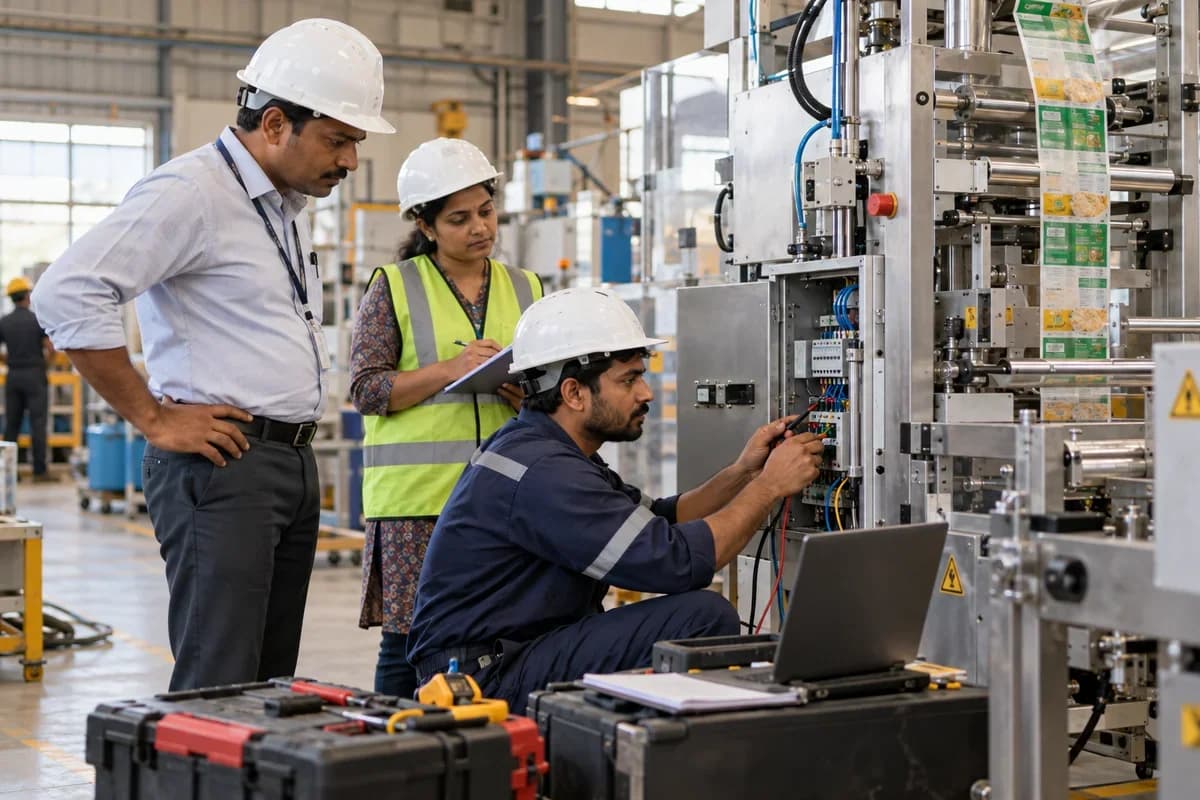
How the business operates.
A packaging machine leaves the factory with a serial number, a set of change parts for each pack size, and a list of options chosen by the buyer. Months later the buyer rings. A sealing jaw is worn. Which jaw fits that machine is not obvious.
The records that hold the operation together.
- Enquiries and sample trials. Log each packer’s product, pack size and speed target, and keep the sample trial results with the enquiry that follows.
- Model and option quotations. Price a model with chosen options, such as a checkweigher or ink-jet coder, and format sets from your catalogue, keeping every revision and the outcome.
- Serial number register. Hold the serial number, model, options, buyer, plant address and warranty dates for every machine you have sold.
- Build orders and parts lists. Release a standard parts list adjusted for options, issue stores against it and track fabricated and bought-out items.
- Change parts and format sets. Record each pack size’s forming, sealing and guide parts, who machined them and which serial number they were first approved on.
- Factory test sheets. Capture the film or carton used, speed, jaw temperature, rejects and the buyer’s sign-off on a sheet that stays with the machine.
- Installation and training. Plan the commissioning visit, log snags at the buyer’s plant and note which operators were trained.
- Spares quotations and orders. Find the right part on the machine’s own list, quote it, and send the revision that fits.
Operational bottlenecks to check
Options are lost between sales and build
The buyer ordered a date coder and a second film reel stand. The shop builds from the base model, and the omission is found at installation. The buyer is annoyed.
Change parts are tied to nothing
Forming collars, sealing jaws and cartoning guides for each pack size are drawn once and made again and again. Nobody knows which set belongs to which serial number. Work repeats.
The factory test leaves no trace
The machine ran well on the buyer’s film in the shop, at a certain speed and temperature. After shipping, the site sees different results, and the test conditions cannot be found. The proof is gone.
Spares enquiries start from a photograph
The buyer sends a picture of a worn gear and a serial number scratched on a plate. Sales then searches old drawings to name the part. Time is lost.
Warranty claims have no build history
A fault is reported on a machine out of warranty by a month. The commissioning date, the options and earlier repairs are in three different places. The answer takes days.
Follow the work across teams.
This is a planning flow. Confirm the steps, owners and approval rules against your actual operation.
Roles and responsibility boundaries.
Reports your managers need.
- Machines in build by model and promised dispatch date
- Option take-up by model and customer
- Format sets made, by pack size and serial number
- Acceptance runs signed and outstanding
- Spares sold by machine model and part
- Service calls by serial number, with warranty status
- Installed base by distributor and region
Connections to scope
- SMS
- Accounting export
- Courier tracking links
Confirm data access, record ownership and the exchange method for each connection. Inclusion here does not mean every connection is available in a standard package.
Setup decisions and adoption risks.
Use these requirements to plan phases, data migration and user training. Agree the release sequence after reviewing your current systems.
Limitations to settle before implementation
- Builders who make a single machine to a customer’s own specification will find Special Purpose Machine Builder Management Software closer.
- Firms that make the packs themselves, such as cartons or film, will find Industrial Packaging Manufacturer Management Software or Packaging Film Manufacturer Management Software closer.
Modules to consider first.
These functions connect to the operating model above. Confirm each one against the work your business actually runs.
Choose the operation you want to improve.
Use these activities to explain your scope. Your business does not need every function in the directory.
- Pouch and sachet packing machines
- Liquid and paste filling machines
- Powder and granule fillers
- Capping and labelling machines
- Cartoning and case packing machines
- Vacuum and shrink wrap machines
- Trial on the buyer's product
- Spares, film and consumable supply
- Installation and operator training
Explore the business functions.
Production, stock, fleet and recurring billing functions apply only where your business runs those activities. Read the suitability conditions on each page.
Field Service
Manufacturing
Batch and Serial Tracking
Trace goods using batch identifiers or individual serial numbers.
View workflow and suitability →Bill of Materials
Define the materials and quantities needed for a manufactured item.
View workflow and suitability →Quality Control
Record specified inspections and the disposition of checked goods.
View workflow and suitability →Work Order Management
Track a production job from material issue to completed output.
View workflow and suitability →
Sales and Distribution
CRM
Helpdesk
Start with the problem your team can describe.
Bring a sample record and show where information is copied, missed or waiting for approval. Scope the first useful change from there.
What happens after you share your requirements
- We review your brief and the systems you already use.
- We clarify the workflow, missing information and the work to consider first.
- The proposed scope sets out the deliverables, responsibilities and dependencies.
- Review the scope and commercial terms before deciding whether to proceed.
Start with your requirements
Describe your current process, the people involved and the change you need. Start with the details you know; we can clarify the rest together.
Share your requirements