Business solutions for Roofing contractors
Explore software for work such as “Factory and warehouse shed roofing”. Review each business function below, including when it fits and what to check before implementation.
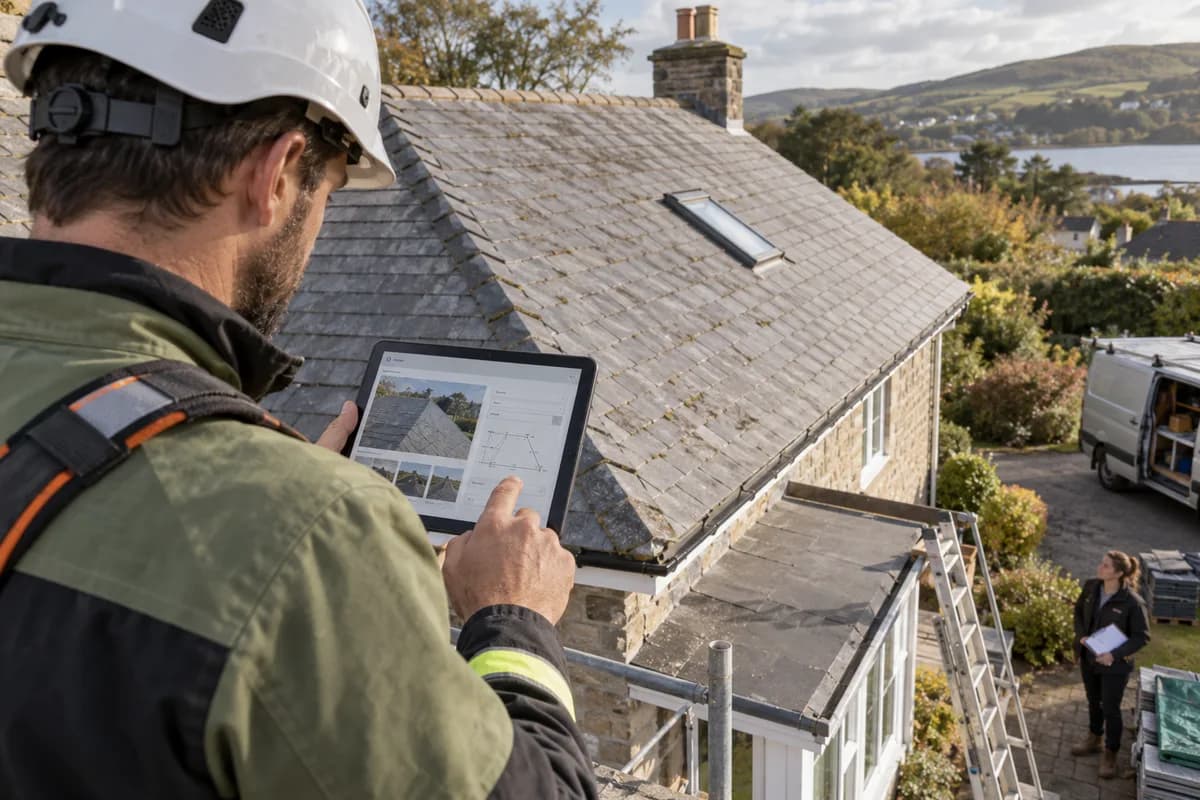
How the business operates.
A roofing contractor prices a roof from its plan area, its pitch and its covering. Once the quote is accepted, material is ordered, crews go up in batches, and the work is billed in stages as it is measured. Simple to say. Hard to track across six roofs at once.
The records that hold the operation together.
- Enquiries and inspections. Log each enquiry with its source and address, book the roof survey, and file measurements, pitch and photographs of ridge, valleys and flashings under the client.
- Quotations and rate lists. Build quotations from your own slate, tile, membrane and labour rates, item by item. Superseded quotations remain on file, and every open one shows in a single list.
- Roof jobs and stages. Run each roof as a job with its stages, crew, scaffold, material and schedule, from tear-off and battening through underlay and covering to the final inspection.
- Material orders and deliveries. Raise orders to merchants against a job, record each delivery of tiles, battens and lead, and see shortfalls against the area measured. Pallets are checked in.
- Material stock and returns. Track slates, ridge tiles, fixings, flashing and sheeting held in your yard, with reorder levels, issues to site and offcuts returned.
- Crew scheduling and attendance. Plan crews by roof and day, mark attendance, record days lost to rain and wind, and work out hours or piece-rate pay by the square. Scaffold dates sit beside each plan.
- Variations and approvals. Record extra work such as rotten rafters, new fascias or added lead, with photographs and a cost, and send it for the client’s approval before it is carried out.
- Stage bills and invoices. Bill each stage from the area measured and close with a final invoice. Retention the client holds back is tracked, and each receipt is posted against its stage.
Operational bottlenecks to check
Measurements live in notebooks
The estimator measures once, the supervisor measures again, and the bill is written from a third figure. Nobody can say which area the client agreed to. Disputes follow.
Weather moves the whole schedule
A wet week pushes crews from one site to the next. The calendar sits in a message group, clients hear late, and the next roof in the queue shifts again unseen.
Extra work is not recorded
Rotten decking, extra flashing or a moved ridge line turns up once the roof is open. If the client has not signed it, the cost is hard to bill, and the supervisor is already on the next roof.
Material is ordered twice or short
Orders go to the merchant by phone and message, and deliveries arrive in part. Nobody checks them against the area measured, so a shortfall of ridge tiles is found on the ladder with the crew waiting.
Warranty calls have no history
A leak is reported two winters later. The covering, the fixings and the crew who fitted the valley gutter are not found without a search through old files.
Follow the work across teams.
This is a planning flow. Confirm the steps, owners and approval rules against your actual operation.
Roles and responsibility boundaries.
Reports your managers need.
- Quotations open, won and lost by covering type
- Roofs by stage and crew, with days lost to rain
- Tiles, battens and lead ordered against area measured
- Stage bills raised and retention held back
- Roofing dues by client, oldest first
- Variations approved and unbilled, such as timber repairs
- Warranty and gutter-clearing reminders due
Connections to scope
- SMS
- WhatsApp or other messaging
- Online payment gateway
- Accounting software export
Confirm data access, record ownership and the exchange method for each connection. Inclusion here does not mean every connection is available in a standard package.
Setup decisions and adoption risks.
Use these requirements to plan phases, data migration and user training. Agree the release sequence after reviewing your current systems.
Limitations to settle before implementation
- A roofer with only a few jobs each month may be happy keeping them in a notebook.
- If your main trade is waterproofing, painting or general building, Waterproofing Contractor Management Software, Painting Contractor Management Software or Construction Project Management Software fits better.
Modules to consider first.
These functions connect to the operating model above. Confirm each one against the work your business actually runs.
Choose the operation you want to improve.
Use these activities to explain your scope. Your business does not need every function in the directory.
- Factory and warehouse shed roofing
- PEB roof sheeting and re-roofing
- Polycarbonate roofs for terraces and car parks
- Colour coated sheet roofing for homes and farms
- Tile roofing with timber or steel frames
- Roof insulation and heat reduction
- Skylights and translucent sheets in sheds
- Roof leak repair and fastener replacement
- Yearly pre-monsoon roof checks
Explore the business functions.
Production, stock, fleet and recurring billing functions apply only where your business runs those activities. Read the suitability conditions on each page.
Project Management
Finance & Accounting
CRM
Inventory Management
Helpdesk
Manufacturing
Start with the problem your team can describe.
Bring a sample record and show where information is copied, missed or waiting for approval. Scope the first useful change from there.
What happens after you share your requirements
- We review your brief and the systems you already use.
- We clarify the workflow, missing information and the work to consider first.
- The proposed scope sets out the deliverables, responsibilities and dependencies.
- Review the scope and commercial terms before deciding whether to proceed.
Start with your requirements
Describe your current process, the people involved and the change you need. Start with the details you know; we can clarify the rest together.
Share your requirements