Business solutions for School furniture manufacturers
Explore software for work such as “Student desk and bench sets by class size”. Review each business function below, including when it fits and what to check before implementation.
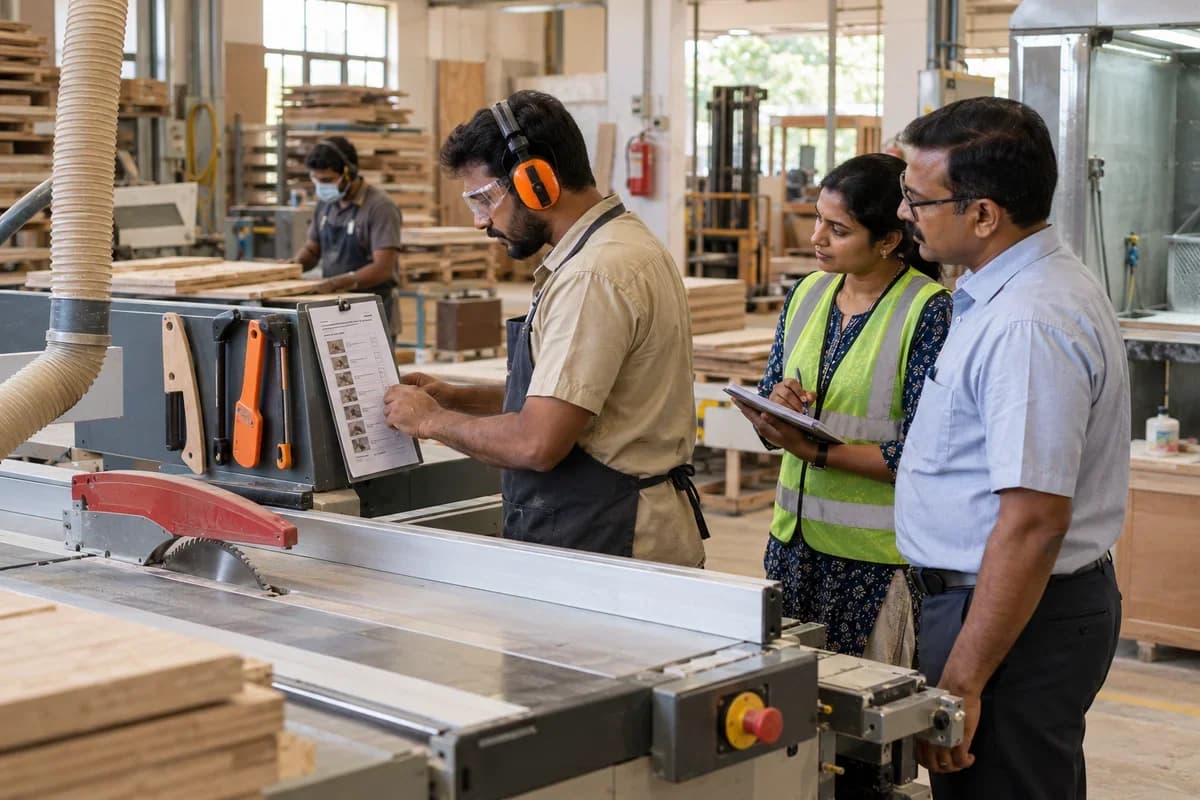
How the business operates.
A school order arrives as a quantity by class level: dual desks, benches, teacher tables and chairs by the count, each in its own height. The workshop cuts steel tube, welds frames, coats them, fits wooden or laminated tops and packs the lot for several schools at once. Short counts and wrong heights are found only when a headmaster signs for the delivery.
The records that hold the operation together.
- Supply orders and tender awards. Record the order, the buyer, the size table by class level, rates, powder colours and delivery terms. The approved sample sits with it for the whole run.
- Size schedules and cut lists. Turn the size table into frame, top and seat counts, with tube lengths per frame and the number of leg pairs, so the saw operator works from one printed sheet.
- Tube and board issue. Record square tube and laminated board issued per order and compare it with expected use. Offcut tube lengths are logged so they can be reused on small bench orders.
- Frame fabrication log. Log cutting, bending and MIG welding by size, welder and shift. Rejects and rework are shown against the order they belong to, not buried in the day’s totals.
- Powder coating and pre-treatment. Make up each oven load by colour and size, stamp it with its date and phosphating run, and tie every frame to a load. A flaking-paint complaint then leads straight back to the run.
- Top, seat and fitment count. Count tops, seats, screws and rubber feet against the frame count. A set is marked complete only when every part is present, and the loose bag is checked before stacking.
- Delivery lots and delivery notes. Plan vehicles by school, print delivery notes with items and quantities, and attach the signed copy when it returns from the town.
- Short supply and replacement. Record items missing or dented at a school, send a replacement against the same lot and close it when the head teacher confirms receipt.
Operational bottlenecks to check
Sizes are mixed up across a lot
A tender asks for three desk heights for different class levels. Frames are welded to the wrong height when the cut list is read from a handwritten sheet, and the error is seen on delivery. Parents notice the mismatch first.
Powder coating batches are not traced
Frames wait for the oven in a pile, and when a school reports uneven colour or thin film nobody can say which load it came from. Rework is done on guesswork. Nobody agrees on the cause.
Tube and sheet use is unknown
Steel tube and board are issued by the bundle and sheet. Nobody compares what the order should consume with what left the store, so waste grows unnoticed. Offcuts vanish without a record.
Deliveries to different schools get confused
One lot is split across the schools on a single run. A box meant for one school is left at another, and the signed copy of the delivery note arrives weeks late. Payment waits for those papers.
Acceptance and payment stay apart
The buyer pays after a satisfactory delivery report, and the accounts team cannot see which schools have signed. Bills wait for papers that are lying in a driver’s bag.
Follow the work across teams.
This is a planning flow. Confirm the steps, owners and approval rules against your actual operation.
Roles and responsibility boundaries.
Reports your managers need.
- Orders by item, size and delivery date
- Tube and board issued against expected use per lot
- Frames welded, rejected and reworked by size
- Oven loads by colour with frame counts
- Delivery notes signed and pending by school
- Short supply notes open and closed
- Bills raised, held and received by buyer
Connections to scope
- SMS
- Label printer
- Accounting export
Confirm data access, record ownership and the exchange method for each connection. Inclusion here does not mean every connection is available in a standard package.
Setup decisions and adoption risks.
Use these requirements to plan phases, data migration and user training. Agree the release sequence after reviewing your current systems.
Limitations to settle before implementation
- A carpenter who builds single pieces to order from solid timber will find Wooden Door Manufacturer Management Software or Commercial Furniture Manufacturer Management Software closer.
- A shop that only resells school furniture may prefer Furniture Showroom Management Software.
Modules to consider first.
These functions connect to the operating model above. Confirm each one against the work your business actually runs.
Choose the operation you want to improve.
Use these activities to explain your scope. Your business does not need every function in the directory.
- Student desk and bench sets by class size
- Pre-primary tables and chairs
- Laboratory tables and stools
- Library shelving and reading tables
- Hostel cots and storage
- Teacher tables and staff room furniture
- Government tender supply
- CSR classroom packages
Explore the business functions.
Production, stock, fleet and recurring billing functions apply only where your business runs those activities. Read the suitability conditions on each page.
Manufacturing
Batch and Serial Tracking
Trace goods using batch identifiers or individual serial numbers.
View workflow and suitability →Bill of Materials
Define the materials and quantities needed for a manufactured item.
View workflow and suitability →Production Planning
Plan manufacturing quantities against demand, materials and capacity.
View workflow and suitability →Quality Control
Record specified inspections and the disposition of checked goods.
View workflow and suitability →Work Order Management
Track a production job from material issue to completed output.
View workflow and suitability →
CRM
Finance & Accounting
Inventory Management
Start with the problem your team can describe.
Bring a sample record and show where information is copied, missed or waiting for approval. Scope the first useful change from there.
What happens after you share your requirements
- We review your brief and the systems you already use.
- We clarify the workflow, missing information and the work to consider first.
- The proposed scope sets out the deliverables, responsibilities and dependencies.
- Review the scope and commercial terms before deciding whether to proceed.
Start with your requirements
Describe your current process, the people involved and the change you need. Start with the details you know; we can clarify the rest together.
Share your requirements