Resource and Room Booking for Wedding car rental companies
Keep each wedding car available for its accepted journeys, preparation and agreed attendance period.
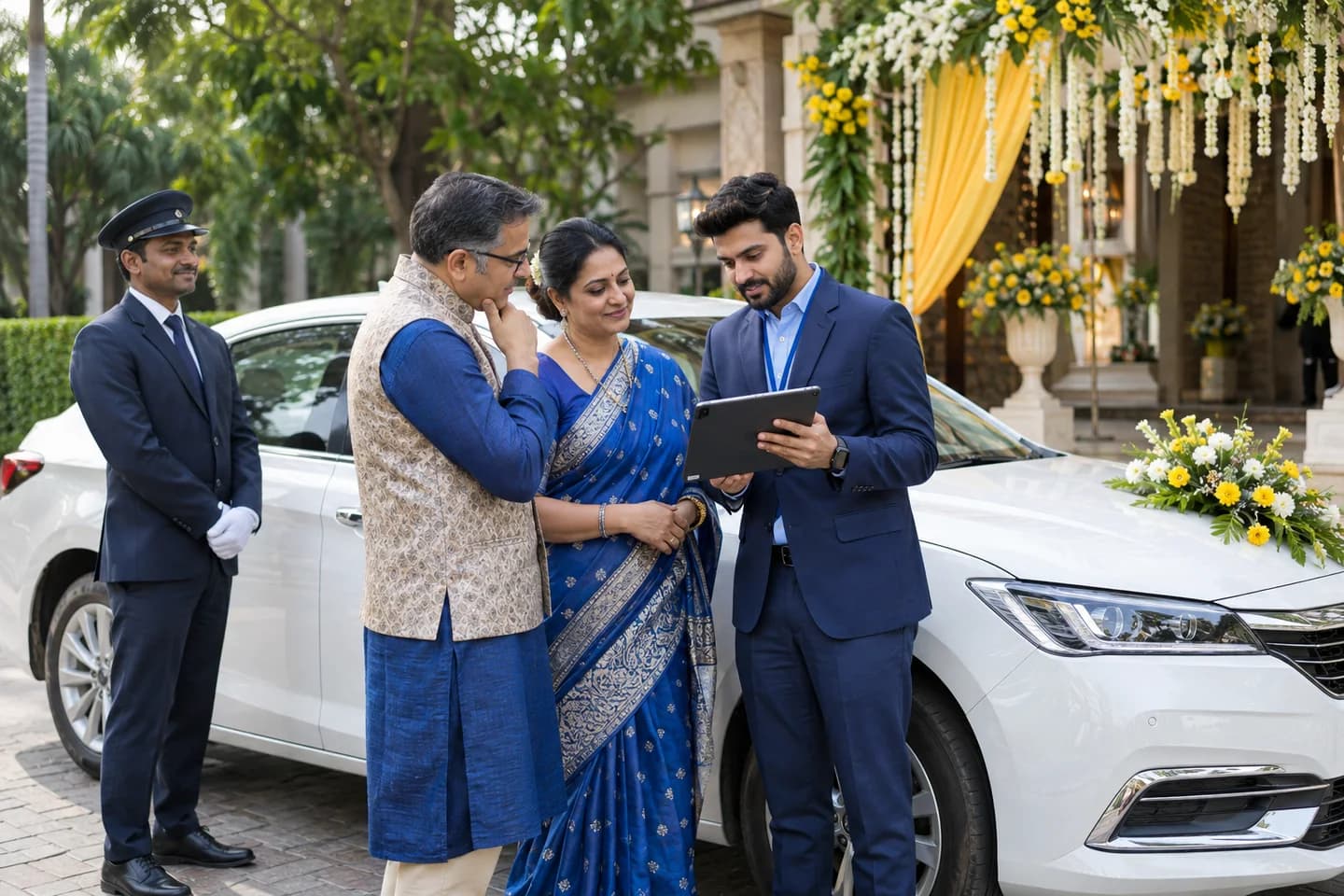
Does this function belong in your operation?
For operators reserving their own cars or confirmed partner vehicles against specific wedding commitments.
A wedding itinerary needs vehicle reservations or an existing event changes its timing or supply.
A wedding reservation occupies more than the ceremony slot. Record the actual vehicle's travel, preparation and approved decoration periods alongside its customer-facing journeys. Distinguish continuous attendance from a later return trip. A changed ceremony can conflict with another event even when the original calendar was clear. Keep provisional holds, owner confirmation and accepted substitutions separate; a free calendar entry does not make an alternative car available.
Bring the records the workflow depends on.
- Car identity, controlling owner and supplier acceptance
- Accepted ceremony legs, attendance period and required vehicle movements
- Decoration or preparation slots, existing bookings and unavailable holds
Outputs to check
- Car-by-car event reservation calendar
- Preparation, decoration and supplier dependencies
- Conflict and authorised release history
Follow the resource and room booking workflow.
Use this sequence to compare your current process with the proposed module. Agree the owner, permission and exception at each step.
Who uses the module, and who approves?
Keep responsibilities distinct even when one person holds more than one role.
Decide how exceptions are handled.
These business rules belong in configuration and testing. A normal transaction alone does not demonstrate that the workflow is ready.
Can this work independently?
Booking can use entered vehicle lists and itinerary revisions. Dispatch and suppliers must supply actual availability changes. Contract, billing and decoration permission remain separate records. This module concerns vehicle periods, with no room membership, building-access or automated partner-booking process implied.
Systems and records it connects with
- Accepted quotation and operative event itinerary.
- Supplier confirmation and decoration permission reference.
- Actual journey completion and cancellation decisions.
Configure, test and introduce the workflow.
- Map preparation, decoration and travel around an accepted ceremony itinerary.
- Test an overrun, partial multi-car cancellation and proposed backup.
- Verify that calendar release preserves open contract and refund decisions.
Check the result before rollout.
Apply these checks to a sample from the agreed workflow, then repeat with an exception. Keep the expected result beside the test record.
- Every confirmed car period retains its supplying owner's response.
- Continuous attendance differs from a later return journey.
- Releasing a calendar slot does not settle cancellation or billing.
How the business operates.
The ceremony time moves, the photographer adds a stop, and a family member asks the chauffeur to wait through the reception. The accepted booking still ends at the original venue. Wedding-car operations need one current itinerary with clear change authority, vehicle commitments and service-end conditions. This scope covers chauffeur-driven passenger cars supplied for wedding-day journeys, including coordinated partner cars where the operator actually arranges them. It separates the event payer, booking customer, passengers and on-day contact. The proposed software records follow each ceremony leg and agreed decoration requirement without promising vehicle availability, attendance times or a standard wedding package.
The records that hold the operation together.
- Wedding booking reference and accepted itinerary version
- Contracting customer, payer, passengers and authorised event contact
- Car identity or expressly accepted description for each journey leg
- Supplier acceptance, chauffeur assignment and preparation hold
Operational bottlenecks to check
Several relatives send different instructions
The chauffeur receives another route while the planner has a separate schedule. Record the designated change authority and preserve requests from others for confirmation.
The photographer extends the booking
A new photo stop adds travel and waiting beyond the accepted service. Capture the request, operator availability and customer decision before treating it as included work.
How work flows across this business
This module sits within a wider operating process. Use the sequence to identify the other teams and records affected by a change.
1. Build the journey plan
List the event date, passengers, collection and final destinations, then add requested photo stops and waiting. Clarify whether the car stays between journeys or returns later; neither arrangement follows from a wedding label.
2. Confirm the supplied cars
Check each owner's response and link the actual vehicle to its part of the itinerary. Keep an alternative proposal separate from acceptance. A booking request or collected advance cannot establish a partner's commitment.
3. Agree decoration and access
Record the visual request and responsible supplier, then obtain the car owner's decision. Give fitting and removal their own arrangements. Route venue restrictions, passenger requirements and technical concerns to the responsible operator.
4. Approve the final itinerary
Retain the customer's accepted revision and the person permitted to authorise on-day changes. Share it with each relevant supplier and chauffeur, recording acknowledgement rather than assuming that a sent message was read.
5. Record the event journeys
Capture actual collection, arrival, waiting and release evidence. Refer an extra photo stop, later ceremony or replacement car for the appropriate decision. Customer acceptance cannot override a vehicle or driver readiness hold.
6. Close each supplied service
Check which legs were completed, amended or not supplied. Reconcile authorised extras with the accepted charging basis and named payer. Keep complaints, decoration-related observations and refunds open until their individual decisions and actions are recorded.
Industry reports to connect with
- Itineraries awaiting customer or supplier acknowledgement
- Wedding cars with unresolved decoration or access decisions
- Ceremony legs without an accepted vehicle and chauffeur assignment
- On-day changes with no recorded commercial decision
Questions before implementation.
When should wedding car rental companies consider resource and room booking?
For operators reserving their own cars or confirmed partner vehicles against specific wedding commitments. A wedding itinerary needs vehicle reservations or an existing event changes its timing or supply.
What should we bring to the requirements discussion?
Bring anonymised examples of Car identity, controlling owner and supplier acceptance; Accepted ceremony legs, attendance period and required vehicle movements; Decoration or preparation slots, existing bookings and unavailable holds. Show who creates, checks and changes each record. Use only records from an activity that meets the suitability conditions above.
Does this replace our existing business software?
The starting point is your current system and the gap you need to close. Keep each wedding car available for its accepted journeys, preparation and agreed attendance period. Configuration, a connected module or a custom build are evaluated against that gap before a replacement is proposed.
What is outside this module?
A free time slot does not approve decorations, establish vehicle readiness or supply a substitute car.
How are scope, price and rollout decided?
The proposal follows a review of your records, user roles, branches and existing software. Data migration, connections, training and support are scoped separately where needed. Every confirmed car period retains its supplying owner's response. Use this check when reviewing the first working version.
Related functions for wedding car rental companies.
Discuss resource and room booking for your business.
Tell us which workflow needs attention and which systems your team uses. The next step is a requirements discussion and a written scope.
What happens after you share your requirements
- We review your brief and the systems you already use.
- We clarify the workflow, missing information and the work to consider first.
- The proposed scope sets out the deliverables, responsibilities and dependencies.
- Review the scope and commercial terms before deciding whether to proceed.
Start with your requirements
Describe your current process, the people involved and the change you need. Start with the details you know; we can clarify the rest together.
Share your requirements