An app your staff must use is judged on a bad network, not on a demo.
A consumer app is downloaded by someone who chose it. An enterprise app is opened by a technician at a site in Peenya. He has one bar of signal and a four-year-old Android handset, and his supervisor told him to use it.
That difference decides almost every technical choice on this kind of project. The design is less about delight and more about the eleventh job card of the day.
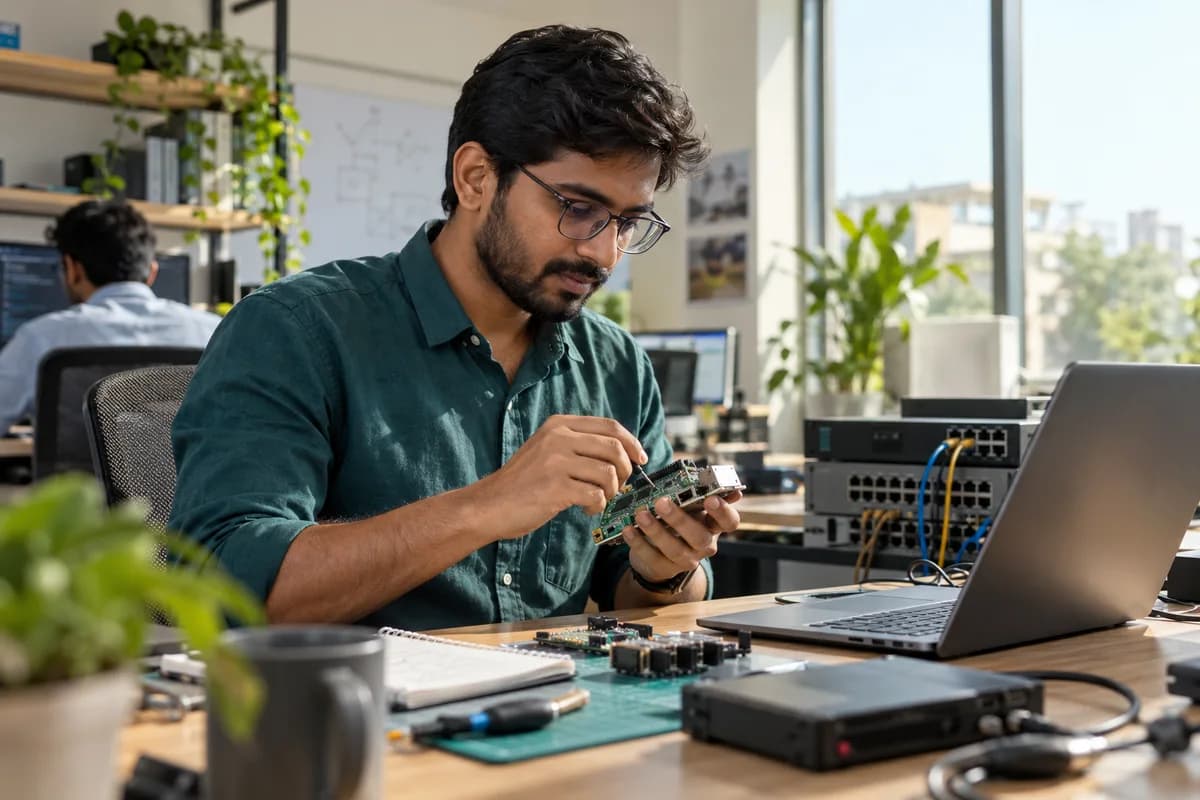
An enterprise mobile app is software your own people use to do their work, rather than something you sell. Field staff, drivers, technicians, sales officers, nurses and warehouse teams. It usually has to work where the network does not, know who is holding the phone, and put what they enter into the system the office already runs.
Where it earns its place.
What makes these apps different
- Entry that survives losing signal in a basement or a godown
- Roles, so a field officer sees his own sites and not the branch
- Photos and signatures taken at the job, not typed up later
- Installed by the company rather than found on a store
- Handsets that are old, shared, and low on storage
Who we build them for
The pattern is the same wherever the work happens away from a desk.
- Service engineers closing job cards and AMC visits
- Delivery and logistics teams collecting proof at the door
- Sales officers taking orders from a dealer counter
- Security agencies marking site attendance
- Clinic staff and nurses on rounds
The offline question, answered properly
Most enterprise app failures occur here. Saying an app works offline is easy. Deciding what happens when two people edited the same record is the actual work.
- What is stored on the phone, and for how long
- What the app refuses to do until it has reconnected
- Which side wins when the same job card was edited twice
- What the person sees when their entry has not yet gone up
- What is wiped if the handset is lost or the staff member leaves
Some records should never be created offline. A stock issue against a quantity the phone last saw yesterday is one of them.
Getting it onto the phones
Distribution is where these projects often stall, so it is agreed before the first build.
- Build
- Internal testing
- Private distribution
- Enrolment
- Updates
- Private or unlisted distribution where the app is not for the public
- Sign-in with the Google or Microsoft account staff already have
- Over-the-air updates so a fix does not need every handset back
- A way to force an update when an old version would send wrong data
- A written answer for what happens on a personal phone
How we build them
React Native and Expo for nearly all of it, native where the platform itself is the feature.
- One codebase producing both Android and iOS
- The same API the web portal uses, so the office sees it immediately
- Native modules where a scanner, a printer or a device demands it
When this is the right choice.
- The work happens away from a desk and gets written down later
- You need the photo, the location or the signature at the moment it happens
- Staff lose signal regularly and still have to record something
- Supervisors are chasing paper or WhatsApp for what was done today
- The same data has to appear in a back-office system without re-entry
When it is not.
- Work done at a desk, where a browser page is cheaper and nobody has to install anything
- A process nobody has agreed yet, because the app will freeze a bad process in code
- Staff who share one handset between a shift, unless sign-in and handover are designed for it
- A task done once a month, which people will not keep an app installed for
- Customers who will not install anything, where WhatsApp or a link does the job
Questions we are asked about it.
Do we need an app, or will a mobile website do?
If your staff have signal and only need to look things up, a mobile web page is cheaper and needs no installing. You need an app when it must work without a network, use the camera or location, or send notifications people act on.
Can staff use it without internet?
For the parts we design that way, yes. Entering a job card, taking photos and marking attendance can all happen offline and sync later. Anything that depends on live stock or a payment status should wait for a connection, and the app should say so.
Does it have to go on the Play Store?
No. An app only your staff use can be distributed privately or through your device management, which also keeps it out of your competitors’ hands. Public listing matters when customers must find it themselves.
Our field staff have very old phones. Is that a problem?
It shapes the build rather than blocking it. We keep the app light, test on low-end Android handsets, and avoid features that only work on newer models. Tell us the worst phone in the fleet at the start, not after the first release.
How do we stop staff misusing it?
Through what the app allows, not through watching. Roles limit what each person can see, entries carry who made them and when, and edits after the fact are recorded. Location capture should be tied to an action such as closing a visit rather than running all day.
Will it connect to the software we already run?
That depends on whether your existing system has a way in, which we check before anything is promised. Where there is an API we use it. Where there is not, the app talks to a layer we build alongside it.
Services that use it.
What it sits with.
Not sure Enterprise mobile apps is the right choice?
Tell us what the software has to do and who opens it. If something else fits better, we will say so, and say why.
What happens after you share your requirements
- A senior engineer reads your answers. Nobody phones first.
- Within one business day you get a written note: what we understood, what we would start with, and the questions we still have.
- If it fits, a proposal follows with the order of work, what we need from you and what you receive at each step.
- No call is booked and nothing is paid until you have read the note. Your details stay with us.
Start with your requirements
Seven short steps that tell us what you need. A senior engineer reads them before anyone gets in touch.
Share your requirements