In this guide 6 sections
Connecting sensors to business software means moving each reading through a gateway into a pipeline that maps it to the right asset, unit and timestamp. The ERP sees it last. Wiring is the easy part. Mapping and validation take the real effort.
Sensor protocols, signals and sampling needs
Before connecting anything, list what each sensor speaks and how often it needs to report, because industrial sensors commonly use Modbus, MQTT, OPC-UA or BACnet. Devices from different vendors often use different ones on the same site, even when they measure similar things like temperature or flow.
Sampling frequency matters as much as protocol. A slow tank level can be checked every few minutes without losing anything, while a vibration signal meant to catch a developing fault may need much faster samples. Reporting everything as often as possible “to be safe” just floods the pipeline with data nobody reads, and every extra row adds storage and processing for no benefit.
Gateways and the ingestion interfaces your software supports
A gateway sits between the sensor protocols and the one interface your software accepts, often turning Modbus or a proprietary format into MQTT or a web API. Ask which ingestion method the software supports, whether that is a REST endpoint, an MQTT broker or a file drop, before assuming a sensor can connect directly.
Gateways resolve multi-brand sites. Different brands can share a site but each brand’s protocol must be mapped through the gateway into the format the software expects, and that mapping needs testing. A spec sheet saying “compatible” proves nothing.
Mapping readings to assets, timestamps and units
Every reading must be tied to a named machine, tank or vehicle rather than “Sensor 4,” using the same asset ID the business software already tracks. Each reading also needs a timestamp that includes its time zone and one consistent unit of measure, because mixed units corrupt every average and report built from them.
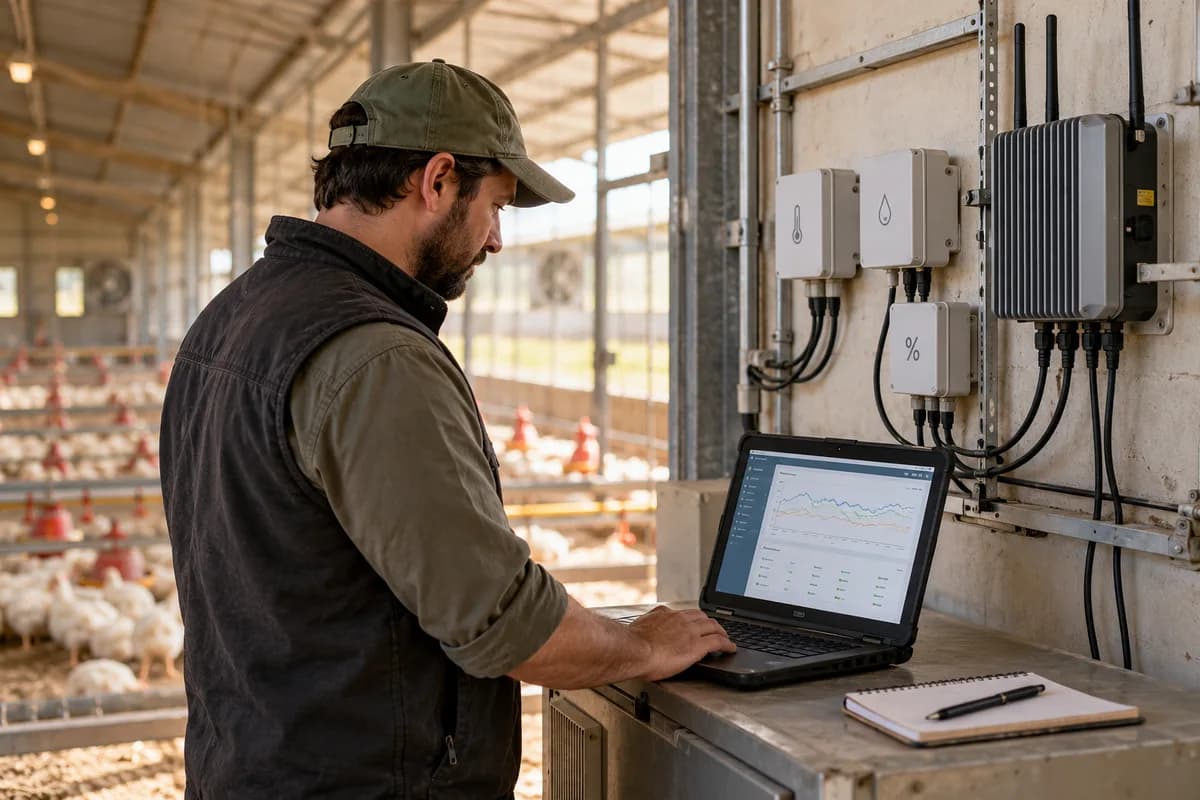
Take a poultry farm connecting climate sensors in four sheds to its farm management software, where one sensor reports temperature in Fahrenheit while the others report in Celsius. Shed names may not match. The data arrives technically correct but practically unusable, until someone notices the mismatch and corrects it by hand across weeks of stored readings.
Validating data before it triggers a workflow
Run three checks before a reading may trigger anything: is the value physically plausible, has it been frozen at one number, and is its rate of change possible. Validation matters most where automation matters most.
A bad reading might raise an unnecessary purchase order, while a stuck sensor might suppress a real alert by reporting the same comfortable value for days. Both cost more than a bad number that sits unused in a log, because someone acts on them before anyone spots the error.
Monitoring device health, connectivity and ingestion failures
The pipeline needs its own monitoring, because a gateway going offline, a dead battery or an ingestion job failing silently all look identical from the software’s side. Each looks like “nothing to report.” Silence reads as good news.
Treat missed readings, gateway disconnections and ingestion errors as their own alert category, separate from the equipment alerts they support, and route them to whoever owns the integration. That catches failures before weeks pass unnoticed.
Sensor ingestion and validation map
A one-page map. Sensor types and protocols sit on the left, the gateway step in the middle, and validation checks plus destination fields on the right. Use it as a checklist before any reading may trigger an order, hold or alert.
Open a blank worksheet to printQuestions owners ask
Can different sensor brands be combined?
Yes, but not automatically. Every brand’s protocol needs a gateway translation into the format your software expects, and that translation should be tested with live readings before anyone trusts the dashboard.
How are incorrect readings detected?
Three checks do the work. Range checks test plausibility, rate-of-change checks test for impossible jumps, and staleness checks test for a value that stopped changing when it should not have. All three run before a record updates.
How often should sensors report?
Match rate to change. A tank level can report every few minutes, while a vibration signal or a motor current reading may need far faster sampling to show a fault forming.