In this guide 6 sections
Keep one released drawing per part, and let the route card pull its revision letter from that record instead of being typed. When engineering releases a change, the old revision is blocked for new jobs. Open jobs are checked at once, and printed copies are recalled.
Where an old revision letter does its damage
A lathe operator turns a batch of bushes to revision C. The customer moved the bore to revision D three weeks ago and nobody told the shop, so the whole lot fails on the bore gauge at final inspection.
The cause is rarely one person’s slip. It is a route card typed from memory, a drawing stored in two folders, or a printout pinned at a lathe since the last order.
Trace one scrapped lot back by asking where the operator got the drawing, who typed the revision on the card, and when the change note reached the planner. The gaps you find are your control points.
- Route card typed by hand from an old job
- Same PDF saved in the design and the shop folders
- Printouts left clipped at machines and in tool cribs
- Customer change mail read by sales only
- Revision letter missing from the purchase order to a subcontractor
Give every part one released drawing
Pick a single home for each part number. That record holds the current revision, the PDF or STEP file, the effectivity date and the engineer who released it. Draft files sit elsewhere and never reach the floor.
Release is a step, not a folder copy. Someone checks the title block, the revision table and the tolerance notes, then marks the drawing released, and until that mark appears planners cannot attach it to a job.
Keep old revisions readable but locked. You will need revision B again when a customer returns a lot built last year.
Let the route card pull the revision, never type it
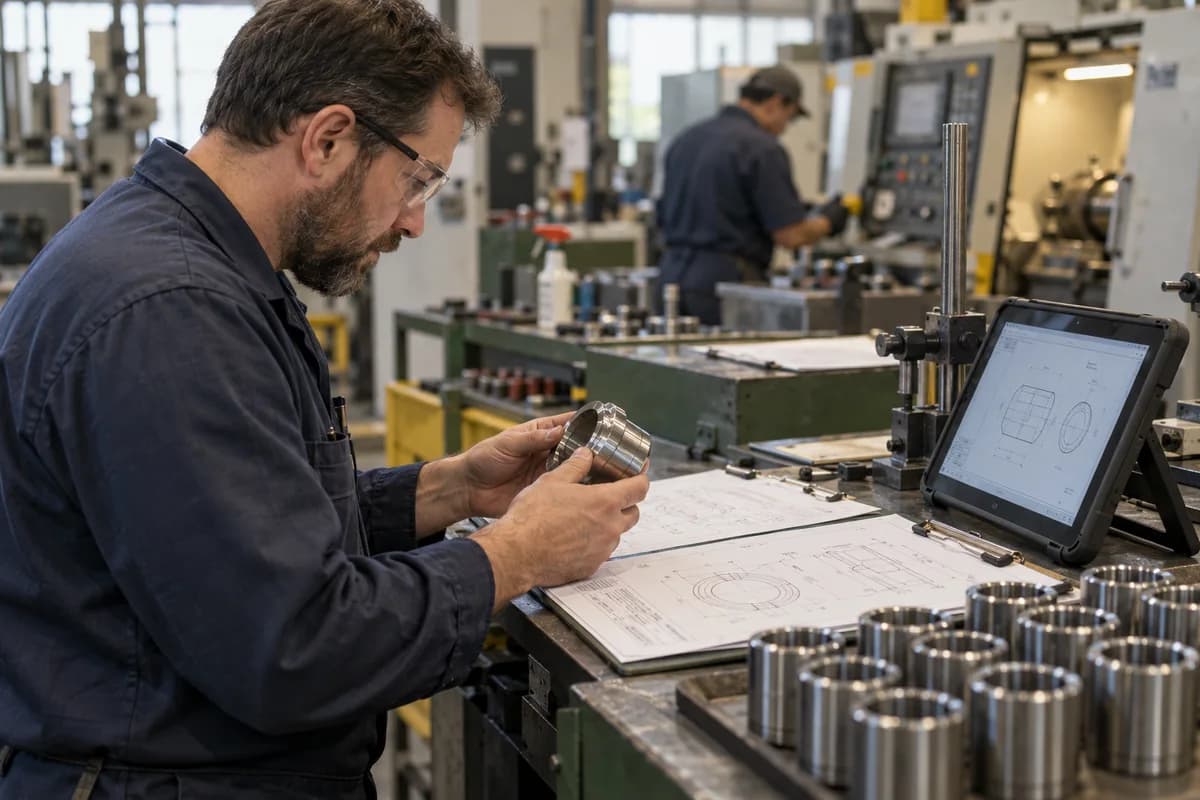
When a work order opens, the system reads the released revision and prints it on the route card. A QR code beside it opens the drawing on a shop tablet. Typing is where the error comes from, so remove typing.
Add a revision field to the first-piece inspection sheet. The inspector confirms that the letter on the drawing in hand matches the letter on the card, which takes seconds and catches a stale printout.
Do the same for subcontract work. The dispatch note to the heat treater or plater should carry the part number and revision, so the vendor sees the same drawing you do.
- Revision auto-filled from the released record
- Drawing opened by scan, not by searching folders
- First-piece check of the letter on the paper in hand
- Subcontract note carrying part and revision
Decide what happens to open jobs when a revision changes
A new release is the risky moment. Block the old revision for new work orders on the same day, then list every open job, every issued material lot and every semi-finished piece that references it.
Engineering must then say, per job: scrap, rework, use as is with customer approval, or continue to the old revision by written deviation. Without that call, the shop guesses.
Recall paper at the same time, using a list that names each printout by machine and cell, and have a supervisor sign when it has been pulled. Short, boring, effective.
Start with your three most changed parts
Fixing every part number this month is unrealistic, so pull the three that change most often, usually customer-driven components, and run them through the released-drawing routine first.
Review after one month by counting revision-related rejections, late recalls and cards that needed a manual correction. The tally shows where to extend the routine next.
Drawing release and recall sheet
The sheet splits into three parts. Part one records part number, new revision letter, release date, releasing engineer and reason for change. Part two gives each open work order a decision: scrap, rework, use as is or deviation. Part three logs printout locations with a recalled-by name and date.
Open a blank worksheet to printQuestions owners ask
Who should be allowed to release a drawing?
A named engineer or quality lead, never the planner or the operator. Keep the list short, and record who released each revision and when, so any later question has an answer.
Do we still need printouts on the floor?
Some shops do, for gauging and fixtures. If so, stamp the revision and print date on each page and recall every copy on release. Tablets at cells remove most printing.
How do we handle a customer drawing that changes mid-order?
Treat the change as a release. Block the old revision, review each open job, and keep the customer’s written approval for any piece finished to the earlier letter.
Is a shared network folder enough?
It helps, but a folder cannot block an old revision or tell a route card which letter is current. Folders work when one person owns them and the file names carry the revision.