In this guide 6 sections
Set up reminders by recording every vaccine and deworming dose on the pet, with its next due date, and working from a weekly due list. Owners are then reminded before each date. GullySystem’s Veterinary Clinic Management System sends those reminders by SMS or email. Your vets still decide the schedule.
Move the dose record from the card to the pet
Many clinics write doses on a card the owner carries. The card goes home, and the clinic keeps nothing. Reminders cannot start until the clinic holds its own record. So the first step is one record per animal.
Each record needs the species, breed, age and the owner’s contact. Each dose then sits on it with the vaccine, the date given and the next date due. Deworming and flea treatment go on the same list.
- Vaccine or treatment given
- Date given and the vet who gave it
- Next due date set by the vet
- Owner’s preferred channel for messages
Let the vet set each due date
Schedules differ by species, age and clinical judgement. Software should not decide them. The vet records the next date at the visit, and the reminder follows that date.
A puppy or kitten course has several doses weeks apart. Enter each next date as the previous dose is given. A litter brought in together is entered pet by pet. Every animal then carries its own dates.
Build a weekly due list
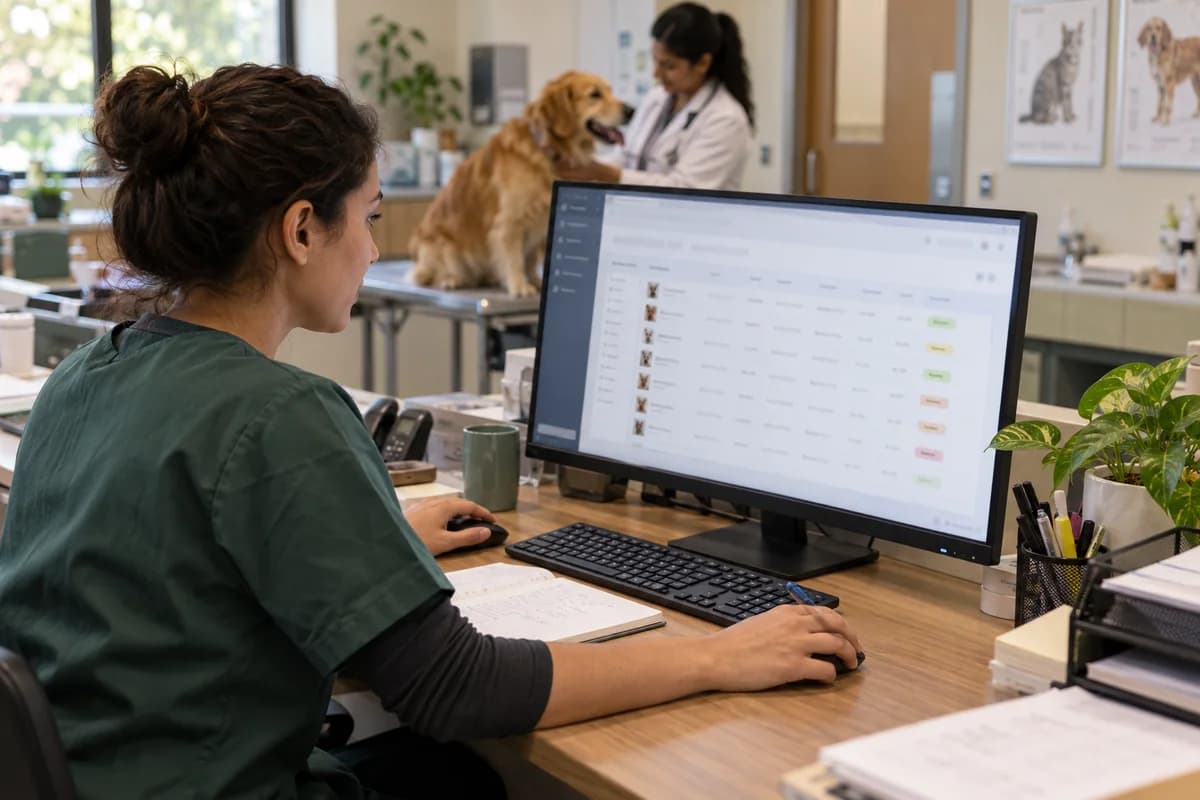
The due list is the centre of the process. It shows every pet with a vaccination or deworming due this week and this month. The front desk works from it each morning.
Sort it by date, then by owner. One owner with three dogs gets one call. Mark each row as reminded, booked or not reachable.
- Due this week
- Due this month
- Overdue and not yet booked
- Reminded, booked or not reachable
Time the reminder and choose the channel
A reminder sent too early is forgotten. One sent too late finds no free slot. Agree a lead time with your vets and use it for every pet. A second note can follow when the first gets no reply.
Ask owners at registration how they want to hear from you. Some read SMS and others read email. Record that choice on the owner, not in a receptionist’s memory.
Close the loop on missed doses
The weak point is the second dose that never happens. Review the overdue list every week. Any pet past its date and not booked needs a call from a person.
When the pet comes in, the dose is recorded and the next date set. The pet then leaves the overdue list. Once a month, a senior vet should read how many due doses were given and how many were missed.
Vaccination due list template
Each row holds one pet: owner, contact, vaccine or treatment, date given, next date due and status. Sort it by due date every Monday. The overdue rows are the calls to make first.
Open a blank worksheet to printQuestions owners ask
Can reminders reach owners on WhatsApp?
No. In this system, owner messages go by SMS and email only. Pet parents can also see upcoming vaccinations in their owner portal.
Who decides the vaccination schedule?
Your vets do. The software records the dose given and the next date the vet sets, then reminds the owner before it.
Can it print a rabies certificate?
Not as a certificate format. The vaccine, its date and the next dose due sit on the record, and your clinic writes the certificate from that.
Can old card records be moved in?
Yes. Pets, owners and vaccination dates come across from Excel or current software. Paper cards take longer, so start with pets due in the coming months.