In this guide 6 sections
Passkeys or hardware keys suit admins and finance, authenticator apps suit most staff, and SMS codes suit customers or temporary users where nothing else is practical. SMS is the weakest option. SIM swaps and failed delivery both undermine it. Pick a tier by role. Then plan for lost phones.
SMS codes: easy to roll out, easiest to attack
Everyone has a phone number. SMS needs no app and no training, so a branch clerk can enrol in a minute and type the code that arrives as a text. Ease is why firms start here.
The weaknesses are real. In a SIM swap, an attacker persuades a carrier to move your number onto their own card and then receives every code meant for you. Messages also arrive late, or not at all, in basements, rural depots and warehouses, or while a salesperson is roaming abroad on a client visit.
Use SMS as a fallback. Avoid it as the only protection for anyone who can approve payments, change bank details or export the customer list from the finance system.
- No app to install
- Exposed to SIM swap and number recycling
- Delivery fails abroad and in poor signal
- Each message carries a cost per send
Authenticator apps: the sensible middle
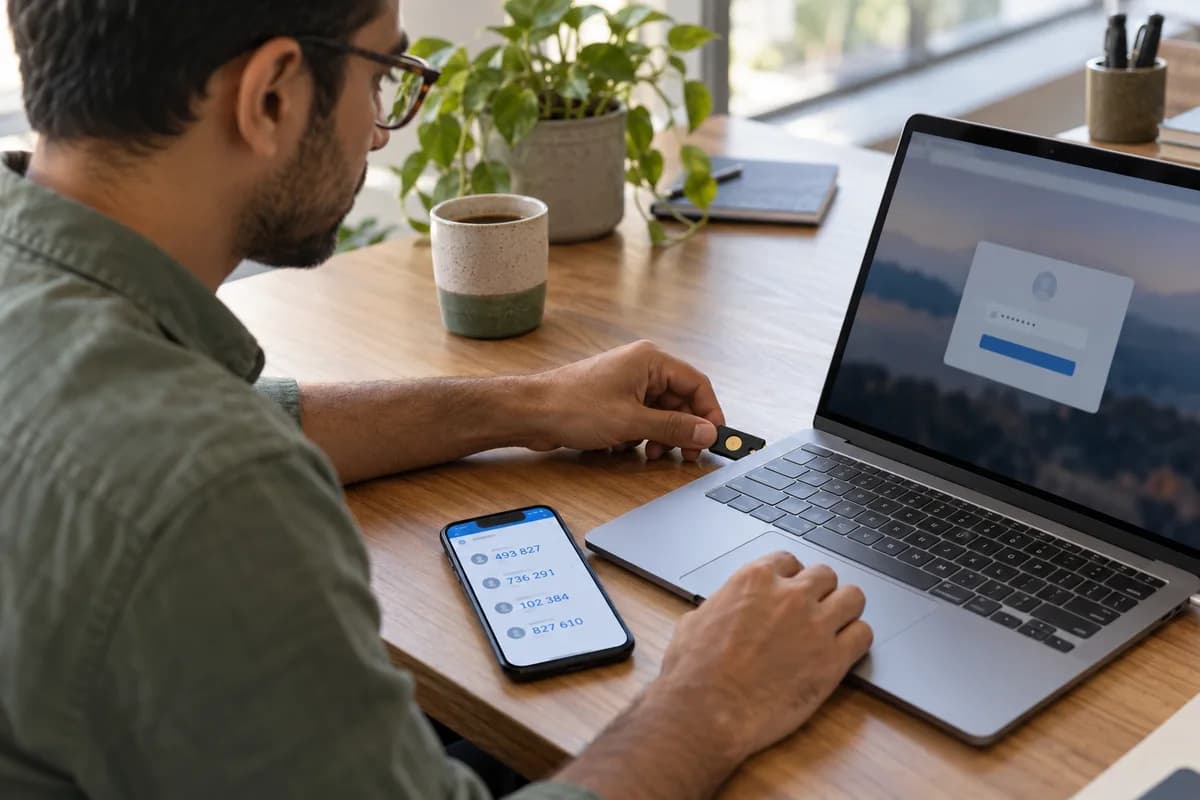
An app such as Google Authenticator or Microsoft Authenticator generates a six-digit code every thirty seconds on the phone itself, using a secret shared once at setup. No signal is needed. A SIM swap does nothing.
Setup is a one-time scan of a QR code, and the pain comes later, when a phone is lost or replaced and the secret leaves with the handset. Give each person backup codes, and decide who may reset a second factor and how that person proves identity to the helpdesk.
Push approvals add a tap-to-approve step. Teach staff to deny any prompt they did not start, because tired users approve by habit and attackers flood a phone with requests late at night. Number matching blunts that trick.
Passkeys and hardware keys
A passkey replaces the password with a cryptographic key pair stored on a phone or laptop, and the browser checks the site’s address before it signs anything. A fake login page gets nothing. Phishing fails against them.
A FIDO2 hardware key, in USB or NFC form, does the same job without a phone and suits shared computers at a reception desk. Nothing stays on the machine.
Cost and logistics are the catch. Keys must be bought, handed out, registered and replaced when one goes missing from a drawer, a jacket pocket or a bag left on a train. Store one spare in a safe.
- Strongest defence against phishing
- Hardware keys suit shared desktops
- Needs software support in your login system
- Plan a spare key for every admin
A tier by role
Different people carry different risk. One rule for all is either too weak for the finance team or too annoying for the stores team, so match strength to what a stolen account could do.
Field staff often work with gloves, bad signal and shared handsets, so an authenticator app or a PIN bound to the device usually survives where SMS does not. Customers need the lightest safe option. Offer an app or a passkey first, then keep SMS as a fallback for customers whose phones cannot run either one of them.
- Admins: hardware key or passkey, no SMS
- Finance: passkey or app with approval limits
- Office staff: authenticator app
- Field staff: app or device-bound PIN
- Customers: passkey, app or SMS fallback
Plan for the lost phone before launch
Most incidents are support calls. A phone falls in a river on a Friday evening and the user is locked out of payroll until Monday unless a recovery routine exists. Write the routine first.
Decide who verifies identity, what proof they must show, how every reset is logged and which senior role approves a request for an administrator account. Test it with one real person.
Watch where the helpdesk hesitates, then list your user groups and assign each one a tier before launch, so the first lockout meets a written routine.
MFA tier and recovery sheet
Admins, finance, office staff, field staff and customers each get one line on a single printed page, so a manager can see every role and its allowed method together. Columns show the allowed methods, the fallback, the number of spare keys or backup codes, and who approves a reset when the user cannot sign in. Below sits the lost phone routine. It lists the proof of identity required and a log entry for each reset, plus the signature of whoever approved the routine.
Open a blank worksheet to printQuestions owners ask
Is SMS better than no MFA at all?
Yes, it stops most password reuse attacks. It is still the weakest option. Move admins, finance staff and anyone who handles bank details to an app, a passkey or a hardware key as soon as you can.
What happens when staff change phones?
They move the codes with the app’s transfer feature, or they fall back on the backup codes issued at enrolment, which is why those codes matter. Without both, an administrator must step in. That administrator verifies identity first, resets the second factor and writes the reset to a log that someone reviews at least once every month.
Do passkeys replace passwords completely?
They can, in time. Many systems still keep a password as a fallback during the move, which leaves an old door open for phishing and for password reuse attacks. Remove the fallback for sensitive roles once passkeys work reliably across the laptops, phones and tablets your team uses, and keep a hardware key as the backup.
Can customers be asked to use MFA?
Yes, but with some care. Offer it as a choice for ordinary accounts and require it for actions such as changing payout details or exporting data in bulk.