In this guide 6 sections
Plan MFA recovery before the first lockout. Issue backup codes at enrolment, let people register a second device, and give admins a reset that checks identity and writes an audit log. Add a waiting period for high risk roles, so recovery does not become the easiest way in for someone holding a stolen password.
Why a new phone locks people out
Most authenticator apps, such as Google Authenticator or Microsoft Authenticator, tie the TOTP secret to one handset, and that is the design. Restore a phone from a backup, switch from Android to iPhone, or lose it on a train, and the six digit codes are gone. The user sits at the login screen holding a correct password and no way forward, while the payroll run or the month end close waits for them.
Helpdesk staff then improvise. Someone emails a request, someone else approves it on a hunch, and a reset happens with no record of who asked, who agreed or which proof was shown. Attackers know this, so they phone the office posing as the locked out accounts clerk and push for a quick reset while the helpdesk is busy.
Give every user a way back at enrolment
Set recovery up on day one, while the person still has a working phone, because that is the easiest moment to show codes and check they were saved. At enrolment, show ten single use backup codes and have the user confirm they are stored in a password manager or a locked drawer.
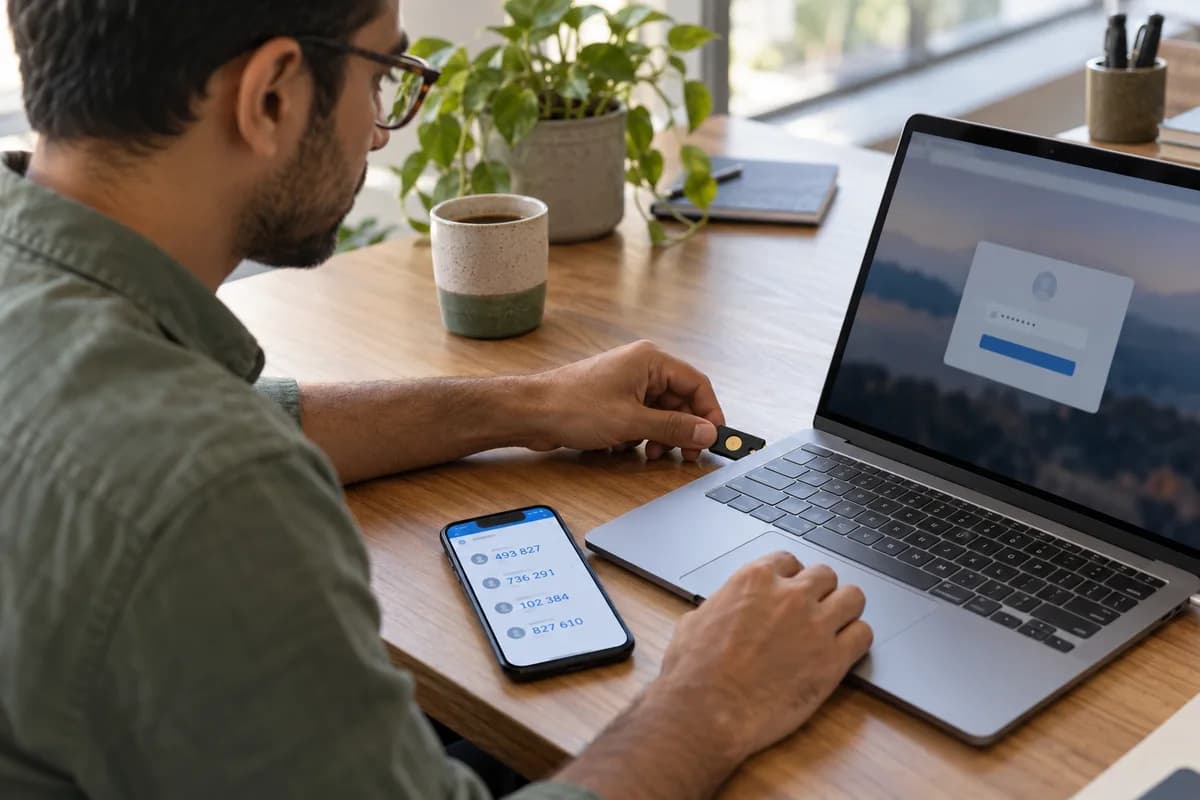
Offer a second factor too, such as a hardware key in the desk drawer, a passkey on a managed laptop or a second phone that stays at home. Two registered methods turn a lost phone into a ten minute delay, because the user signs in with the spare and enrols the new handset alone. No ticket is raised. No admin is involved.
- Ten single use backup codes shown once
- A second registered device or hardware key
- A passkey on a managed laptop
- Regenerate codes after using several
Design the admin reset as a controlled process
When self service fails, an administrator resets the factor, and that reset needs a fixed identity check with no exceptions, whether the caller is a director or an intern. Use a video call where the admin sees the person, or approval from the line manager through a separate channel, such as a call to the number on file. Reject requests from the locked account’s email.
Record each reset in an audit log with the requester, the approver, the time and the method used, so a monthly review can spot odd patterns. Force a fresh enrolment at the next login and sign the person out of every active VPN, mail and browser session on every device. Old sessions are the quiet risk.
Slow down recovery for high risk roles
Finance approvers, system administrators and anyone who can export customer data deserve a stricter path than the clerk who only views a stock list. Add a waiting period, say a day, between the reset request and the new factor going live, so an attacker loses the advantage of speed. Notify the person and the manager. Either one can stop the change.
A real user working from another office can cancel the request in seconds, while an attacker cannot easily hide a pending reset from everyone. Admin accounts should keep a sealed break glass method, held by two people, for when the whole admin team is locked out at once.
Stop recovery becoming the weak point
Security questions, SMS fallback and one click email links often undo the strength of the factor itself, because attackers choose the weakest route back in. If SIM swapping can bypass the app code, the app code adds little, so remove every fallback you cannot defend and delete it outright.
Test the whole path this month. Lock a spare account, then recover it using only the documented steps, timing each stage so you know where the delay and the guesswork sit. Fix every gap you find. Repeat the drill after each handset refresh, so new joiners with new phones and staff upgrading old ones are both covered by a tested routine.
- Remove SMS and security question fallbacks
- Alert the user on every factor change
- Review the reset log every month
- Train the helpdesk to refuse unverified requests
MFA recovery request form and policy page
A one page template. The top block records who is locked out, their role and the reason for the request, with space for the date and the time it arrived. The middle block lists each identity check with a tick box and a column for the approver’s name and the channel used for the check. The bottom block covers the waiting period, the notices sent to the user and manager, and the audit log entry reference for the record.
Open a blank worksheet to printQuestions owners ask
Are backup codes safe to give users?
Yes, when each code works once and appears only at enrolment, and when users keep them in a password manager or a locked drawer. Never email them to yourself.
Should the helpdesk be able to reset MFA?
Yes, but only after a fixed identity check, with a second person approving for sensitive roles, and every reset must appear in an audit log that someone reviews. Otherwise it becomes a back door.
What if the only admin loses their phone?
Keep a break glass account or recovery key sealed in a safe, shared between two trusted people, and used only when every other route has failed. Test that it works on a schedule, and rotate it whenever one of those people leaves the company or moves to another role.
Is SMS a good fallback?
It beats having nothing at all. It is weaker than an app, a passkey or a hardware key, because a SIM swap lets an attacker receive the code that was meant for the user. Avoid it for admin and finance accounts.