In this guide 6 sections
Mixed shade and caliber reach one order because the pallet or box label carries a design name but not the kiln lot or size grade. Capture shade and caliber codes at the sorting line, scan them at packing, and let dispatch block any order that spans two lots.
Where the mix starts: the kiln and the sorting line
Tiles shrink as they fire. No two kiln runs shrink alike. Body clay moisture, press pressure and roller kiln temperature each shift the fired size a little, and shade drifts too when glaze batches are mixed on different days.
The sorting line should catch it. An operator or optical sorter grades each tile into a shade class and a caliber class, but the result often survives only as a marker pen note.
Once wiped, only a design name remains. After that, everything is guesswork. Dispatch included.
How two lots land on one order
Dispatch receives an order for 90 boxes of a polished vitrified design, but the warehouse holds only 60 boxes from one lot and 40 from another. The loader grabs the nearest pallets.
Nobody was careless here. The stock report showed 100 boxes under one design name, so the order looked fillable and nobody had reason to ask about lots, shade or caliber.
The customer finds it on site. Laid under good light, a shade split shows as a patch across the floor, while a caliber split shows as grout lines that wander. Both end in a return, and then comes an argument over who pays for lifting and relaying the floor, with the site engineer’s photographs as evidence.
- Stock counted by design name only, not by lot
- Partial pallets topped up from a second lot
- Returned boxes shelved back without their lot label
- Rush orders loaded by the nearest pallet, not the matched one
What to capture at sorting and packing
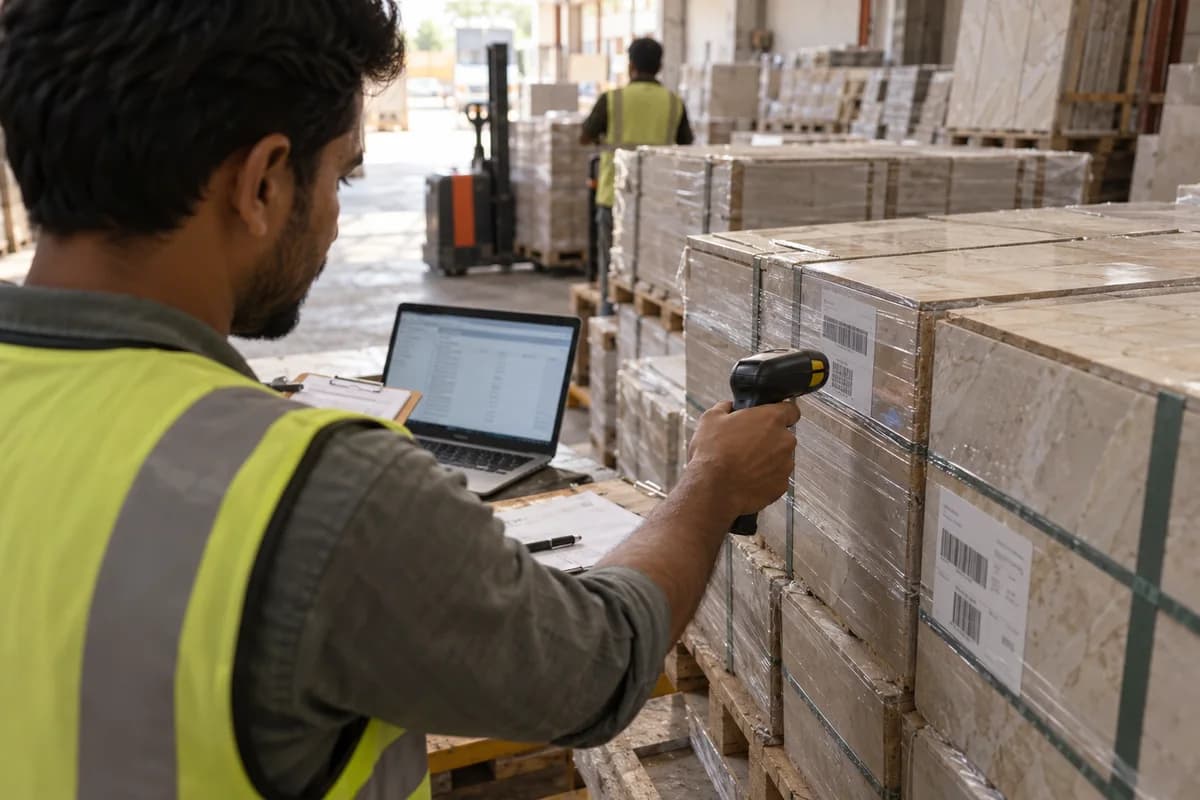
Give every sorted pallet a record. It needs the design code, kiln line, production date, shade code, caliber code and box count, printed as a barcode or QR label so nobody retypes it.
At packing, scan the pallet label as each box is filled and sealed, so the printed box label carries the same shade and caliber codes. Nobody phones the factory to ask.
- Design code, size and surface finish
- Kiln line and production date
- Shade code from the sorting grade
- Caliber code from the measured size class
- Box count and pallet number
How dispatch uses the lot at order time
Reserve each order line from one lot. If the quantity will not fit one lot, the system says so before confirmation, leaving the desk to offer a smaller quantity, a wait or a two-lot delivery.
The picker scans every pallet against the order, and a scan from the wrong lot gives a hard stop instead of a warning. Nobody can click past it.
For large projects, ask for the full quantity plus a wastage allowance for cuts and breakage in one lot at the start. A reorder months later rarely matches.
Tracing a complaint back to its cause
When a site complaint arrives, the box label gives the lot, and the lot record leads to the kiln line, the glaze batch and the sorting shift. The record names the culprit.
Complaints become debates without it. With it, the claim settles quickly, the supervisor sees which step failed, and the fix reaches the sorting line or packing bench before the next kiln run starts.
Start this week. Pick your five fastest selling designs and check whether today’s stock sheet shows the lot, shade and caliber for each pallet on the racks.
Pallet lot record sheet
Single sheet, one line for each sorted pallet. Columns cover design code, kiln line, production date, shade code, caliber code, box count, pallet number and bay location, with a tick box for each scan. A second block lists order number, lot picked, scanner check and dispatch sign-off, so a complaint traces from site back to kiln.
Open a blank worksheet to printQuestions owners ask
What is the difference between shade and caliber in tiles?
Shade is tone and colour. Caliber is the fired size, which shifts slightly from one kiln run to the next, and the sorting line groups tiles into size classes to catch it. Both must match across a floor.
Can a small tile maker track lots without barcodes?
Yes, with a register. Write a lot number on every pallet tag, record shade and caliber against it in the register, and check the register before each load leaves the bay. Barcodes only remove retyping errors. Add scanners once the habit holds.
Why do tiles of the same design still differ?
Raw material, glaze batch and kiln conditions change between runs, so two boxes of one design can differ in tone and fired size. A design name describes only the pattern. Only the shade and caliber codes, read off the box label at the loading bay, show whether two boxes will match across one floor.
Who should own the lot record?
The sorting supervisor creates each pallet record at the line, the warehouse keeps it current as stock moves between bays, and dispatch only reads it. Name one owner per step. Otherwise nobody feels the record belongs to them.