Authentication and Permission Audits
Authentication and permission audits list every account across every system you run and compare each one with the job it serves. The result is a row-by-row decision: keep, narrow or close.
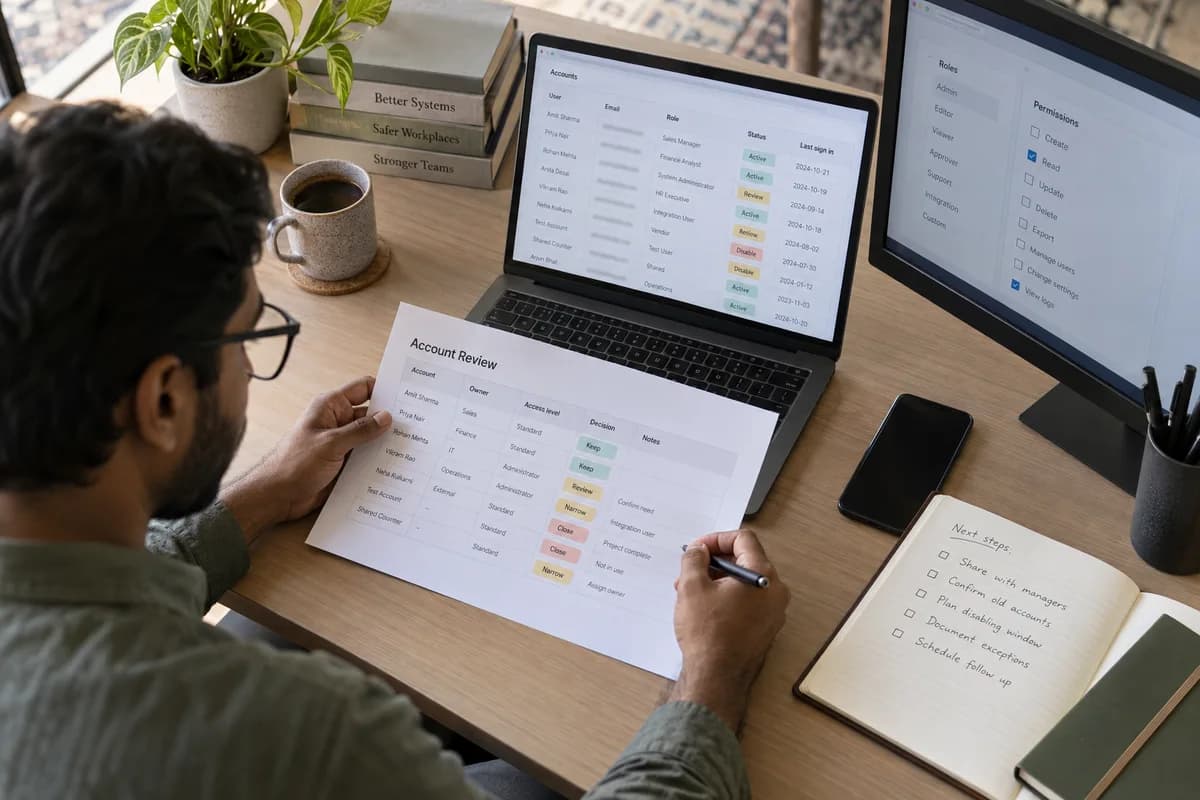
Accounts that go unreviewed
Accounts for current staff are usually known. The rest of the list needs attention.
- Staff who have left, whose email is closed but whose ERP login still works
- A vendor account created for a migration and never closed
- An integration user with full administrator rights
- A shared counter login used by several people and owned by nobody
- A test account with a password that is easy to guess
What gets compared against what
What you hold afterwards
- One sheet per system, listing every account with an owner and a decision
- A record of what was closed and on what date
- Findings that need building rather than deleting, handed over as a separate list
- A repeat date, since account lists go stale within a quarter
Frequently asked questions
How long do authentication and permission audits take to run?
Length follows the systems in scope and how quickly managers confirm names. Counting accounts is quick. Waiting for confirmation on old logins takes longer, and the time is estimated during scoping.
Will closing old accounts break something we depend on?
It can, so nothing is closed on the day it is found. Accounts are disabled first, watched for an agreed period, then removed. Integration users get extra care, since one may run a nightly job.
Can our own team do this instead of paying somebody?
Yes. For a business with a few systems that is a sensible choice. It gets harder with a cloud console, an ERP, a helpdesk and vendor portals, where one person appears differently in each.
Tell us what you need.
Share your requirements and one of our engineers will come back to you within one business day.
- No obligation
- A reply within one business day
- Your details stay private
Start with your requirements
Seven short steps that tell us what you need. An engineer reads them before getting in touch.
Share your requirements