Business solutions for Organic farms
Explore software for work such as “Visible proof of method and certification”. Review each business function below, including when it fits and what to check before implementation.
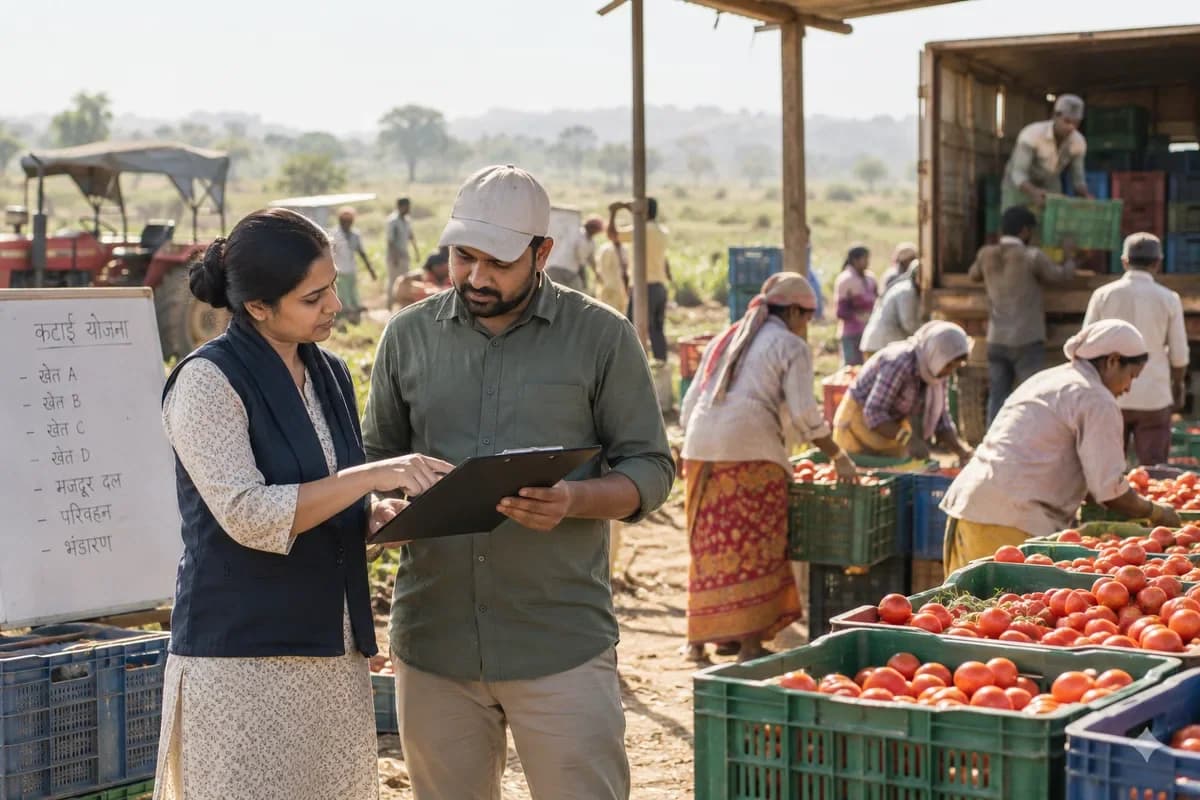
How the business operates.
Organic growers answer to an inspector as well as a buyer. The farm must show how long a field has been out of conventional use, which inputs went on, and that organic and non-organic produce never mixed. Both want the same records.
The records that hold the operation together.
- Parcel register and conversion status. Hold each parcel with its area, conversion start date, status and buffer zones. Past crops, inputs and cover crops print as one history sheet.
- Approved input list. Maintain a dated list of permitted seed, fertilisers and plant protection products with supplier statements. A product not on the list cannot be applied in the record until it is reviewed.
- Seed source statements. File the organic status or approved exception for each seed lot, with the supplier, the variety and the quantity sown on each parcel.
- Compost and manure batches. Record source materials, windrow number, turning dates and temperature readings. Each application on a parcel names the batch.
- Rotation and cover crop planner. Plan crop families, green manures and fallow across parcels and seasons. Repeat crops on the same bed are flagged.
- Harvest lots and coding. Create a lot at harvest with parcel, crop, date and weight. Grading and packing steps carry the same code onto every crate and label.
- Cleaning and segregation log. Sign off cleaning of crates, vehicles and shed benches before organic lots are handled. Storage bays are marked organic, in conversion or other.
- Box scheme and market orders. Take weekly subscriptions, stall stock counts and restaurant orders, then pack from available lots. Pause, swap and delivery-day changes are handled per subscriber.
Operational bottlenecks to check
Field history is spread over seasons of paper
Conversion dates, previous crops and past applications are in folders from different years. The inspector asks for three years on one field. Someone spends a day finding them.
Nobody checks an input against the approved list
A foliar feed arrives from a new supplier, and the label says little. Whether it is permitted is settled by memory or a phone call, after it has been sprayed on the crop. Too late.
Organic and non-organic lots can get mixed
The same shed, the same crates and the same truck serve both streams. Without a lot code and a cleaning record on the day, a mix-up between the two streams cannot be ruled out later by anyone. Doubt costs a sale.
Compost batches have no trail
Manure sources, turning dates and temperatures are scribbled on a board, and the board is wiped when the next windrow starts. When compost goes out to a field, nobody on the farm can say which windrow it came from or which manure went into it. Nothing to show.
Box and market sales are not tied to lots
Weekly boxes, market stalls and restaurant orders are packed from whatever is ready. A complaint about one bunch of leaves cannot be traced back to a field, a bed or even the day it was cut. It ends at the shed door.
Follow the work across teams.
This is a planning flow. Confirm the steps, owners and approval rules against your actual operation.
Roles and responsibility boundaries.
Reports your managers need.
- Parcel history for any chosen number of years, with crops, inputs and cover crops
- Inputs applied by product, parcel and date, with approval reference
- Compost batches with source, turning and heat readings, and where each was spread
- Lot trail from parcel to pack to customer, forwards and backwards
- Cleaning and segregation checks by date and person
- Box scheme subscribers, pauses and deliveries by round
- Open corrective actions from the last inspection
Connections to scope
- Label printer
- SMS and messaging
- Payment gateway
- Accounting export
- Spreadsheet import
Confirm data access, record ownership and the exchange method for each connection. Inclusion here does not mean every connection is available in a standard package.
Setup decisions and adoption risks.
Use these requirements to plan phases, data migration and user training. Agree the release sequence after reviewing your current systems.
Limitations to settle before implementation
- A hobby plot selling a few jars at a gate rarely needs an audit-ready system.
- Conventional arable farms that care mostly about bins and grain contracts will find Crop Farm Management Software closer.
Modules to consider first.
These functions connect to the operating model above. Confirm each one against the work your business actually runs.
Choose the operation you want to improve.
Use these activities to explain your scope. Your business does not need every function in the directory.
- Visible proof of method and certification
- Household subscriptions that renew
- Organic and natural food store listings
- Restaurants and cloud kitchens that want traceable produce
- A crop calendar customers understand
- Farm visit days that convert
- Replies on delivery and order questions
Explore the business functions.
Production, stock, fleet and recurring billing functions apply only where your business runs those activities. Read the suitability conditions on each page.
Platform
Manufacturing
Human Resources
CRM
Inventory Management
Start with the problem your team can describe.
Bring a sample record and show where information is copied, missed or waiting for approval. Scope the first useful change from there.
What happens after you share your requirements
- We review your brief and the systems you already use.
- We clarify the workflow, missing information and the work to consider first.
- The proposed scope sets out the deliverables, responsibilities and dependencies.
- Review the scope and commercial terms before deciding whether to proceed.
Start with your requirements
Describe your current process, the people involved and the change you need. Start with the details you know; we can clarify the rest together.
Share your requirements