Business solutions for Tree service companies
Explore software for work such as “Large tree removal by crane or climber”. Review each business function below, including when it fits and what to check before implementation.
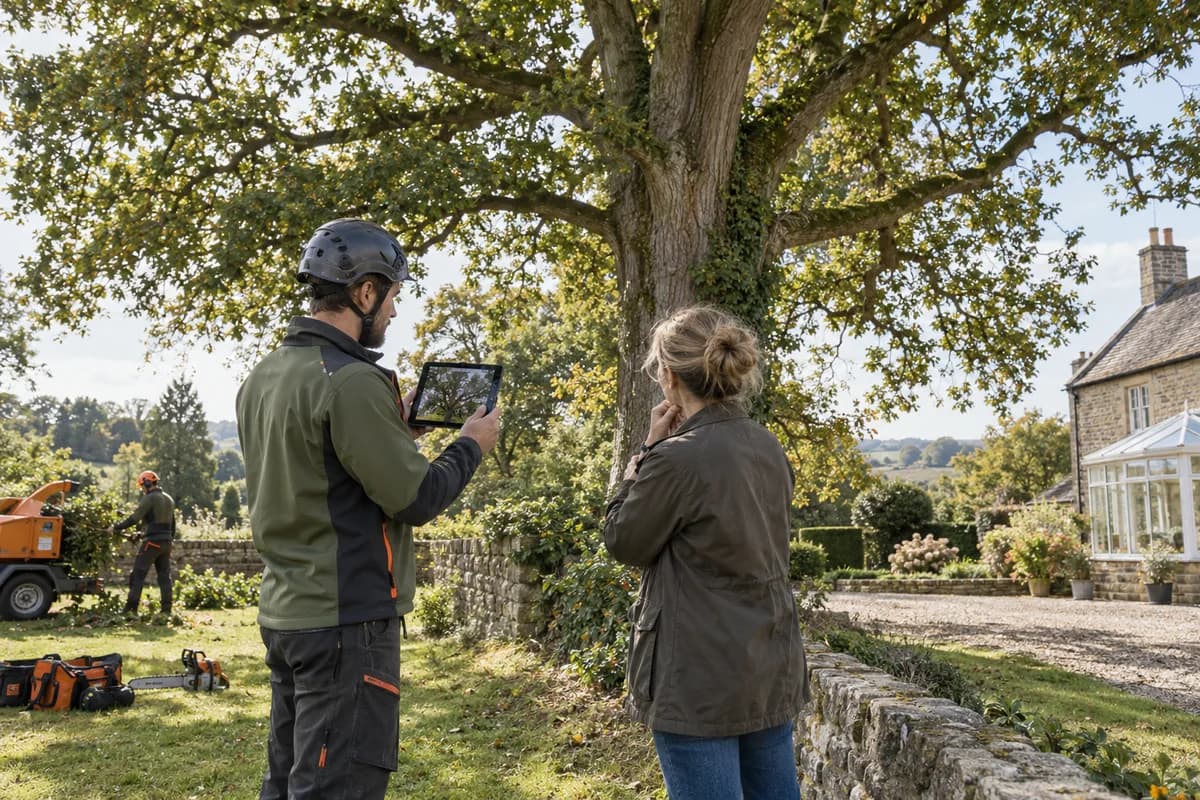
How the business operates.
A tree service company sells skilled labour, heavy equipment and judgement. Each job has its own risk, access and disposal plan, and the quote has to reflect all three. Nothing repeats exactly.
The records that hold the operation together.
- Enquiries and surveys. Record each enquiry with where it came from and the site address, book the survey, and file tree notes, measurements and photographs under the client.
- Quotations by tree and task. Price each tree and task from your own rates for labour, equipment and disposal. Earlier versions of a tree quotation stay on file, and quotations awaiting an answer sit together in one list.
- Permits and approvals. Record approval requests against the tree and the job, with status and dates, so work is not booked before consent arrives.
- Jobs and crew scheduling. Plan crews, climbers, vehicles and cranes by day, see clashes at once, and move a booking without losing the rest of the week.
- Emergency calls. Take storm and hazard calls, set a priority, and dispatch the nearest crew with the site details and photographs on their phone.
- Equipment and servicing. Record hours and fuel by machine and job, with service and inspection reminders for saws, chippers, ropes, trucks and lifting gear.
- Crew attendance and hours. Mark attendance for climbers and groundstaff, record hours per job and work out pay from daily, hourly or piece rates.
- Job costing. Compare crew time, equipment, fuel, disposal fees and subcontracted crane hire with the quoted price for each job.
Operational bottlenecks to check
Each tree is priced from memory
Species, height, access and disposal all change the cost, and without a record of past jobs a quote depends on one estimator’s recall of a similar tree. A second estimator prices the same oak differently.
Storm calls disrupt the plan
Emergency calls arrive in bursts. Planned jobs are moved by phone. Clients waiting for a booked visit are not told until the crew fails to arrive on the day, and some then cancel.
Permits and approvals are tracked loosely
Some trees need approval from a local authority or an owner before work begins. The status of each request sits in an email thread. The crew finds out on site.
Equipment hours are not logged
Chippers, saws, cranes and trucks need servicing by hours used. Nobody can say which machine did which job. Maintenance falls due unseen.
Crew time and job cost are separate
Hours, fuel, disposal fees and subcontracted crane time sit with different people. True cost is unknown. It appears only when the books are closed, long after the next quote went out at the same price.
Follow the work across teams.
This is a planning flow. Confirm the steps, owners and approval rules against your actual operation.
Roles and responsibility boundaries.
Reports your managers need.
- Tree quotations accepted, declined or awaiting an answer
- Jobs by crew and status
- Equipment hours and services due
- Permit requests by status
- Job cost against quoted price
- Money owed per client, longest overdue first
- Contract visits due this month
Connections to scope
- SMS
- WhatsApp or other messaging
- Online payment gateway
- Accounting software export
Confirm data access, record ownership and the exchange method for each connection. Inclusion here does not mean every connection is available in a standard package.
Setup decisions and adoption risks.
Use these requirements to plan phases, data migration and user training. Agree the release sequence after reviewing your current systems.
Limitations to settle before implementation
- One climber with a ladder and a chainsaw, taking a few jobs a week, is served well enough by a phone and a paper diary.
- Businesses whose main work is garden design or lawn care will find Landscaping Management System closer, and pest work will fit Pest Control Business Management System.
Modules to consider first.
These functions connect to the operating model above. Confirm each one against the work your business actually runs.
Choose the operation you want to improve.
Use these activities to explain your scope. Your business does not need every function in the directory.
- Large tree removal by crane or climber
- Emergency storm and fallen tree response
- Structural pruning and crown reduction
- Deadwooding and limbs over the roof
- Stump grinding
- Cabling and bracing for a leaning tree
- Plant health care, feeding and pest treatment
- Lot clearing for builders and solar installers
- Annual tree inspections for HOAs and property managers
Explore the business functions.
Production, stock, fleet and recurring billing functions apply only where your business runs those activities. Read the suitability conditions on each page.
Assets and Fleet
Project Management
Documents
Finance & Accounting
CRM
Field Service
Helpdesk
Start with the problem your team can describe.
Bring a sample record and show where information is copied, missed or waiting for approval. Scope the first useful change from there.
What happens after you share your requirements
- We review your brief and the systems you already use.
- We clarify the workflow, missing information and the work to consider first.
- The proposed scope sets out the deliverables, responsibilities and dependencies.
- Review the scope and commercial terms before deciding whether to proceed.
Start with your requirements
Describe your current process, the people involved and the change you need. Start with the details you know; we can clarify the rest together.
Share your requirements