Business solutions for Veterinary clinics
Explore software for work such as “Vaccination and wellness packages”. Review each business function below, including when it fits and what to check before implementation.
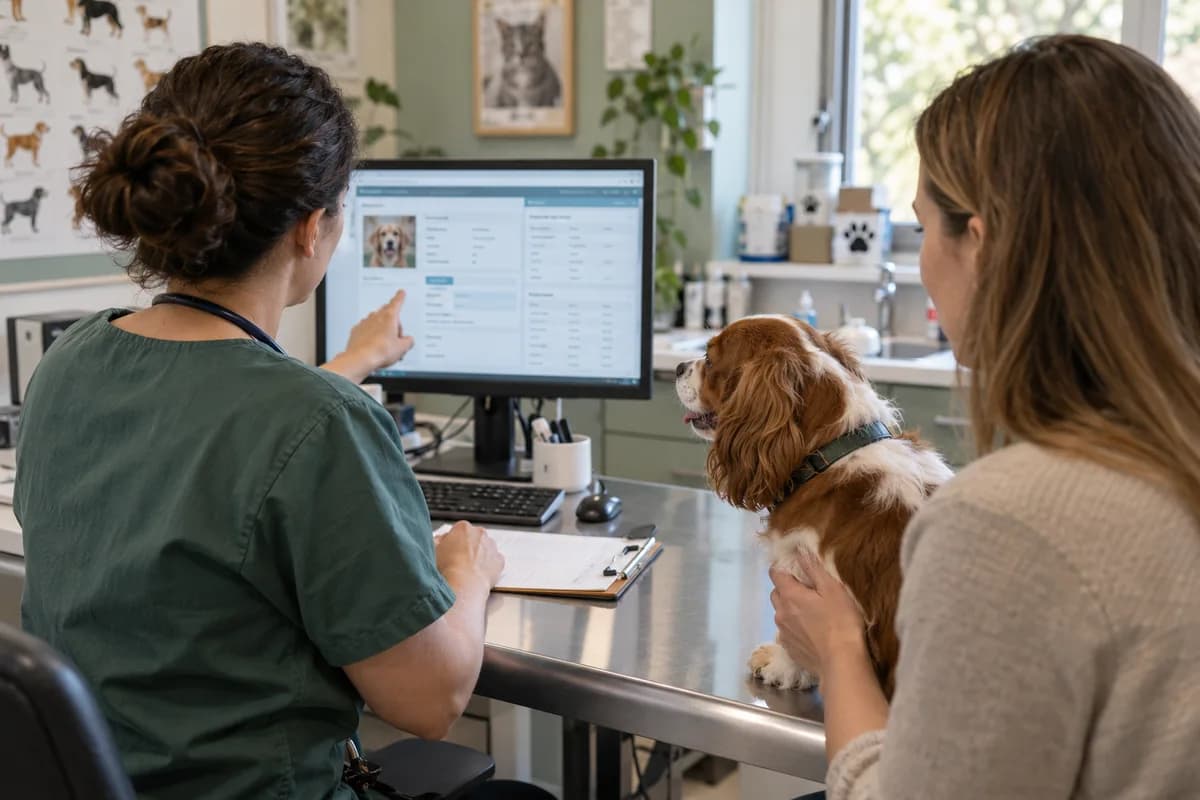
How the business operates.
A pet comes back for years: the puppy course, a fever, a dressing, then a booster every year after that. All of it is the practice, and all of it lives on a card in the owner’s drawer.
The records that hold the operation together.
- Appointments. Book appointments for every vet and staff member, with confirmations, reschedules and reminders before each visit.
- Pet records. Keep one record per animal with owner, breed, age, visits, diagnoses and lab test results, searchable by pet, owner or breed.
- Prescriptions and treatment notes. Record prescriptions and ongoing treatments on the pet’s record, so the next vet sees what was given and why.
- Vaccination and deworming reminders. Record vaccination and deworming dates for each pet, and remind owners about boosters, flea treatment and yearly check-ups.
- Veterinary billing and balances. Create invoices from the visit at your set rates, with payments and outstanding balances tracked.
- Vaccine and medicine stock. Track medicines, vaccines and supplies with expiry dates, low-stock alerts and orders to suppliers. Medicines are billed on a pet’s visit rather than across a counter.
- Owner portal. Let owners view their pet’s records, prescriptions, bills and upcoming vaccinations online.
- SMS and email to owners. Send appointment confirmations, cancellations and health reminders on the channel each owner prefers.
Operational bottlenecks to check
The history walks in and out with the owner
The card is at home, so the vet prescribes from what the owner recalls, and the earlier dose, weight and reaction are lost. Safe dosing is harder.
Booster doses are missed
A pup’s course and the yearly booster both depend on somebody calling in the right week, and the second dose quietly never happens. The pet loses protection.
The locum starts from a blank page
When the regular vet is away, the handwriting on the card and the history in the vet’s head are both out of reach. The locum manages, but slowly. The owner notices the delay.
Vials expire in the fridge
Stock is judged by looking, so a vaccine goes out of date in the fridge door while a common medicine runs out on a Sunday evening. Waste and shortages happen together.
Follow the work across teams.
This is a planning flow. Confirm the steps, owners and approval rules against your actual operation.
Roles and responsibility boundaries.
Reports your managers need.
- Revenue by service and by vet
- Day-wise appointments and missed visits
- Vaccinations and deworming due this week and this month
- Stock near expiry and below reorder level
- Outstanding balances by owner
- Which treatments take the longest
Connections to scope
- SMS
- Payment gateways
Confirm data access, record ownership and the exchange method for each connection. Inclusion here does not mean every connection is available in a standard package.
Setup decisions and adoption risks.
Use these requirements to plan phases, data migration and user training. Agree the release sequence after reviewing your current systems.
Limitations to settle before implementation
- It is not built for livestock or dairy herd health camps.
- A grooming or boarding business will use the appointment book and leave the medical records untouched.
- A pet hospital that needs inpatient admission, ward and discharge records will find the Hospital Clinic Management System closer.
Modules to consider first.
These functions connect to the operating model above. Confirm each one against the work your business actually runs.
Choose the operation you want to improve.
Use these activities to explain your scope. Your business does not need every function in the directory.
- Vaccination and wellness packages
- Emergency and after-hours care
- Dog and cat surgery
- Dental care for pets
- Exotic pet consultations
- Diagnostic imaging and lab tests
- Pet grooming add-on services
- Farm animal and livestock visits
Explore the business functions.
Production, stock, fleet and recurring billing functions apply only where your business runs those activities. Read the suitability conditions on each page.
Bookings and Appointments
Finance & Accounting
Analytics
Field Service
Inventory Management
Platform
Start with the problem your team can describe.
Bring a sample record and show where information is copied, missed or waiting for approval. Scope the first useful change from there.
What happens after you share your requirements
- We review your brief and the systems you already use.
- We clarify the workflow, missing information and the work to consider first.
- The proposed scope sets out the deliverables, responsibilities and dependencies.
- Review the scope and commercial terms before deciding whether to proceed.
Start with your requirements
Describe your current process, the people involved and the change you need. Start with the details you know; we can clarify the rest together.
Share your requirements