In this guide 6 sections
Counter staff lose time when the order screen follows the database instead of the conversation at the counter. The usual causes are slow item search, fields in the wrong order, and no state for a partial dispatch. Watch five real orders, time each step, then redraw the flow around search, quantity and dispatch status.
Watch an order being taken before you change anything
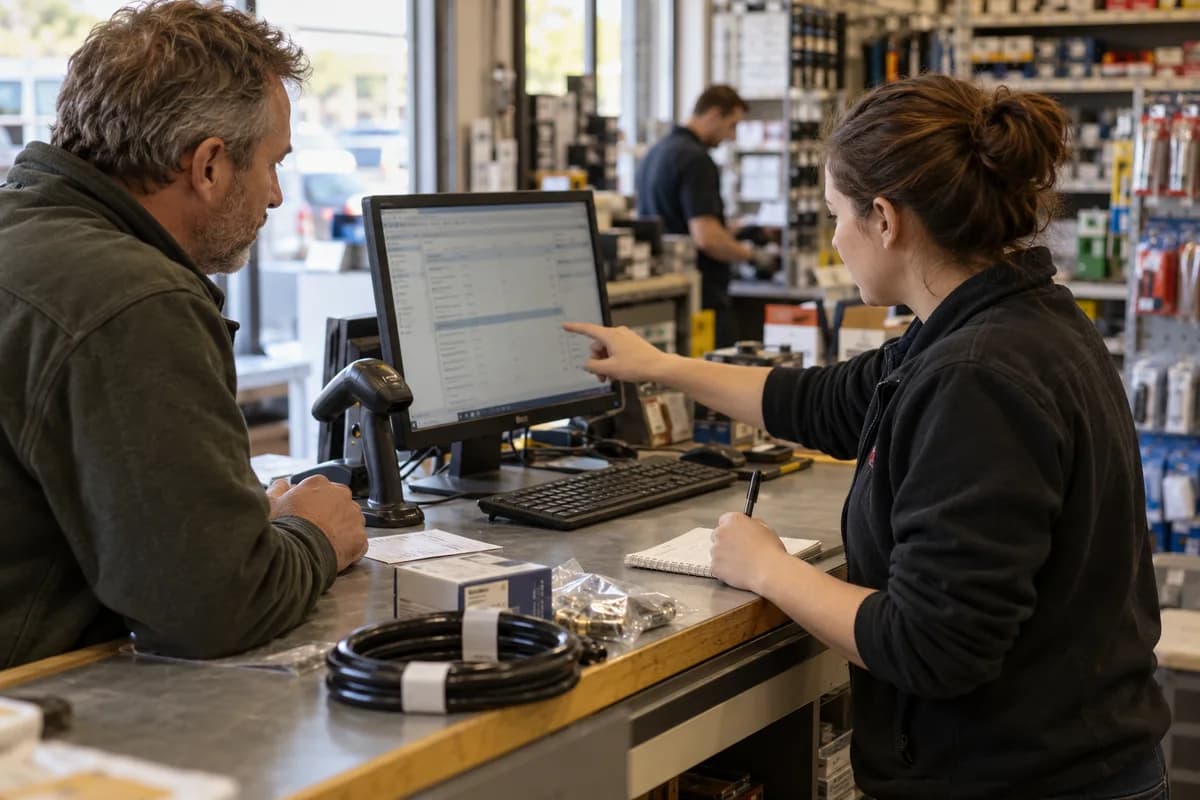
Stand behind a counter clerk for an hour. Say nothing. Note every time they look away from the screen, reach for a pen, open a second window or call across to a colleague.
Time five steps with a stopwatch: the customer names the first item, the item appears, the quantity goes in, the order saves, the slip prints. Five orders show the pattern. Twenty show the exceptions.
- Seconds from spoken item to item on screen
- Fields tabbed past without typing
- Mouse trips between search and quantity
- Notes written on paper
Item search is usually the first leak
Customers say cable tie 200 mm or brake pad for a Corolla. The item master says SKU 20045-B. If search matches only the code or the start of the name, the clerk scrolls through three hundred lookalike entries while the customer waits. And scrolls.
Good counter search matches any word in any order and forgives a typo. It shows stock and last rate beside each hit, and it lists what this customer ordered last time above the full catalogue, so repeat buyers need two keystrokes.
The side sheet is the sign of a missing state
A paper sheet for partial dispatches means the system lacks a state. Real orders are often half filled. Forty pipes leave now, sixty follow when the truck returns. The screen knows only open and closed, so the clerk writes the remainder by hand on whatever paper sits nearest the keyboard.
Give each line an ordered, dispatched and pending quantity, and give the order a status such as part dispatched. The pending balance should land on tomorrow’s pick list. Nobody retypes a digit.
- Ordered, dispatched and pending quantity on every line
- Statuses: draft, confirmed, part dispatched, dispatched, closed
- A balance list sorted by promised date
- A reason code for short supply
Redraw the screen around the counter’s order of work
The database wants customer, address, payment terms, then lines. The counter wants customer, items, quantities, with the rest filled from the account. Arrange the screen so the cursor lands in item search the moment a customer is chosen, with no extra click.
Sketch it on paper first. Keep it rough. Put the lines grid at the top. Totals go on the right. Tuck fields the clerk rarely changes, such as the ship to address, behind a small edit link. Then test it with the same clerk, using yesterday’s real orders.
Measure again and keep a list of small fixes
Repeat the stopwatch on five orders. Use the sketch or a clickable prototype. If the time from first item to saved line has not dropped, the redraw missed something about how the counter really works. Learning that on paper is cheap. Learning it after the build, when the developers have moved to the next module, is not.
Keep a running list of requests from the counter. Review it monthly. A default quantity, a barcode scan field or a shortcut key is often worth more to a busy counter than a whole new screen.
Tomorrow, time one order from first item to printed slip and note the numbers for your next review.
Counter observation sheet
One page, one row per order. Columns record start time, items, seconds to find each item, fields tabbed past, paper notes, partial dispatch yes or no, and save time. A summary block at the foot totals each column across ten orders.
Open a blank worksheet to printQuestions owners ask
How many orders should I watch before redesigning?
Five shows the pattern. Ten shows the exceptions. Watch different clerks at different hours, because the busiest hour often hides problems that a quiet one does not.
Is a slow screen a hardware or a design problem?
Check both. If a search takes several seconds to return, look at the query and the index. If results come back fast but the clerk still scrolls, the fault is in the design of the flow.
Can partial dispatch be added to an existing system?
Usually yes. It needs a dispatched quantity on each order line, a status, and a balance report. The hardest part is agreeing on what closes an order, so settle that with the counter first.