UI/UX Design and Prototyping
Practical guides to help you make the next decision with confidence.
22 guides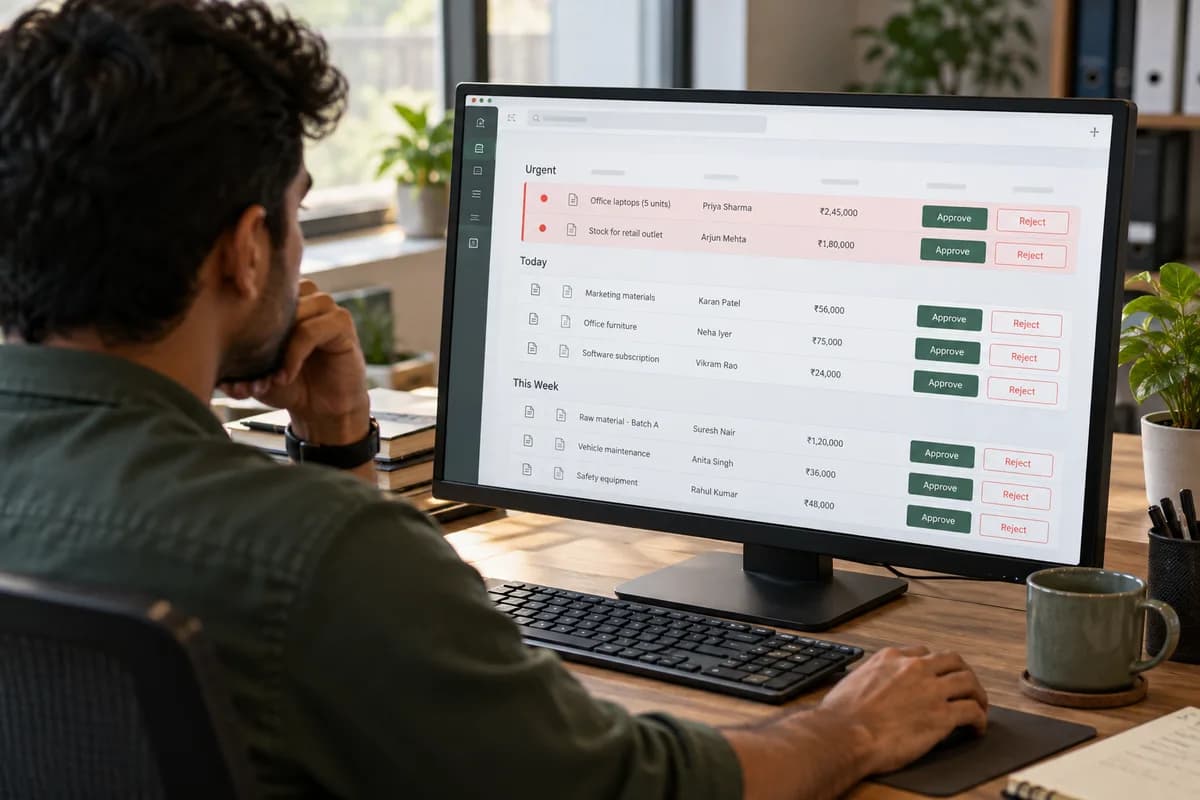
What Is UI/UX Design and Why Does Business Software Need It?
UI is how software looks; UX is whether staff can finish their work in it. Why internal business tools need both, with a before-and-after example.

Why Employees Reject Newly Implemented Software
Employees usually reject software that disrupts their workload or breaks trust in data: not change itself. How to tell which is happening.
How Poor Software Design Reduces Employee Productivity
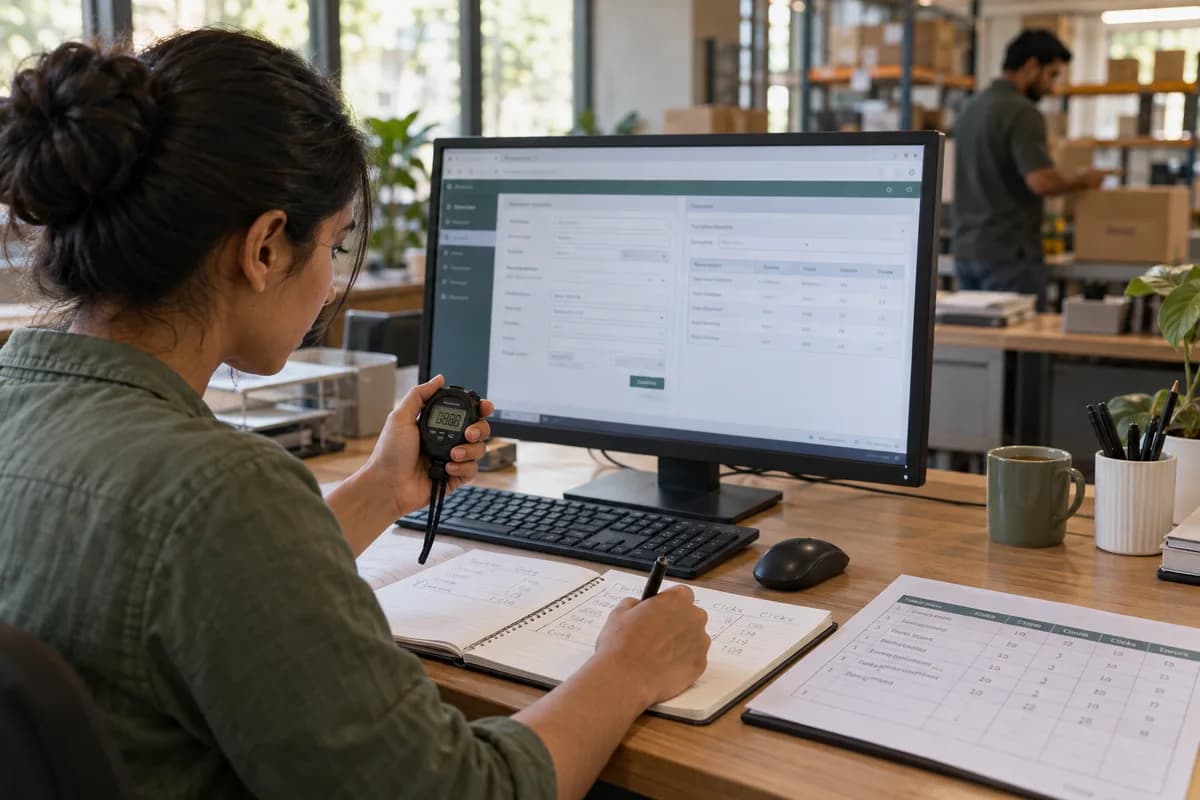
Excess clicks, duplicate entry and unclear status are the three most common ways bad screen design slows a team down. How to measure and fix them.

Why You Should Create a Prototype Before Development
A prototype lets real users test a workflow before production code exists, catching costly misunderstandings early. What it can and cannot prove.

Wireframe vs Mockup vs Clickable Prototype
Wireframes settle structure, mockups settle visual design, and clickable prototypes test interaction and flow. What each one is actually for.

How to Design Easy-to-Use Business Dashboards
An easy-to-use dashboard starts from the decision a specific role makes every day, not from every metric available. A practical design process.

UI/UX Audit Checklist for Business Applications
A UI/UX audit needs real task tests across devices, not just a screenshot review. What to inventory, assess, test and rank before you fix anything.

How to Simplify Long and Complicated Data-Entry Forms
Simplifying a long form starts with questioning every field, not restyling it. Grouping, progressive steps, validation and measurement that actually help.

Mobile UX Best Practices for Field Employees
Field apps must cope with patchy signal, sunlight, gloves and shared devices. Practical mobile UX decisions for staff who work away from a desk.

Accessibility Checklist for Business Software
A practical accessibility checklist for business software covering keyboard access, contrast, labels and assistive-technology testing, against WCAG 2.2.

Website Redesign: When Your Business Website Needs One, and When It Doesn’t
When a website redesign is worth it for a business, when it isn’t, what to check first, and how to redesign without losing your Google traffic.

What Makes a Business Application Easy for Employees to Use?
Seven checkable traits of an application staff find easy to use, from steps per task and plain labels to role-based screens and a five-person test.
Showing 12 of 22 guides
All 22 guides in UI/UX Design and Prototyping as a plain list
- What Is UI/UX Design and Why Does Business Software Need It?
- Why Employees Reject Newly Implemented Software
- How Poor Software Design Reduces Employee Productivity
- Why You Should Create a Prototype Before Development
- Wireframe vs Mockup vs Clickable Prototype
- How to Design Easy-to-Use Business Dashboards
- UI/UX Audit Checklist for Business Applications
- How to Simplify Long and Complicated Data-Entry Forms
- Mobile UX Best Practices for Field Employees
- Accessibility Checklist for Business Software
- Website Redesign: When Your Business Website Needs One, and When It Doesn’t
- What Makes a Business Application Easy for Employees to Use?
- How to Brief a UI/UX Designer for a Business Software Project
- Admin Panel Design: Filters, Bulk Actions and Long Tables
- How to Test a Prototype With Your Own Staff Before Approving a Build
- Design Only First or Design With Development: Which to Choose
- Design system, UI kit or style guide: what a growing product needs
- Why your software looks like four different products, and the fix
- Order entry screen too slow? Where counter staff lose time
- Figma prototype, coded prototype or paper sketches: which first
- Redesigning software staff already use: staged release or one switch
- Empty, loading and error states: the screens nobody designs