In this guide 6 sections
Test data stays on the bench because the cycler, the insulation tester and the BMS tool each write a file to a local PC. Nothing links those files to a pack serial. Save the verdict and the raw file against the serial the moment each test ends.
Three machines, three file formats
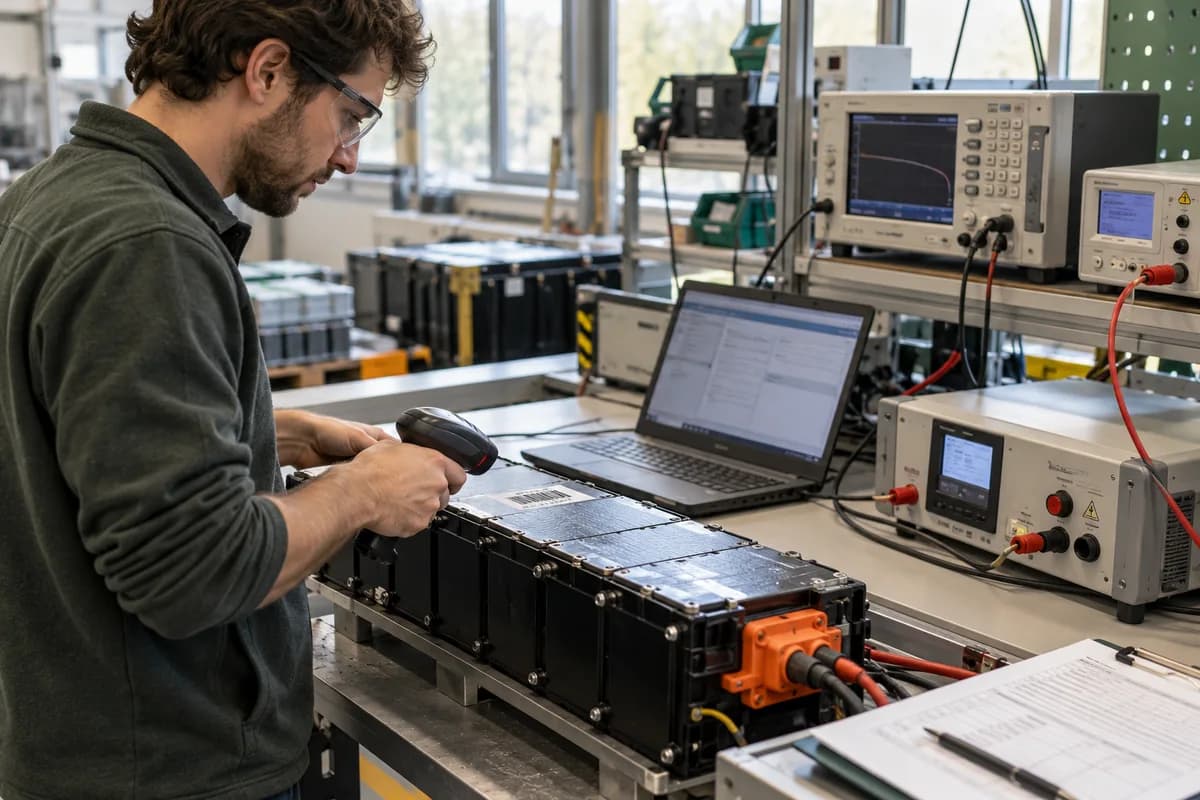
A finished pack usually passes through a cycler, an insulation and hipot tester, and a laptop running the BMS configuration tool. Each one writes its own output. The cycler gives a CSV of voltage, current and capacity against time. The hipot gives a printed slip or a small log. The BMS tool gives a readout of cell voltages, balancing state and fault flags.
None of them knows the pack serial. That is the problem. The operator types a name into a filename, or does not. Weeks later nobody can say which CSV belongs to which pack. Guesswork follows. A bench full of files named final2 or retest is a common sight, and it costs hours when a customer is waiting for an answer about one pack.
That is the real fault. The tests were done, and the evidence exists, but it cannot be found.
- Cycler export, usually CSV with one row per sample
- Insulation and hipot result, often a slip or a short log
- BMS readout with cell voltages and fault flags
- Operator, fixture and date, usually missing
What goes wrong when a pack comes back
A customer reports that a pack drops out under load. The service engineer opens the pack and needs the end of line capacity, the cell voltage spread at shipment and the firmware loaded on the BMS. Without them, the pack is tested from scratch and compared with nothing. The engineer holds the pack in one hand and a laptop of unrelated CSV files in the other. Was the fault built in at the factory, or did it develop in the field?
The warranty call gets harder too. If the capacity at shipment cannot be shown, the dispute rests on memory. A supplier who says the cells were fine needs the file to prove it.
Recalls are worse. One weak cell lot means naming every pack built from it. The test record confirms which of those were screened before they shipped, and which were not.
Attach the result and the raw file to the serial
Start with one rule. No test starts without a pack serial scanned or typed first. The serial is the key, and everything else hangs from it.
Store two things for each test. One is a short record: serial, test type, pass or fail, key values, operator, station and time. The other is the raw file, copied untouched into a folder or database field linked to that record. Keep the verdict small and searchable, and keep the raw file complete. Serial first.
A retest gets a new record, not an overwrite. A pack that failed insulation, was reworked and then passed should show both attempts in order.
- Scan the serial before the cycle starts
- Record pass or fail plus capacity, resistance and insulation value
- Copy the raw file as it came off the machine
- Keep every attempt, including failed ones
- Note the BMS firmware and configuration file loaded
Make the link survive a bench PC failure
A file on a bench PC is one disk failure from gone. Copy each file to a shared location as soon as the test ends, then confirm the copy is there before the pack moves on. Test machines also get replaced. A new cycler often exports a different column order, so the link to the serial must come from the record, never from the layout of the file.
Name files from the serial and the test type, not from the operator’s habit. A name such as the serial, then CYC, then the date, sorts and searches well. Spreadsheets of results can work for a small build, but they break when two people edit at once or when a row is overtyped.
When volume grows, a small system that reads the export, stores the verdict and links the file removes the manual copying.
Compare a returned pack with its own test
Pull the shipment record by serial. Put the end of line capacity and cell spread beside the values from the service bench. A cell group that has drifted apart tells a different story from a pack whose connector heated up.
Do this for the first dozen returns and the pattern shows quickly. Spend one afternoon this week taking ten recent packs and checking whether you can find all three files for each. The number you cannot find is your gap. Differences between ship values and return values are the point. Look at them side by side.
Pack test record sheet
One sheet, with a header and three blocks. The header holds the pack serial, model, cell lot and BMS firmware. The blocks are cycler (capacity, internal resistance, cycle file name), insulation and hipot (voltage applied, leakage reading, result) and BMS readout (cell voltage spread, fault flags, file name). A footer has operator, station, retest number and release signature.
Open a blank worksheet to printQuestions owners ask
Do we need to store the raw cycler file as well as the result?
Yes. The verdict tells you the pack passed, but the raw curve lets a service engineer compare discharge shape and voltage sag later. Store both, linked to the same serial.
Can a shared folder do the job?
For a small build, yes, if filenames start with the serial and nobody renames files. It fails when several people write at once or when you need to search by cell lot.
How long should test files be kept?
Hold them until the warranty ends and any contract or regulatory duty on your product has lapsed. Check your own obligations, and ask your customer contracts what they require.
What if the test machines cannot export automatically?
Save the file by hand at the end of each test, then add its name to the record. A scanned serial and a short checklist at the bench keeps that step from being skipped.