Build a home care system around your referrals, your visit rosters and your care plans.
Home healthcare work happens in other people’s houses. The care plan, the visit, the caregiver and the family all sit in different places, and the office has to hold them together.
Most agencies start with a phone, a spreadsheet and a group chat. That works for a handful of clients. It stops working when a nurse is on leave and three visits need a new face.
A system built at GullySystem would start from your own intake form and your own roster. Referral, assessment, plan, visit, note and invoice would follow one client from the first call to the last bill.
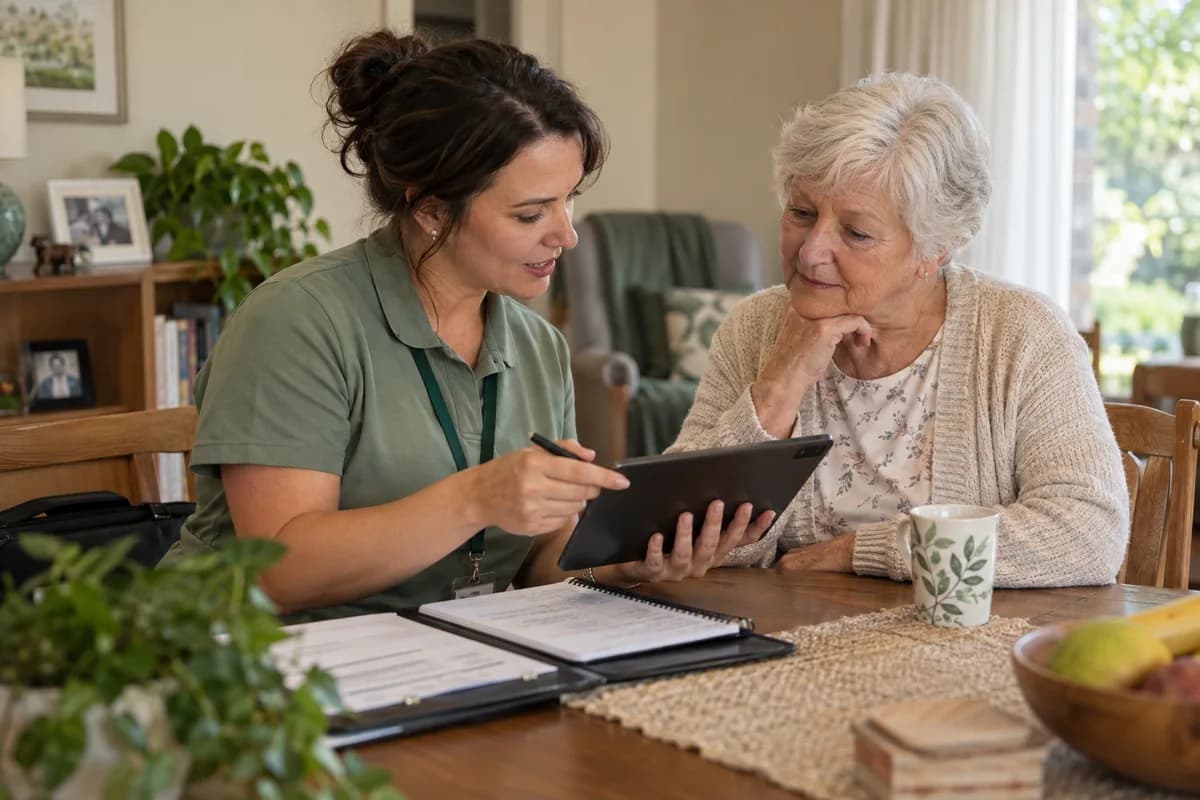
Providers we can build for.
A nursing agency sends clinicians on timed visits. A senior living community runs a building with residents. A rental company moves equipment. Each earns its income differently, so the build starts with how you earn.
- Home nursing agencies
- Caregiver agencies
- Home physiotherapy providers
- Medical equipment rental companies
- Home sample collection providers
- In-home care providers
- Assisted and senior living communities
- Post-surgery recovery care providers
- Palliative and end-of-life home care teams
- Elder companion and attendant services
- Home dialysis support providers
- Home vaccination and injection services
- Mother and newborn care providers
- Respite and day care for adults
- Home oxygen and respiratory suppliers
- Multi-branch care groups
The modules, and what each one covers.
Nothing here is a fixed package. Each module is built, left out or changed to match how your organisation already works.
Referrals and enquiries
Clients arrive from hospitals, doctors, families and walk-in calls. Each source is recorded, so the intake team knows who to answer and who to report back to once care begins.
- Referring hospital or doctor
- Family contact and decision maker
- Service requested
- Urgency and start date
- Area and access notes
- Funding source or payer
- Declined or waiting-list reason
- Follow-up call log
The client record
The client is a person with a home, a history and a family. The record holds what the visiting staff need and nothing the role should not see.
- Name, age and address
- Diagnosis and doctor’s orders
- Allergies and current medicines
- Mobility and fall risk notes
- Household members and pets
- Key safe and entry instructions
- Emergency contacts
- Consent and authorised representatives
- Language and cultural preferences
- Role-based access to each field
Assessment and care plan
A nurse or coordinator assesses the home and the person. The plan lists tasks, frequency and goals. Each review is dated and signed by the person who carried it out.
- Initial assessment form
- Home safety check
- Tasks per visit
- Visit frequency and duration
- Goals and review dates
- Doctor’s sign-off where needed
- Plan revisions with history
- Family copy of the plan
The visit roster
Rostering matches the visit to a person who can do it. Skills, distance, gender preference and continuity all count.
- Visits by day and time window
- Skill and qualification match
- Travel time between homes
- Continuity with the same caregiver
- Live-in and shift-based placements
- Leave cover and replacements
- Unfilled visits flagged early
- Roster published to staff
Caregiver and nurse records
Each worker has a file. Expiry dates for licences, checks and vaccines sit in that file, and a reminder reaches the right coordinator well before any of them lapses.
- Identity and address proof
- Licence and registration numbers
- Training and skills record
- Police or background check dates
- Vaccination status
- References
- Availability and preferred areas
- Pay rate and contract type
- Performance notes
Visit check-in and notes
Staff record arrival, tasks and observations on a phone. The office sees the visit as it happens, so a missed door is noticed while someone can still act on it.
- Arrival and departure by location
- Task checklist
- Vital signs entered
- Free-text observations
- Photographs of wounds, where allowed
- Missed visit alert
- Client or family signature
- Offline entry when signal drops
Medicine and procedure record
Where a provider gives or supervises medicines, the record shows what was given, by whom and when.
- Prescription on file
- Dose, route and time
- Given, refused or missed
- Injection and dressing log
- Catheter and tube care
- Stock held in the home
- Doctor query raised
Incidents and escalation
A fall, a refusal or a change in condition needs a clear path. Your clinical lead decides who gets alerted for each kind of event, and the escalation order is entered exactly as decided.
- Incident report
- Severity and who was told
- Doctor or ambulance contact
- Follow-up visit scheduled
- Family notification record
- Review notes by the clinical lead
- Trend by client and by caregiver
Equipment rental and oxygen
Beds, oxygen concentrators and wheelchairs go out and come back. Each unit has a history.
- Asset register with serial numbers
- Rental start, extension and return
- Deposit received and refunded
- Delivery and pickup slots
- Cleaning and service record
- Fault calls and replacements
- Damage and loss charges
- Units out by client and by area
Sample collection runs
Home sample collection depends on a phlebotomist, a time slot and a cold box. The booking carries the test list through to the lab.
- Test booking and fasting instructions
- Collector route for the morning
- Sample labels and tube types
- Handover to the laboratory
- Report delivery to the client
- Repeat collection requests
Senior living residents and units
A residential community adds rooms, meals, activities and visiting hours to the care record.
- Room and bed allotment
- Move-in and move-out
- Meal plans and diets
- Activity and outing schedule
- Visitor log
- Care level and charges
- Resident council notes
Family updates and portal
Families want to know who came and how it went. A portal or message shows the visit summary the provider chooses to share.
- Visit summaries
- Care plan copy
- Request a change or extra visit
- Invoice and payment status
- Feedback and complaints
- Multiple family members with different access
Billing and payroll
Charges follow the visits actually done. Staff pay follows the same record.
- Rate by service and by hour
- Overnight and holiday rates
- Package and subscription billing
- Insurer or payer claims
- Client statements
- Caregiver pay from verified visits
- Mileage and expense claims
- Currency and tax rules per country
Reports for managers
A manager needs to see the week at a glance and open any number back to the visit behind it.
- Visits done against planned
- Caregiver hours and overtime
- Active clients by service
- Referral sources and conversion
- Incident trends
- Equipment utilisation
- Receivables by client
One connected workflow, end to end.
Every stage below can sit in one system, so nobody re-enters what the last stage already captured.
- Referral
- Assessment
- Care plan
- Roster
- Visit
- Notes and vitals
- Review
- Invoice
- Payment
- Discharge
You do not have to replace everything at once.
Each phase is usable on its own, so the system earns its place before the next part is built.
- 1
Study
We sit with your coordinators, nurses and accounts team. We collect your intake form, your care plan sheet and a real week’s roster.
- 2
Design
Screens are drawn for each role before any code. Coordinators see the roster. Caregivers see their day. Families see a summary. Your team reviews every one, and changes are cheap at this point.
- 3
Build
Work is delivered in stages, and your staff use each stage before the next begins. Rostering and visit notes come first, because the coordinators in the office feel those problems every morning.
- 4
Run
We move your live clients across with your team beside us. Rules, rates and permissions are adjusted after real use.
How a build actually runs.
- 01
Start from the paper you use
Your assessment form and visit sheet are the best specification. We copy their fields first and change them only when you ask.
- 02
Keep clinical rules with your clinicians
Alert thresholds, escalation paths and review intervals are set by your clinical lead. The system gives those rules a place to live.
- 03
Design for the phone in a hallway
Caregivers enter notes standing in a doorway. Screens are short, large and usable with one hand.
- 04
Limit who sees what
A driver does not need a diagnosis. A billing clerk does not need visit notes. Access is set per role and checked with you.
- 05
Move data in carefully
Existing clients, workers and equipment are loaded from your sheets. Mismatches are listed for your staff to settle.
- 06
Agree the rules for your region
Tax rules differ by country, so your accountant confirms the settings before anything goes live. We set these up with your own legal or regulatory contact.
What you bring, and when.
The build moves at the speed of the answers. These are the things we ask for, in the order we ask.
- 01
Care plans, visit sheets and rosters
Share sample care plans, caregiver rosters, visit notes and invoices with client names removed. Equipment rental registers help too. Design starts from how visits are recorded now.
- 02
Care coordinator, nurse lead and billing staff
A contact for each area reviews screens against real visits. Care and billing may pull apart. The clinical head decides.
- 03
Visit types, package rates and escalation steps
Visit types, package rates, caregiver pay and incident escalation steps are fixed while the build proceeds. Equipment and consumable masters follow. A reviewer attends each demonstration.
- 04
Active clients and caregiver records
Active clients with care plans, and caregiver files, are brought in at go-live. Mention any lab or payment links at the outset. The founder or clinical head gives the go-ahead.
Systems we can put together for you.
- A referral and intake desk
- A visit roster with skill matching
- A caregiver app with check-in and notes
- A care plan builder with review reminders
- A family portal with visit summaries
- An equipment rental and oxygen tracker
- A sample collection run planner
- A resident and room manager for senior living
- A billing engine for hourly, package and payer rates
- A payroll feed from verified visits
- A worker document and expiry tracker
- A manager dashboard with drill-down
Questions owners ask before starting.
Can one system hold nursing, caregiving and equipment rental?
Yes. They share the client and the visit, and each service keeps its own forms and rates.
Will caregivers need a smartphone?
Usually yes, and a basic smartphone is enough. Where staff do not have one, the office can enter visits from a paper sheet.
Does the system work without a mobile signal?
Yes, for writing notes. A caregiver can write a visit note in a house with no signal, and it uploads once the phone reconnects. This is reviewed against the areas you serve.
Can families see visit notes?
Only what you choose to show. You decide whether they see a summary, the tasks done or nothing at all.
Can it handle insurer claims?
Claim formats depend on the payer and the country. We set up the fields with your billing staff and the payer’s own requirements.
Does it make clinical decisions?
No. It records what your clinicians decide and reminds staff of the rules you set. Clinical judgement stays with your people.
Can we run several branches?
Yes. Each branch has its own roster and clients, while the head office sees the group and moves staff between branches.
Who owns the data?
You do. Records can be exported in standard formats whenever you ask.
What does it cost to start?
That depends on scope. We scope a first stage after the study and share it in writing before any build begins.
How we work with this trade.
Ready products for this work.
If one of these fits, it is cheaper and faster than building from scratch. We will say so.
Start with one week of visits.
Bring us a week of your roster, your intake form and one care plan. We will show you how each would look as a screen, and where your current paperwork leaves gaps.
If the shape feels right, we plan a first stage. If it does not, you keep the notes and the sketches.
Tell us how your home healthcare and care providers runs today.
We will tell you what can be digitised, what can be connected, what is worth automating, and what you should leave alone.
What happens after you share your requirements
- A senior engineer reads your answers. Nobody phones first.
- Within one business day you get a written note: what we understood, what we would start with, and the questions we still have.
- If it fits, a proposal follows with the order of work, what we need from you and what you receive at each step.
- No call is booked and nothing is paid until you have read the note. Your details stay with us.
Start with your requirements
Seven short steps that tell us what you need. A senior engineer reads them before anyone gets in touch.
Share your requirements