Build a machinery system around your orders, your engineering changes and your commissioning.
A machine builder sells a different thing each time. The specification is agreed with the customer, the design is adjusted, and the build runs for many weeks across several teams.
The records spread out. The design team holds the bill of materials. Purchase holds the bought-out items. The assembly floor holds changes that were never drawn. Service later cannot tell which version was shipped.
A system built at GullySystem would keep one record for each machine from order to commissioning. Design, purchase, assembly, testing and service would all work from it.
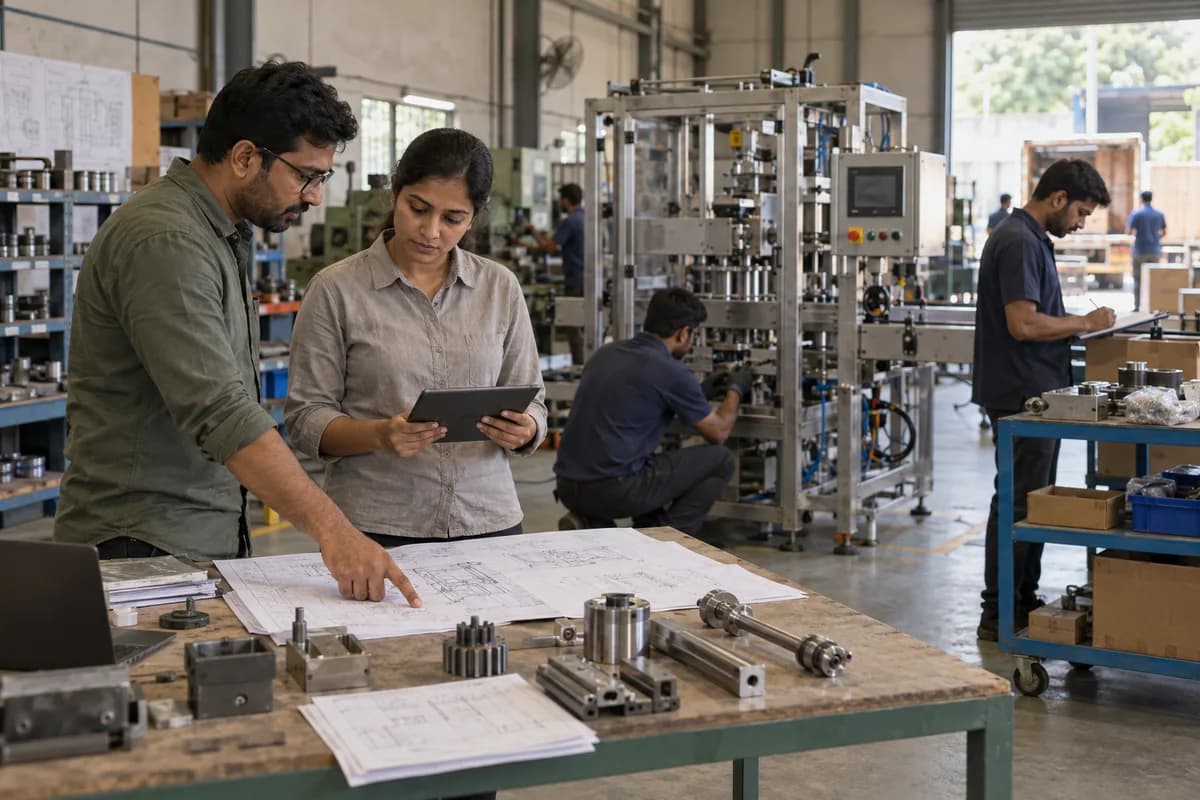
Machine builders this system could be built for.
A maker of standard pumps in batches and a builder of one-off special purpose machines both need serial numbers, but little else is the same. The build follows your product.
- Special purpose machine builders
- Packaging machinery manufacturers
- Food processing machinery manufacturers
- Material handling equipment manufacturers
- Conveyor manufacturers
- Industrial pump manufacturers
- Compressor manufacturers
- Machine tool manufacturers
- Automation and assembly line builders
- Textile and printing machinery makers
- Industrial oven and furnace makers
- Lifting equipment manufacturers
- Process equipment fabricators
The modules, and what each one covers.
Nothing here is a fixed package. Each module is built, left out or changed to match how your organisation already works.
Customer requirement and specification
The specification is captured before design starts, so that later changes can be compared with it.
- Customer requirement document
- Output rate and product handled
- Floor space and utilities available
- Operating environment
- Standards the customer expects
- Options selected
- Specification revisions
- Customer approval of the specification
Quotation and proposal
Every quote is a set of options, bought-out items and conditions, not a price list.
- Base machine and options
- Bought-out items quoted from suppliers
- Engineering hours estimate
- Installation and commissioning scope
- Spares and training offered
- Payment milestones
- Quote revisions
- Win and loss reasons
Machine order and project record
Each order becomes a project with a machine number, a team and a set of milestones.
- Project number and machine number
- Project manager and engineers
- Milestone plan
- Customer delivery date
- Documents received from the customer
- Drawing submission and approval
- Cost budget
- Risk and issue log
Engineering bill of materials
The bill of materials is built in the design office and changes during the build.
- Assembly and sub-assembly structure
- Standard parts and made-to-order parts
- Drawing and model references
- Revision history
- Engineering change request
- Effect of a change on parts already bought or made
- Released to purchase and to the shop
- Variant bills for machine options
Bought-out items and purchasing
Motors, drives, PLCs, pneumatics and bearings are bought against the project and tracked until they arrive.
- Purchase requisition from the bill of materials
- Supplier quotations
- Purchase order with delivery date
- Long lead items flagged
- Goods receipt and inspection
- Items short for a machine
- Supplier delivery performance
- Purchase cost against project budget
Fabrication and machining
Frames, guards and machined parts are made in house or sent out.
- Job orders from the bill of materials
- Material issue
- Machining and fabrication routing
- Outside job work
- Parts received at stores
- Parts by machine number
- Rework and rejection
- Painting and surface treatment
Assembly and wiring
Mechanical assembly, electrical panel building and pneumatic piping happen in stages.
- Assembly stations and teams
- Kitting of parts for a machine
- Assembly checklist
- Panel wiring and diagram revision
- PLC and HMI programme version
- Torque and alignment records
- Shortage list during assembly
- As-built changes recorded
Testing and customer trial
The machine is run in the shop before it is shipped, sometimes with the customer’s product.
- Factory acceptance test plan
- Test results and measured output
- Trial with customer material
- Customer witness and signoff
- Punch list after the trial
- Retest after changes
- Test report issued
- Release for dispatch
Packing, shipping and site readiness
Large machines are dismantled and packed in a particular order for the site.
- Packing list by case
- Dismantling and marking
- Transport booking
- Export documents
- Delivery to site
- Site readiness checklist
- Customs and shipping records
- Insurance for transit
Installation and commissioning
The commissioning engineer needs the as-built record and the test history on the site visit.
- Installation team and schedule
- Site checklist
- Commissioning log
- Customer training
- Handover documents and manuals
- Customer acceptance certificate
- Issues found on site
- Service engineer report
Serial numbers and installed base
Every machine shipped is recorded with its configuration and its owner.
- Machine serial number
- As-shipped bill of materials
- Software versions
- Customer and site location
- Date of commissioning
- Warranty start and end
- Modifications after shipment
- Service history
Spares and after-sales service
Spare parts and breakdown calls are tied to the machine they concern.
- Recommended spares list per machine
- Spare part orders
- Breakdown call and engineer visit
- Warranty and chargeable work
- Service contract terms
- Parts issued under warranty
- Repeat failures by part
- Retrofit and upgrade offers
Project costing and margin
Actual material, hours and site costs are compared with the budget for each machine.
- Material cost by project
- Design and shop hours
- Outside work
- Site costs
- Warranty cost provision
- Budget against actual
- Margin by machine type
- Delayed milestones
One connected workflow, end to end.
Every stage below can sit in one system, so nobody re-enters what the last stage already captured.
- Requirement
- Quotation
- Order and project setup
- Design and drawing approval
- Bill of materials
- Purchasing
- Fabrication and machining
- Assembly and wiring
- Factory test
- Packing and shipping
- Installation
- Commissioning
- Service and spares
You do not have to replace everything at once.
Each phase is usable on its own, so the system earns its place before the next part is built.
- 1
Orders, specifications and bills of materials
The enquiry, quote, specification, project record and engineering bill of materials with its change history.
- 2
Purchasing, shop and assembly
Bought-out items, job orders, kitting, assembly checklists and the shortage list that every build produces.
- 3
Testing, shipping and commissioning
Factory tests, customer trials, packing, site readiness, installation and the handover pack.
- 4
Installed base and service
Serial numbers, as-shipped configurations, service calls, spares and warranty, with project costing on top.
How a build actually runs.
- 01
Follow one machine
We take a machine already shipped and trace it from the first email to the last service call.
- 02
Find where records split
Design, purchase, shop and service each keep their own list. We mark where those lists disagree.
- 03
Agree the machine record
What a machine number points to is fixed first: the bill of materials, tests, documents and site.
- 04
Build the bill of materials and purchase link
Most delays start there, so it comes before the shop screens.
- 05
Pilot on a running project
One unit already in assembly is entered, and the teams use it for real work from the first day.
- 06
Bring in history
Installed machines, their configurations and spares lists are loaded so service has something to look up.
- 07
Extend to customers and partners
Order status for customers, supplier portals and service engineer apps can follow.
What you bring, and when.
The build moves at the speed of the answers. These are the things we ask for, in the order we ask.
- 01
A specification, its BOM and the project file
Provide a recent machine specification, its engineering bill of materials, the quotation and the commissioning report. Show how bought-out items are tracked. A machine’s life as a project becomes visible.
- 02
Design, shop floor and after-sales
Design, the shop floor and after-sales each send someone to react to screens. Engineering and the shop may dispute a change. The managing director decides.
- 03
Cost build-up, BOM changes and trial acceptance
How machine cost is built up, who approves a BOM change and the steps for trial acceptance must be fixed. Costing hangs on them. The people behind each function try what is shown.
- 04
Installed base and orders still open
Machines already supplied with serials, spares history and open orders are moved in. Access to the accounts system is arranged. The managing director approves.
Systems we can put together for you.
- Specification and quotation tools for configured machines
- Project tracking for one-off machine builds
- Engineering bill of materials with change control
- Purchase tracking for bought-out items
- Shortage and kitting boards for assembly
- Panel wiring and software version records
- Factory acceptance test records
- Packing and shipping documents
- Site commissioning and handover tools
- Installed base and serial number registers
- Spare parts catalogue and ordering
- Service call and warranty tracking
- Project costing and margin reports
- Customer order status portals
- Service engineer mobile applications
- Multi-plant machinery platforms
Questions owners ask before starting.
What is custom machinery manufacturing software?
This is a system shaped by how one builder designs, buys, assembles, tests and services its machines, down to the last bought-out part. Each machine becomes a project with its own bill of materials and history.
Can it handle a one-off machine that differs from every earlier one?
Yes. The machine record starts from a base configuration and holds the changes made for that order.
How are engineering changes handled?
A change request is raised, reviewed and released with a revision. The system shows which parts bought or made earlier are affected.
Will it connect to our CAD or PLM tool?
That depends on the tools in use and is reviewed during implementation. At minimum, drawing references and bills of materials can be imported.
Can service see what we shipped to a customer five years ago?
Yes, if the as-shipped record is kept when the machine is commissioned. Modifications made later are added to it.
Do you support machines built in standard batches as well?
Yes. A pump or compressor line can use work orders, serial numbers and test records in place of project plans.
Can customers see the progress of their machine?
A portal can show milestones, drawing approvals and photographs. What it shows is chosen by you.
How are spares priced and sold?
Each machine has a spares list, and orders are raised against that machine. Warranty parts and paid parts are kept separate.
Can our own team maintain the system?
Yes. The code and the data model are handed over with documentation another developer can follow.
Who owns the data and the source code?
You do. Ownership of both is put in writing before any work begins.
How we work with this trade.
Ready products for this work.
If one of these fits, it is cheaper and faster than building from scratch. We will say so.
Build a machinery system that remembers every machine you shipped.
Builders lose time when design, purchase and service each hold a different version of the same machine. One record per machine removes the argument.
Send the file for one machine already shipped: the order, the bill of materials, the test sheet and one service call. The written reply covers how it would sit in the system.
Tell us how your industrial machinery and equipment manufacturers runs today.
We will tell you what can be digitised, what can be connected, what is worth automating, and what you should leave alone.
What happens after you share your requirements
- A senior engineer reads your answers. Nobody phones first.
- Within one business day you get a written note: what we understood, what we would start with, and the questions we still have.
- If it fits, a proposal follows with the order of work, what we need from you and what you receive at each step.
- No call is booked and nothing is paid until you have read the note. Your details stay with us.
Start with your requirements
Seven short steps that tell us what you need. A senior engineer reads them before anyone gets in touch.
Share your requirements