Job cards with condition notes for carpet crews
Each visit gets one job card. Before work it holds the carpet’s condition, the traffic lanes and the stains already there. After work it holds the products used, the extras agreed and the photographs. When a customer questions a result later, the card shows what was found and what was done.
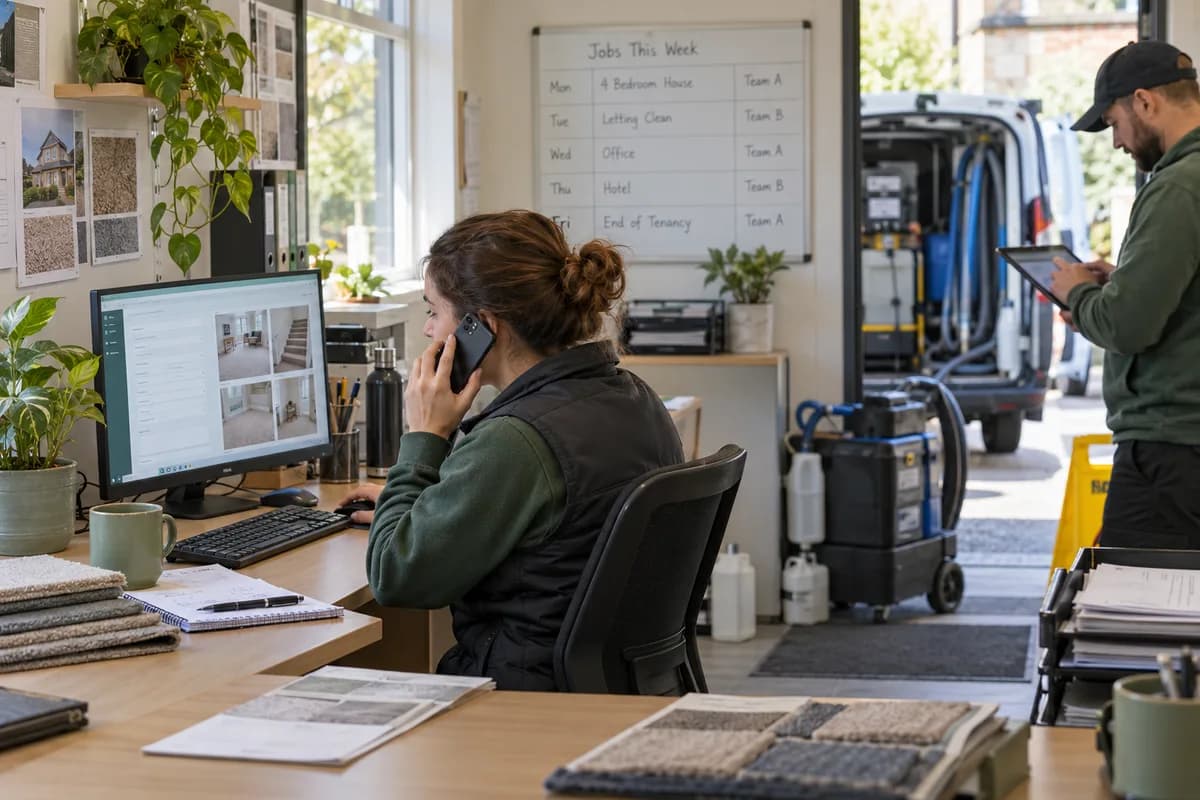
What a carpet cleaning job card records
A job card opens from the booking and closes into the invoice. Between those two points it collects what was seen, what was done and what the customer agreed. It is one card per visit. Each field is set to match the cleaning methods the company uses.
One visit from arrival to closing the card
Crews fill the card in on a phone while they work, never back at the depot afterwards. The moments below follow a single visit to a family home. Each adds one line to the card. It grows as the visit goes on.
Who writes and who reads the job card
Crews write the card on site, but four roles depend on it afterwards. Each reads the same record, but for a different reason and at a different time. Evidence is shared, not remembered.
Decisions to settle before job cards go live
Job card fields are built from your own job sheet. The decisions here are about discipline as much as layout. Settle them with the office lead and a senior cleaner. Four choices come first.
How the job card connects to the rest
In the middle of the product sits the card. Opened from the booking and checked against the quotation, it closes into the tax invoice. What the crew writes on site feeds the store, the customer file and the office as the day goes on. Nothing is copied by hand.
- Bookings open the card with address, rooms and notes
- Quoted lines appear on the card for checking
- Extras agreed on site flow to the invoice
- Products used feed the chemical stock count
- Customer file keeps every card against its property
Where the job card stops
The card records evidence and decides nothing. It cannot say who is liable for a worn patch or a damaged fibre. That judgement belongs to the owner, and to an insurer or adviser where money is at stake. Its value depends on the crew’s entries and photographs. One person with a short list of regulars can note condition on paper.
Frequently asked questions
What does the crew record before cleaning starts?
Condition, traffic lanes, stains already present and any burn marks or pet patches are noted room by room. Photographs can be added at that point too. All of it is on the card before work begins.
Can photographs be attached to the job card?
Crews take photographs on site and add them to the card, including the ones after cleaning. They stay with that visit and that property. Anyone opening the card later sees the same images, in the same order.
How is an extra found on site approved?
The crew adds a line for the extra, such as a rug or stairs, and asks the customer to agree before cleaning it. The approved line reaches the invoice. A declined one is simply not worked.
Can the checklist match our cleaning method?
The checklist, stain types and product fields follow how your crews work in the field, from hot water extraction to encapsulation. We start from your current job sheet. We adjust them whenever you ask, as the method, the stain list or the products change.
Who can edit a card after it is closed?
That is a choice made at set-up with the office lead. Some firms limit it to the office. Whatever you decide, the closed card is the record used for the invoice and for any complaint.
How this feature fits the system.
Carpet Cleaning Management Software: the parts that work with this feature, the trades that use it and the ways to put it in place.
Enquiries and customers
Each call, form or agent message is logged with its source and property details, so a quote request is followed up and not mislaid.
Lead ManagementQuotations and rate lists
Quotes are priced from the company’s own rates by area, room, stair or package, with rugs and extras as separate lines and every revision kept.
Quote & Proposal ManagementBookings and crew schedule
Crews and vehicles are placed against the day’s bookings by area, so travel stays short and drying fans can be collected on the next visit.
Technician SchedulingTell us what you need.
Tell us what your team does today, where work gets stuck and what you want to change.
What happens after you share your requirements
- We review your brief and the systems you already use.
- We clarify the workflow, missing information and the work to consider first.
- The proposed scope sets out the deliverables, responsibilities and dependencies.
- Review the scope and commercial terms before deciding whether to proceed.
Start with your requirements
Describe your current process, the people involved and the change you need. Start with the details you know; we can clarify the rest together.
Share your requirements