Hospitality bookings for casino resorts
Hospitality bookings let a host take restaurant, room and event requests straight from the player record. The request names the guest, the date and the party, and the charge posts to the department that bears the cost. The restaurant, the hotel and finance read the same booking.
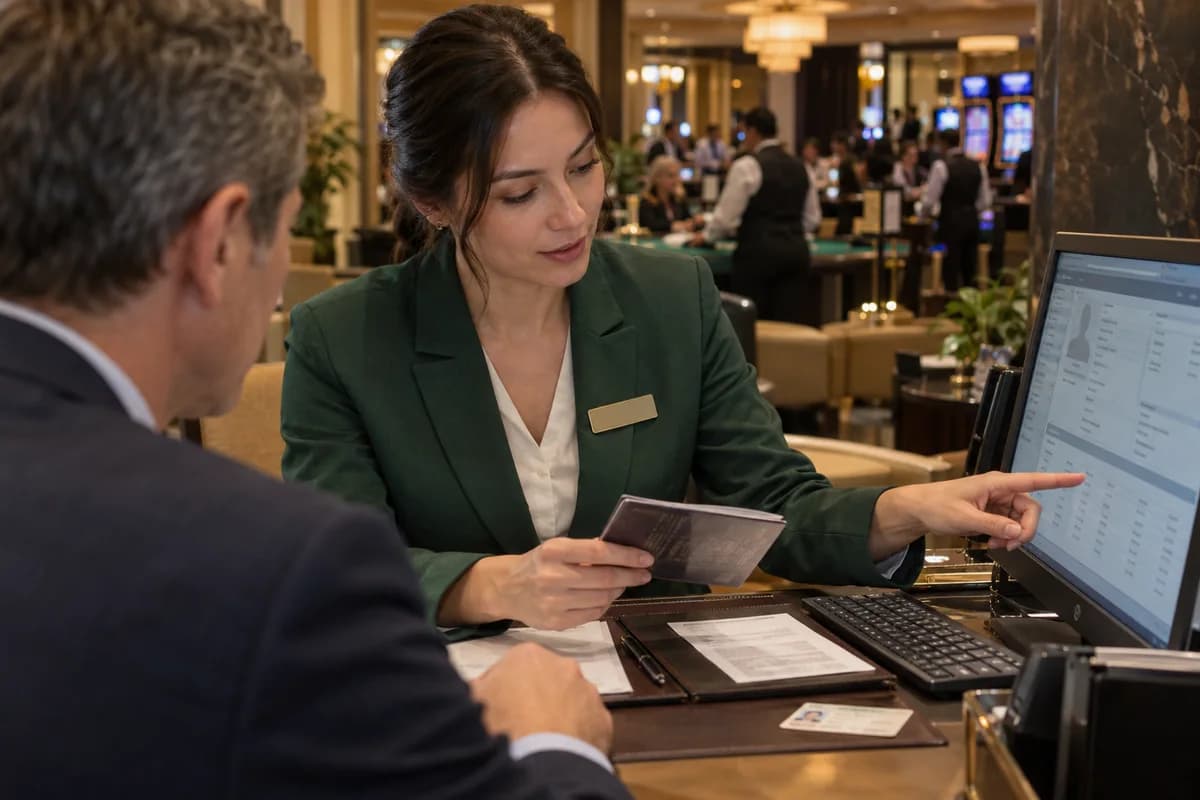
What a hospitality booking records
Every booking begins on the player’s account, not on a separate pad of paper. Guest details travel with the request. Four things are kept for the restaurant, the hotel or the events team. None has to ask the host again.
Bookings from the host’s desk to the restaurant door
Hospitality requests start on the casino floor but end at the restaurant, the front desk and the events team. Four moments show how a request travels. Each one hands the guest’s details to a new reader. The details arrive exactly as the host typed them.
Who raises, who answers, who reads the charge
Bookings touch the casino and the hospitality teams, so views differ by role. Each sees the part that matches its work. Nobody reads a charge that is none of their business.
Decisions to settle before bookings start
Bookings cross into other teams’ territory, so a few choices need agreement first. Settle four points with the hotel, the restaurant and finance before launch. Each point protects a relationship. Put each answer in writing.
How bookings connect to the rest of the product
A booking is the point where the casino meets hospitality. It reads the guest from the account, takes the comp from the offers feature and posts the charge to a department for the reports. Each link spares someone a phone call. Reports then read the posted charge directly. Five links are named below.
- Starts from the player account and its preferences
- Joins a comped dinner or room to its comp
- Posts charges to the department bearing the cost
- Appears in the host’s visit entry for that day
- Adds hospitality takings to the gaming day report
Where hospitality bookings stop
This feature takes requests and posts charges. It is not a hotel property system, a restaurant reservation book or an events planner with floor plans. It does not set room rates or menus. Those stay with the hotel, the kitchen and the events team. A property whose restaurant is run by an outside company may keep its own reservations and link only the charge.
Frequently asked questions
Does it replace the hotel’s booking system?
No. It takes the request from the player record and posts the charge. A feed can link a separate hotel system. Room inventory and rates stay with the hotel. Hotel staff keep working in their own screens.
How does a charge reach the right department?
The booking names the department that bears the cost when it is raised. It posts the charge to that department. Finance reads charges by department without chasing slips. A wrong choice is corrected with a note. The correction stays in the history.
Can a booking be linked to a comp?
Yes. Each comped booking carries its comp, including the approver and the cost. The two records open from each other. A reviewer sees the booking and the approval together. The link works from either side.
Can the restaurant see a guest’s preferences?
It sees the preferences the property chooses to show, such as dietary needs. Other fields on the player record, such as identity documents, stay hidden from restaurant staff. Roles decide this. Hosts do not decide it case by case.
What if a guest cancels a booking?
Marking the booking cancelled needs a reason. The department sees the change. A charge not yet posted is withdrawn. The history keeps the original request, so nobody argues about what was asked. Cancelled bookings stay visible to reviewers.
How this feature fits the system.
Casino Management Software: the parts that work with this feature, the trades that use it and the ways to put it in place.
Player accounts and tiers
Each player is kept as one account with contact details, documents and tier, so host, cage and compliance read the same person.
Contact & Account ManagementComps and offers
Offers are tied to a player’s tier and dates, and each comp redeemed is counted against the player and the department bearing its cost.
Loyalty and OffersCompliance files and approvals
A flagged transaction routes to a named reviewer, who signs off or returns it with a note, and the decision stays on file.
Workflow and ApprovalsTell us what you need.
Tell us what your team does today, where work gets stuck and what you want to change.
What happens after you share your requirements
- We review your brief and the systems you already use.
- We clarify the workflow, missing information and the work to consider first.
- The proposed scope sets out the deliverables, responsibilities and dependencies.
- Review the scope and commercial terms before deciding whether to proceed.
Start with your requirements
Describe your current process, the people involved and the change you need. Start with the details you know; we can clarify the rest together.
Share your requirements