Coworking Billing From Plans, Seats and Room Hours
Invoices are raised from each member’s plan, with seat changes and extra meeting-room hours already added, and GST applied. Payments are marked against the invoice and unpaid balances get reminders.
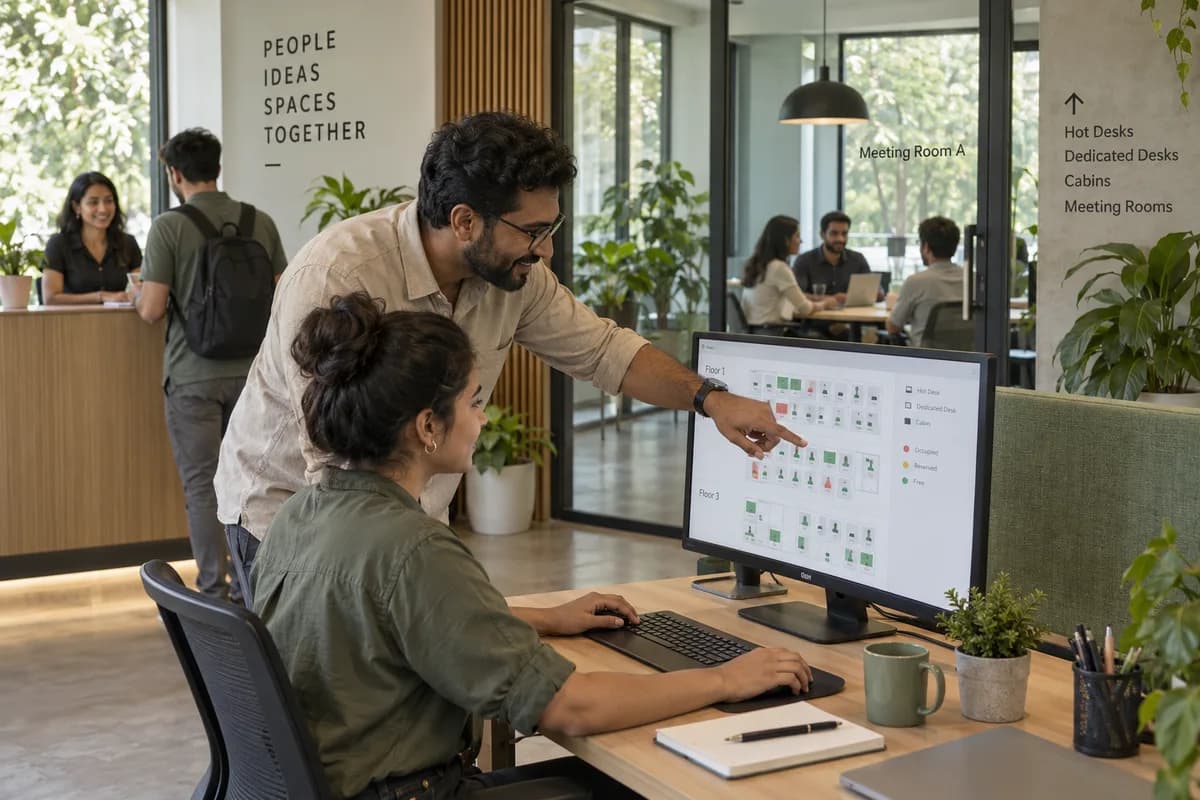
Month end as it is done now
The manager copies seat counts from the desk plan into an Excel invoice, adds GST and checks the total against the bank statement. A company that took two desks mid-month can be billed for the old count. Room hours beyond a plan may be on nobody’s list.
What the billing screen does
Payments and unpaid invoices
What decides the invoice
Three other screens feed this one. Change something there, and the next invoice follows it.
Frequently asked questions
Can it raise GST invoices for every member automatically?
Yes. The monthly run builds each invoice from the member’s plan, adds seat changes and any room hours beyond it, and applies GST. You review the batch before it goes out.
Does it work with Tally?
Yes. Invoices and receipts can be exported for Tally, or linked during set-up, so no figure is retyped. Your accountant works as before.
What happens when a company changes its seat count mid-month?
The change goes on the member record the day it happens, and the next invoice carries it. The company is billed for the seats it holds.
How do members pay?
By UPI, through a payment gateway or by bank transfer. Each payment is marked against the invoice it settles, so the outstanding list stays current.
What does the coworking billing software cost?
It depends on how many centres you run and which parts you switch on. No figure is published. A demo comes first, then a written proposal with the number on it.
Tell us what you need.
Share your requirements and one of our engineers will come back to you within one business day.
- No obligation
- A reply within one business day
- Your details stay private
Start with your requirements
Seven short steps that tell us what you need. An engineer reads them before getting in touch.
Share your requirements