Counter billing and exchanges for outdoor shops
Counter billing lets staff in an outdoor shop scan a boot, a jacket or a tent, take payment and print the bill. When a customer returns for a different size, the exchange is taken against the original sale. A credit note puts the returned variant back on the shelf.
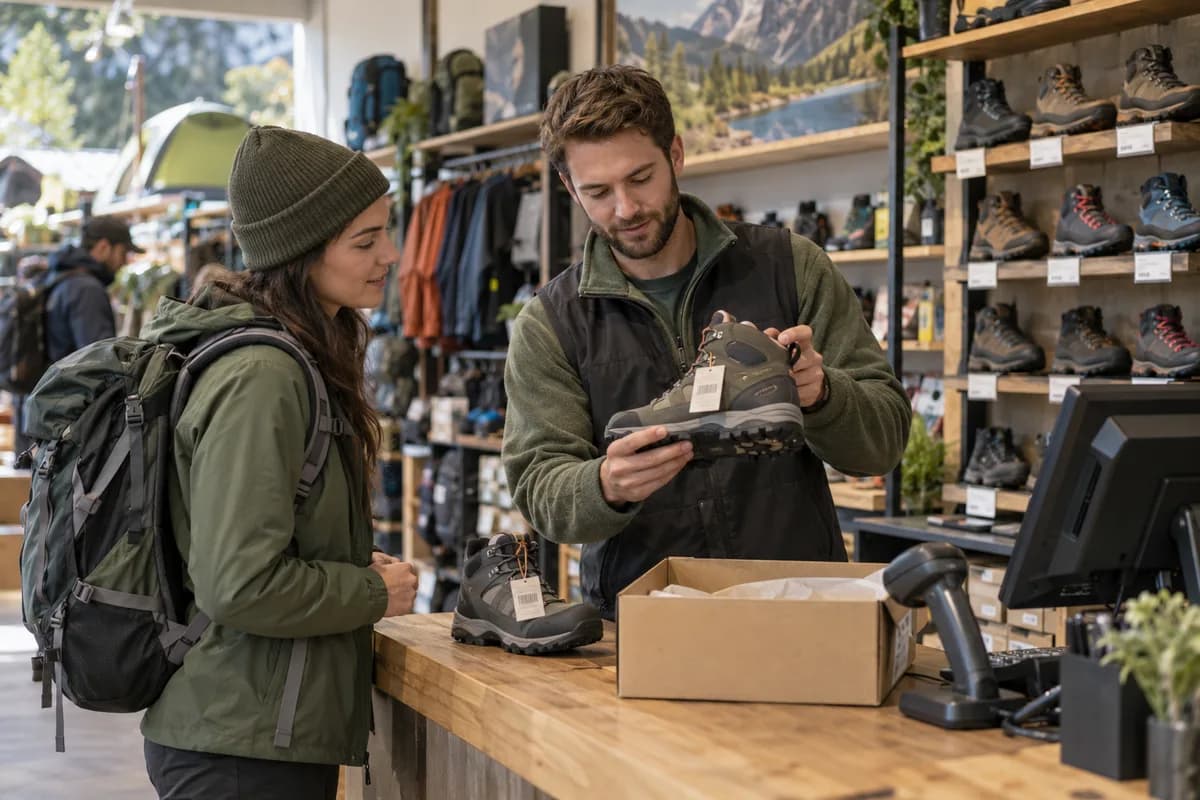
What a counter bill and an exchange keep
Every bill is a list of scanned variants with the price paid. An exchange adds a second record that points back to the first. Together they show what left the shop, what came back and what changed hands. Both stay on file.
A day at the till in an outdoor shop
Counter work in an outdoor shop swings between a quiet browse and a queue of customers buying tents before a trip. Billing has to be quick and exact. Four moments from a busy day show the feature at work, from the first scan to the last credit note.
Who bills, exchanges and reviews
Counter billing touches more people than the till. Staff take the sale, the buyer reads what is returned, and the owner watches takings. Each role sees what it needs from the same bills.
Settling till, exchange and credit note rules
Exchanges and credit notes touch money and stock at once, so the rules deserve a short meeting before the first bill is printed. Four questions cover them. Answer them with the owner and the counter lead.
How the till links to stock and serials
At the counter, stock, price and customer meet. Every bill reads the variant master and the stock count, and every credit note writes back to them. Warranty serials and markdowns are picked up at the same moment. Each link is listed below. The till is the busiest reader in the shop.
- Variant master supplies each price and size
- Barcode scanning fills the bill line by line
- Shop and web stock falls at each sale
- Warranty serials are captured on tents and stoves
- Markdown prices set on the variant show at the till
Where counter billing stops
This feature bills and exchanges. It does not decide return policy, judge whether a boot was worn or settle a dispute with a customer. Those calls stay with the owner and the counter lead. Tax treatment on a bill is confirmed for each country with an adviser during installation. A stall that sells a few items can use a card reader and a notebook.
Frequently asked questions
Can a customer exchange without the original bill?
Exchanges are taken against the original sale, so the bill or its number is needed. Staff search by date, brand or variant when a customer has lost the paper. The shop decides what proof it accepts.
What happens to stock when a size is exchanged?
The returned variant goes back on the shelf through the credit note. The new variant is issued and its count falls. Both movements are on one record. Counts for the other sizes do not change.
How is a price difference on an exchange settled?
The difference between the credit and the new item is calculated on the exchange record. The customer pays any balance or receives the difference as the shop decides. The record shows the figure. Both amounts appear on the record.
Can staff bill a tent that has a serial number?
Tents, stoves and headtorches are scanned with their serial at sale. The serial is recorded with the sale. Serials are scanned, not typed. A later claim to the brand can then name the invoice, the serial and the fault.
Does the till work for web and dealer sales?
Walk-in sales belong to the counter. Web orders and dealer orders have their own features and draw on the same stock count. Their bills and credit notes follow the same variant records. Credit notes return stock to the same count.
How this feature fits the system.
Outdoor Goods Store Management Software: the parts that work with this feature, the trades that use it and the ways to put it in place.
Item and variant master
Each product holds its brand, sizes, colours and price, and every variant gets its own code so stock is counted at the exact size.
Product ManagementBarcodes and labels
Barcodes and shelf labels are printed per variant and scanned at receipt and at the counter, then reprinted whenever a price changes.
Barcodes and LabelsShop, web and dealer stock
The shop, stockroom and web shelf keep separate counts that each location can see, so a boot size sold in one place is visible everywhere.
Multi-Outlet StockTell us what you need.
Tell us what your team does today, where work gets stuck and what you want to change.
What happens after you share your requirements
- We review your brief and the systems you already use.
- We clarify the workflow, missing information and the work to consider first.
- The proposed scope sets out the deliverables, responsibilities and dependencies.
- Review the scope and commercial terms before deciding whether to proceed.
Start with your requirements
Describe your current process, the people involved and the change you need. Start with the details you know; we can clarify the rest together.
Share your requirements