Online orders and shipping for outdoor retail
Online orders and shipping take each web order for boots, jackets or tents and turn it into a packed parcel. Staff pick from variant stock, pack, and hand the parcel to the carrier. Tracking details are stored on the order, so a customer who asks where it is gets an answer.
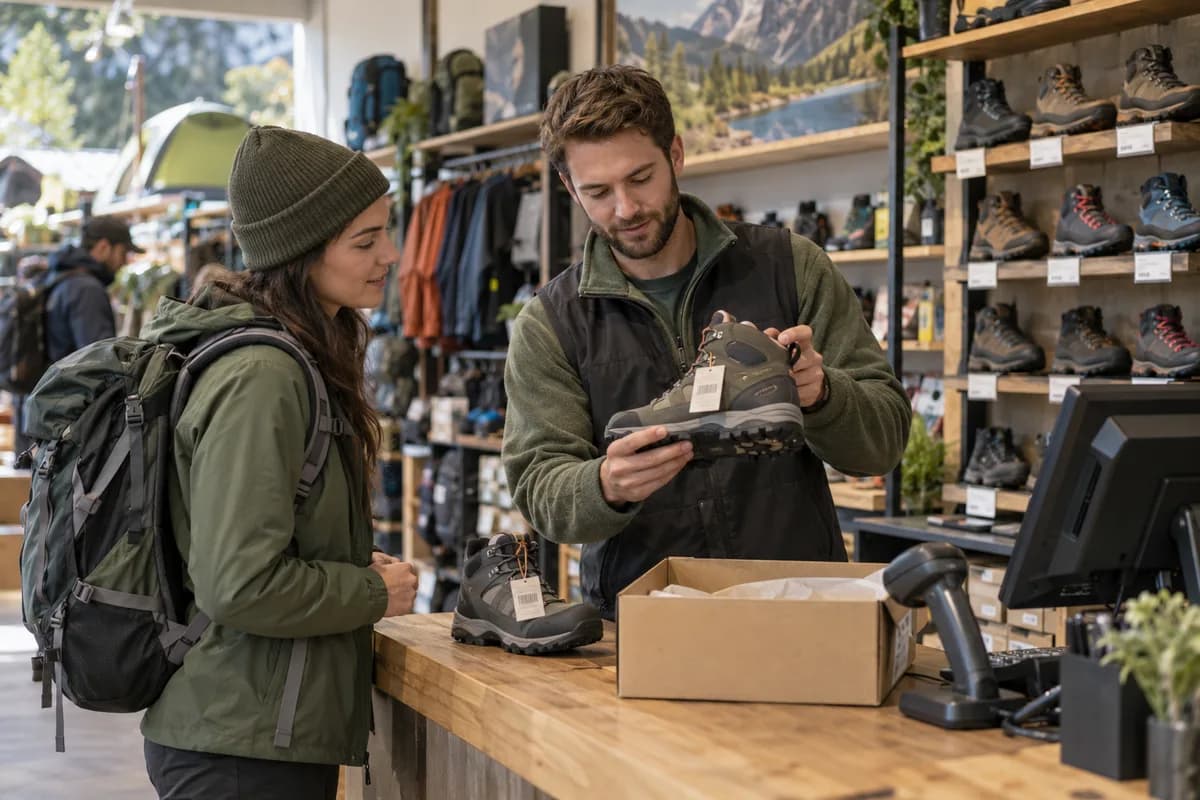
What a web order record carries
A web order is a basket of variants with an address and a payment behind it. It has to move from the web store to a shelf, a box and a van. Each stage adds something to the record. Four parts follow.
A packing day for the web team
Packing runs in batches, between customers at the counter and cartons from suppliers. Gaps in the day are for parcels. A parcel for a tent and a parcel for gaiters need different boxes. Four moments from a packing day show how an order travels from the screen to the van.
Who picks, packs and answers questions
Several roles touch a web order. Packers pack, counter staff cover calls, and the owner looks for patterns. Each sees what the work needs, and no more than that. Four roles are described below.
Settling web order and shipping rules
Web orders touch the store, the courier and the stockroom. A few choices made early keep the three in step. Four are listed. Settle them with the web team and the stockroom manager before any order is received.
How web orders link to stock and parcels
A web order starts in the web store and ends with the carrier. On the way it uses the same variants, stock count and price rules as the shop. The links are named below. Five of them matter for web orders. A change in any one of them shows in the others.
- Item and variant master supplies sizes and colours to the web store
- Shop, web and dealer stock holds units for each order
- Barcodes and labels are scanned at picking
- Credit notes return a variant to the shelf
- Warranty serials are recorded on tents and stoves
Where online order handling stops
This feature moves an order from receipt to hand-over. It does not run the web store, set carrier rates or promise a delivery date. Carrier charges, customs rules and what a customer is owed for a late parcel belong to the owner and the carrier. Boxes are still packed by people. Delivery dates are the carrier’s. A shop that sells only a few items a week online can pack by hand.
Frequently asked questions
Does the web store use the same stock as the shop?
Both draw on one count by variant, and web orders lower it as they are picked. Stock can be reserved for the web store. The link between the store and the product is scoped during implementation.
Can staff pick from variant stock by size and colour?
Each order line names the exact variant, so a picker looks for a size and a colour rather than a general product. A scan confirms the pick. A wrong variant is found before packing. Sizes are not guessed.
Where are tracking details stored?
On the order itself. When the parcel is handed to the courier, the carrier and tracking details are saved there. Counter staff and the web team read them from the same place when a customer asks.
Can we see which web orders are waiting?
The list of web orders to pack shows each order’s status and age, so the oldest can be packed first. The owner can read the same list. Nothing waits unseen behind a busy counter. Age is shown beside each order.
What happens when a web customer returns an item?
A returned variant goes back on the shelf through a credit note. The customer’s refund is a matter for the payment gateway, which handles the money itself. Staff record the stock side. Web returns are counted like any other.
How this feature fits the system.
Outdoor Goods Store Management Software: the parts that work with this feature, the trades that use it and the ways to put it in place.
Item and variant master
Each product holds its brand, sizes, colours and price, and every variant gets its own code so stock is counted at the exact size.
Product ManagementBarcodes and labels
Barcodes and shelf labels are printed per variant and scanned at receipt and at the counter, then reprinted whenever a price changes.
Barcodes and LabelsShop, web and dealer stock
The shop, stockroom and web shelf keep separate counts that each location can see, so a boot size sold in one place is visible everywhere.
Multi-Outlet StockTell us what you need.
Tell us what your team does today, where work gets stuck and what you want to change.
What happens after you share your requirements
- We review your brief and the systems you already use.
- We clarify the workflow, missing information and the work to consider first.
- The proposed scope sets out the deliverables, responsibilities and dependencies.
- Review the scope and commercial terms before deciding whether to proceed.
Start with your requirements
Describe your current process, the people involved and the change you need. Start with the details you know; we can clarify the rest together.
Share your requirements