Warranty serials and claims for outdoor gear
Warranty serials and claims record the serial number of a tent, canister stove or headtorch when it is sold. If it fails, the shop sends a claim to the brand with the invoice, the serial and the fault, and tracks its status. A torn seam is no longer rejected for missing proof.
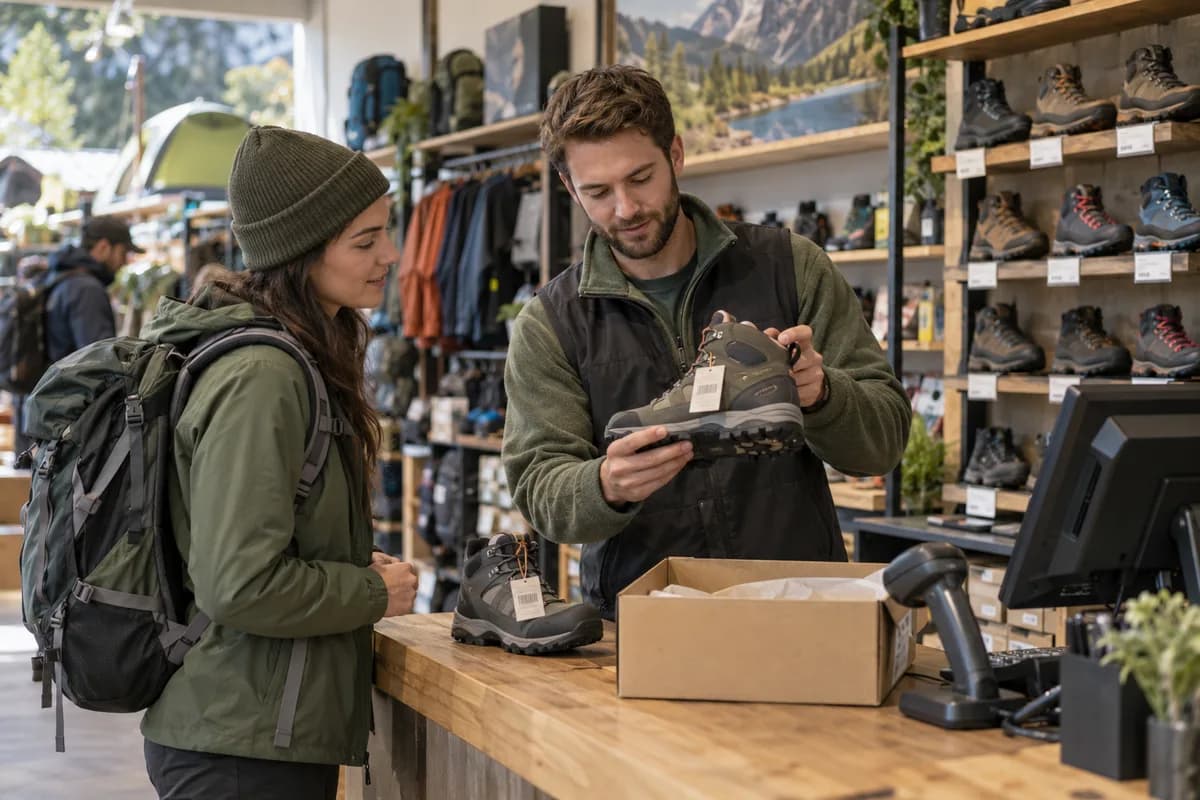
What a warranty record keeps together
A warranty claim is accepted or refused on the quality of its proof. Proof is gathered at the moment of sale. When a fault appears months later, the shop is not hunting through drawers and inboxes. That is the whole purpose.
From sale to claim across a trading year
Warranty work has two ends. One is the quick scan at the till. The other is a customer at the counter, much later, with a broken item. Four moments show how the serial connects them. Each claim begins with a sale.
Who records and who follows up
Several people touch a claim. The one at the till captures the serial, the one at the counter opens the claim, and the buyer deals with the brand. Each sees what the work requires.
Settling serial and claim rules before set-up
Warranty rules vary by brand and are set by the brand. A shop’s part is to decide who records what, and which items carry a serial. Settle these questions before the first sale is billed. Four choices follow.
How serials link to sales and brands
A serial is captured at sale and read again at claim. In between, it rides along with the variant. The links below show where the warranty record takes from the other features and where it hands to them. Five are named. None of it is retyped.
- Counter billing captures the serial and the invoice
- Item and variant master marks which products carry serials
- Supplier terms hold each brand’s warranty rules
- Exchanges and credit notes link to the same sale
- Goods receipt notes faulty stock found on arrival
Where warranty serials and claims stop
The product records proof and tracks claims. It does not decide whether a fault is covered, set a brand’s warranty period or promise a customer a replacement. That decision is the brand’s. Consumer rights and what the shop owes a customer under local law are matters for an adviser. A shop that sells no serialled items can skip this feature.
Frequently asked questions
Which outdoor items should carry a serial number?
Items that a brand warrants individually are the usual choice, such as tents, canister stoves, headtorches and lanterns. That choice is made during set-up. Items without serials are still billed as normal. Serials are scanned at sale.
What does a claim to the brand contain?
A claim holds the invoice, the serial and a description of the fault. Staff send it to the brand and update its status as replies arrive. The record keeps every note against the claim. Each call to the brand is noted.
Can we trace a serial back to one customer?
It is stored with the bill it was sold on, so the invoice and the buyer are one search away. That link is what the brand asks for. Customer details are held with the sale record.
What if a customer has lost their invoice?
Staff can search by serial or by the item and date. The sale record then supplies the invoice again. Sending a copy is the shop’s call. Deciding the claim stays with the brand. The sale record rebuilds the proof.
Does it tell us when a claim is overdue?
Open claims are listed by brand and serial, so a claim that has sat unanswered can be found and chased. The product does not decide how long a brand should take. That expectation is set by the buyer.
How this feature fits the system.
Outdoor Goods Store Management Software: the parts that work with this feature, the trades that use it and the ways to put it in place.
Item and variant master
Each product holds its brand, sizes, colours and price, and every variant gets its own code so stock is counted at the exact size.
Product ManagementBarcodes and labels
Barcodes and shelf labels are printed per variant and scanned at receipt and at the counter, then reprinted whenever a price changes.
Barcodes and LabelsShop, web and dealer stock
The shop, stockroom and web shelf keep separate counts that each location can see, so a boot size sold in one place is visible everywhere.
Multi-Outlet StockTell us what you need.
Tell us what your team does today, where work gets stuck and what you want to change.
What happens after you share your requirements
- We review your brief and the systems you already use.
- We clarify the workflow, missing information and the work to consider first.
- The proposed scope sets out the deliverables, responsibilities and dependencies.
- Review the scope and commercial terms before deciding whether to proceed.
Start with your requirements
Describe your current process, the people involved and the change you need. Start with the details you know; we can clarify the rest together.
Share your requirements