Scan and Lab Results for Urology Clinics
Urology runs on results: ultrasound and CT reports, urine and blood tests, uroflowmetry traces and biopsy findings. This feature attaches each one to the right patient and date, and flags every result a urologist has not yet reviewed. Nurses and the desk match incoming reports, and urologists work from the flagged list.
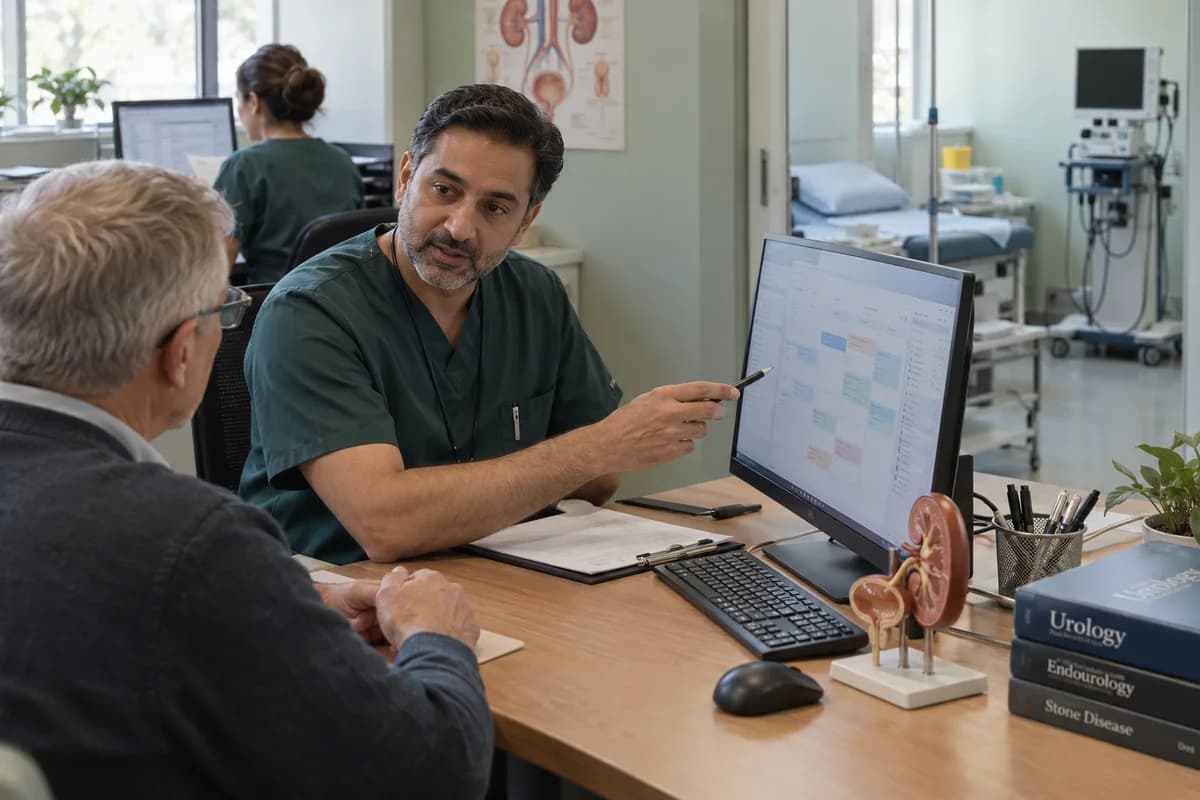
Results coming in through a urology day
Reports reach a urology clinic by post, email and portal, and they arrive at different times from the visit that ordered them. A kidney scan may be back before the patient has left. A biopsy takes far longer. The clinic needs the same handling for both.
Filing a scan: patient, date and reviewer
An entry has to answer three questions at a glance: whose is it, when was it taken, and has a doctor read it. Fields on the entry carry those answers. They cover scans, urine and blood reports, uroflowmetry and biopsy findings. The original stays beside them. Nobody relies on a retyped summary.
Who looks at results, and for what
Several hands touch a result before it reaches a decision. Filing is one job. Reading is another, done by different people. Each role sees a different cut of the same results, and only its own.
How results feed pathways and letters
Few results end the story. Once reviewed, a result changes a plan, moves a pathway date or goes into a letter to the referring doctor. Orders raised in consultation create the entries that results wait against. Traffic runs in both directions, into the results list and out of it.
- Orders from the consultation create entries awaiting results
- Pathways take the next test and review date
- Referring doctors’ letters quote reviewed findings
- Recalls list patients whose repeat scan is due
- Patient chart shows results beside each visit
Who reads, who matches: result decisions
Result handling looks simple until two urologists share a list and a biopsy arrives late on a Friday. These choices are the ones left open too long. Settle them early. Include the nurses who do the filing.
What result filing cannot do
The feature files results and flags those unread. It does not interpret a scan, rate a finding or tell a urologist what to do next. A lab or imaging centre stays responsible for its own report. Reading, deciding and informing the patient remain with the doctor. A clinic that orders few tests can keep reports in a folder.
Frequently asked questions
How are results matched to the right patient?
The desk or a nurse attaches each report to the patient and the date of the test. Doubtful matches are passed to a nurse. That report stays attached, so a match can always be checked.
Can a urologist see only results not yet reviewed?
Yes. Results not yet reviewed are flagged and listed together, whichever kind they are. One pass clears them. A urologist can work through the whole list. Each leaves that list once the person responsible marks it as reviewed.
Can biopsy and uroflowmetry findings be attached?
Yes. Scans, urine and blood reports, uroflowmetry and biopsy findings are all attached to the patient and the date. Scanned paper and files received by email can be added too. The route makes no difference.
What if a lab report never arrives?
Tests ordered at the visit stay on a list of results awaited until the report is attached. That list shows what is outstanding and for whom. A nurse chases the lab. The system cannot make it send.
Does a result alert reach the patient automatically?
No. The flag is for the urologist, not the patient. Telling the patient is a clinical step. A urologist or a nurse does it, and may then send a message from the reminder screen if the clinic wishes.
How this feature fits the system.
Urology Clinic Management Software: the parts that work with this feature, the trades that use it and the ways to put it in place.
Appointments by urologist and room
Consultations, procedure room sessions and reviews are booked by urologist and room, with urgent slots held back for same-day cases.
Appointment SchedulingScan and lab results
Scan reports, urine and blood results and biopsy findings attach to the patient and date, and unreviewed ones are flagged.
Document ManagementEstimates, billing and part payments
Procedures are quoted before booking, and the estimate shows the doctor’s fee and hospital charges as separate lines.
Estimate/Quotation ManagementTell us what you need.
Tell us what your team does today, where work gets stuck and what you want to change.
What happens after you share your requirements
- We review your brief and the systems you already use.
- We clarify the workflow, missing information and the work to consider first.
- The proposed scope sets out the deliverables, responsibilities and dependencies.
- Review the scope and commercial terms before deciding whether to proceed.
Start with your requirements
Describe your current process, the people involved and the change you need. Start with the details you know; we can clarify the rest together.
Share your requirements