Android App Development Services
Android app development covers apps for field staff, delivery teams and counters, built to run on older handsets with limited storage and weak signal. Distribution can be through the Play Store or directly.
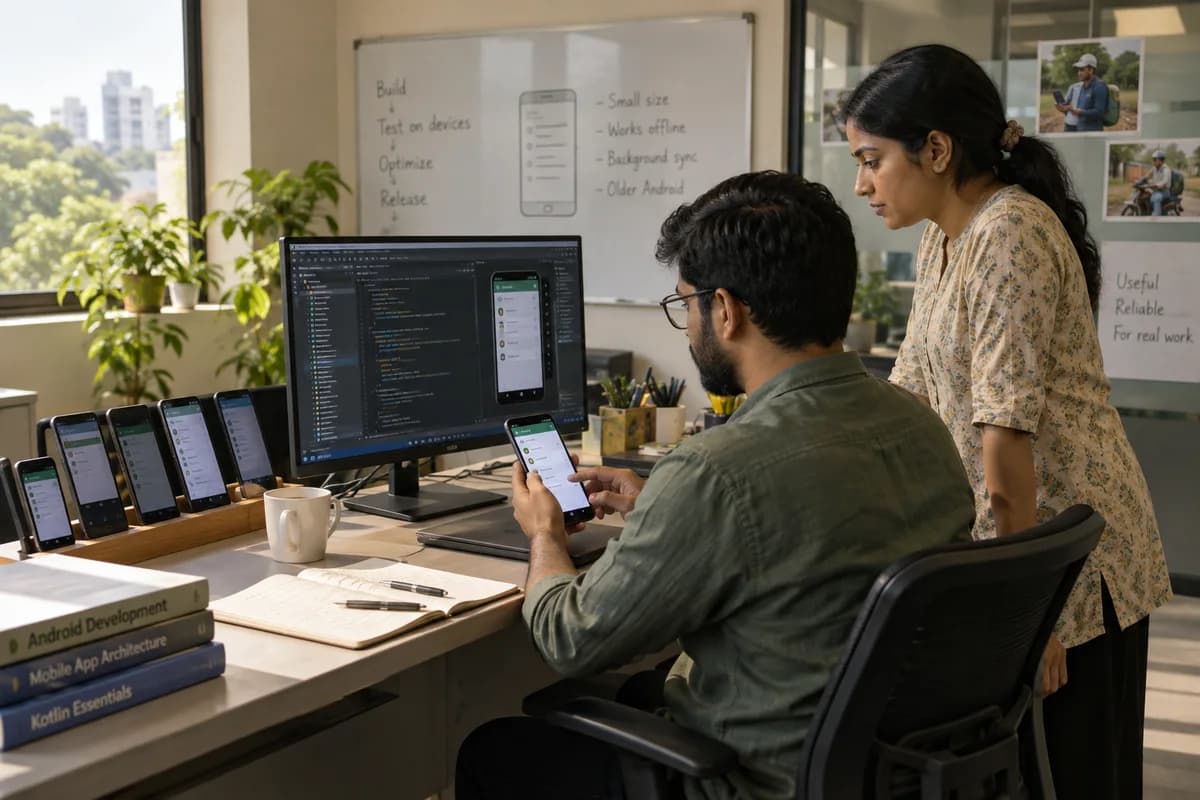
Designing for the handsets in use
What the platform provides
Releasing on the Play Store
Android issues that decide the build
Android runs on thousands of handset models, and the app has to behave on the ones your users hold.
Moving from a prototype to Play
Publishing is a set of small jobs that are easy to leave until the last week.
Signs the app is ready for staff
Readiness shows in small details, not a launch date.
A day with an Android app in the field
An Android app lives on shared, modest handsets that get dropped, dimmed and left without signal. Staff want it to open quickly and forgive mistakes. This is how a delivery or service team might use it across one day. Mistakes must be cheap.
What the owner settles before the first build
Android apps get used by whoever holds the phone, so a few rules should be agreed before any screen is designed. Settle them early.
Agree the evidence before signing off this part.
Use a representative scenario to decide what this part of the system must show and where review is still needed.
Permissions
Can an ordinary account reach a record outside its allowed scope?
For “Permissions”, agree two accounts with different permissions and test direct requests. Record the expected refusal and include exported or downloaded data in the assessment.
Background reading: OWASP: authorisation checks
Moving from a prototype to Play
Can someone correct a mistake without losing their earlier work?
Use “Moving from a prototype to Play” to test an incomplete submission with keyboard-only input. Check the error wording and retained values before signing off the screen.
Background reading: W3C: usable form validation
Frequently asked questions
Does Android app development cover tablets too?
Yes, where the work calls for it. A counter tablet and a phone can share one app with different layouts, if both screens are considered from the first design.
Can staff install the app without the Play Store?
Yes. Internal apps go out as a file or through a managed channel, which suits anything only your own team should open.
Will it run on an old Android version?
Within limits. The oldest supported version is agreed before the build, because reaching further back takes effort away from the screens used every day.
Kotlin or Java for a new Android app?
Kotlin is the usual choice for new work and the language most current Android documentation shows. Java code in an older app can stay and be mixed with Kotlin as it is touched.
Will it run on cheap phones?
It can, if built with them in mind. Memory, storage and network use are kept modest and the app is tried on low-end devices.
Can we distribute without the Play Store?
Yes. A signed file can be shared with staff directly, or managed through a device management tool. Public customers are better served through the store.
Do we get the source code?
Yes. Source, keys and build steps are handed over, and the repository is in your account.
Tell us what you need.
Tell us what your team does today, where work gets stuck and what you want to change.
What happens after you share your requirements
- We review your brief and the systems you already use.
- We clarify the workflow, missing information and the work to consider first.
- The proposed scope sets out the deliverables, responsibilities and dependencies.
- Review the scope and commercial terms before deciding whether to proceed.
Start with your requirements
Describe your current process, the people involved and the change you need. Start with the details you know; we can clarify the rest together.
Share your requirements