Business solutions for Bakeries
Explore software for work such as “Birthday and celebration cakes”. Review each business function below, including when it fits and what to check before implementation.
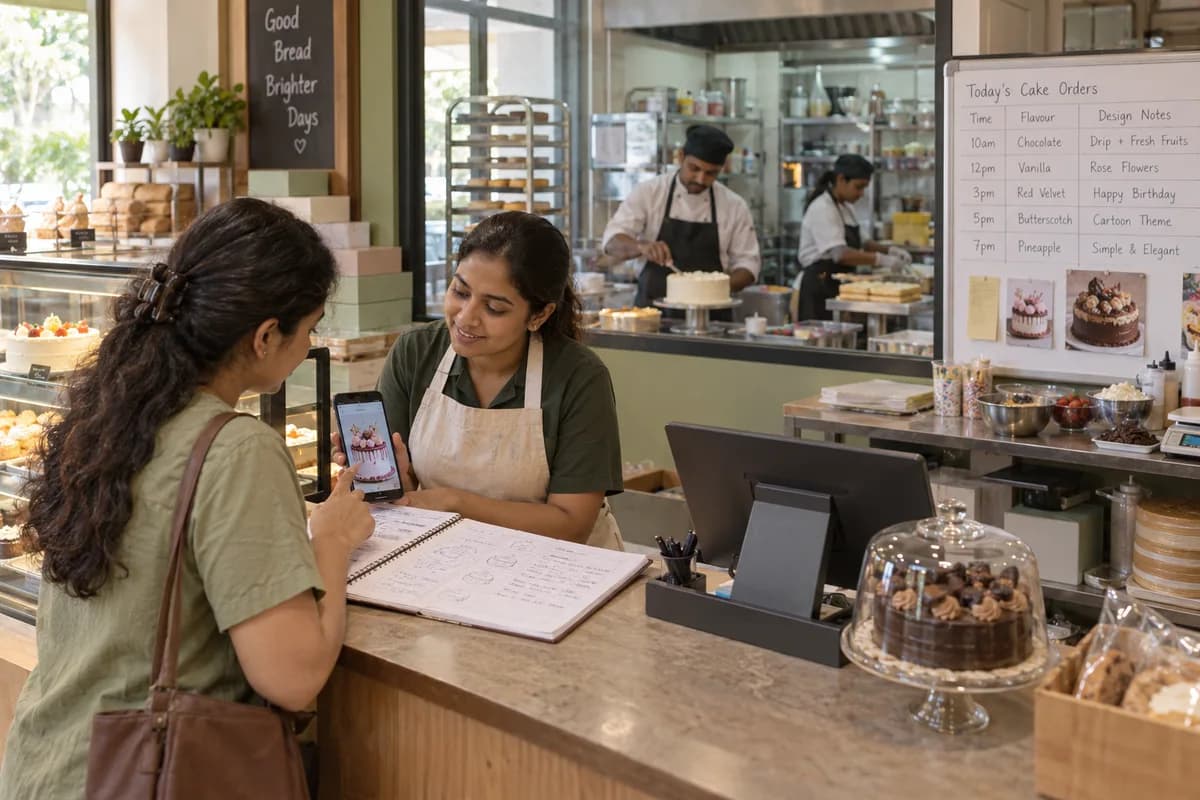
How the business operates.
A bakery sells bread, puffs and cakes over the counter, takes birthday cake orders by phone and fulfils delivery-platform orders. Each of these channels keeps its own record of what was sold.
The records that hold the operation together.
- Recipe costing from your own ingredients. Each product carries its recipe: ingredient quantities, yield per tray and the loss you expect in baking. With the latest supplier rate beside each ingredient, the ingredient cost of a tray and of a single piece can be read off. Labour, gas and packing are your own add-on rates, set once. When butter or cocoa moves, the cost view moves with the rate.
- Custom cake orders. Each cake slip records flavour, weight, inscription, design notes, advance paid, balance and pickup time. The counter reads out status to a caller. The kitchen sees which cakes are due today and which need a name piped. Repeat orders are copied from the last one.
- Daily production planning. Confirmed cake orders, standing café and hotel orders and your usual weekday counter quantities are added into one list of trays per item. The head baker loads the ovens from it. Unsold and binned stock at close feeds the next plan.
- Ingredient inventory. Flour, sugar, butter, cream and boxes fall as batches are logged, each with a reorder level. The plan is checked against the store the evening before, and a shortfall raises a purchase order to the supplier. Spoiled or dropped stock is recorded as wastage.
- Billing, GST and FSSAI records. Counter sales and standing orders are billed from one item list with tax invoices, and each wholesale customer’s balance shows before the next bill. Your GST rates and your FSSAI licence or registration details are held as records on the bill and in the batch log. The system keeps the records. Your accountant advises on the rules.
- Suppliers and purchase orders. Purchase orders go to flour mill, dairy and box suppliers, and each is tracked for what arrived, what came short and what is still due.
- Customers and order history. Regular customers and wholesale buyers are kept with their past orders and preferences, so a repeat order for the same eggless pineapple cake is quick to book from the last one.
- Loyalty points. Points or discounts are recorded at the counter for regular customers, and the owner sees who bought a birthday cake last year and has not been back since.
Operational bottlenecks to check
Custom cake orders are missed
An order is taken at one outlet while the design photo reaches a chef who is off that day. The customer arrives for a cake that was not made. The advance goes back.
Production is planned by estimate
Without sales by item and day, the kitchen guesses. Some items sell out by noon while others sit on the shelf. Waste and stock-outs happen together.
Wastage is not counted
Sales returns from outlets and items past their shelf life are discarded without a record, so it is unclear which item is losing money. Nothing shows which outlet over-ordered.
Raw material runs out mid-bake
Fresh cream, cake boxes or candles finish on a busy day because stock was not tracked against production. The bake stops for a delivery.
Follow the work across teams.
This is a planning flow. Confirm the steps, owners and approval rules against your actual operation.
Roles and responsibility boundaries.
Reports your managers need.
- Sales by product, by outlet and by hour of the day
- Wastage and unsold stock by product and by day
- Custom cake orders due today and this week
- Café, hotel and canteen dues outstanding
- Ingredient use against bake quantities
- Supplier deliveries that arrived short or late
- Batch log by date, product and baker
Connections to scope
- Accounting export
- SMS
- Payment links and gateways
Confirm data access, record ownership and the exchange method for each connection. Inclusion here does not mean every connection is available in a standard package.
Setup decisions and adoption risks.
Use these requirements to plan phases, data migration and user training. Agree the release sequence after reviewing your current systems.
Limitations to settle before implementation
- If you only need a billing counter and a tax receipt, a ready billing app costs less and does the job.
- It is not a factory production system for packaged-food plants running automated lines.
Modules to consider first.
These functions connect to the operating model above. Confirm each one against the work your business actually runs.
Choose the operation you want to improve.
Use these activities to explain your scope. Your business does not need every function in the directory.
- Birthday and celebration cakes
- Wedding cakes and dessert tables
- Artisan breads and pastries
- Festive sweets and gift hampers
- Eggless and dietary-specific ranges
- Bulk corporate and office orders
Explore the business functions.
Production, stock, fleet and recurring billing functions apply only where your business runs those activities. Read the suitability conditions on each page.
Project Management
Retail and POS
CRM
Human Resources
Manufacturing
Inventory Management
Start with the problem your team can describe.
Bring a sample record and show where information is copied, missed or waiting for approval. Scope the first useful change from there.
What happens after you share your requirements
- We review your brief and the systems you already use.
- We clarify the workflow, missing information and the work to consider first.
- The proposed scope sets out the deliverables, responsibilities and dependencies.
- Review the scope and commercial terms before deciding whether to proceed.
Start with your requirements
Describe your current process, the people involved and the change you need. Start with the details you know; we can clarify the rest together.
Share your requirements