Business solutions for Beverage manufacturers
Explore software for work such as “Retail outlet and cooler placement”. Review each business function below, including when it fits and what to check before implementation.
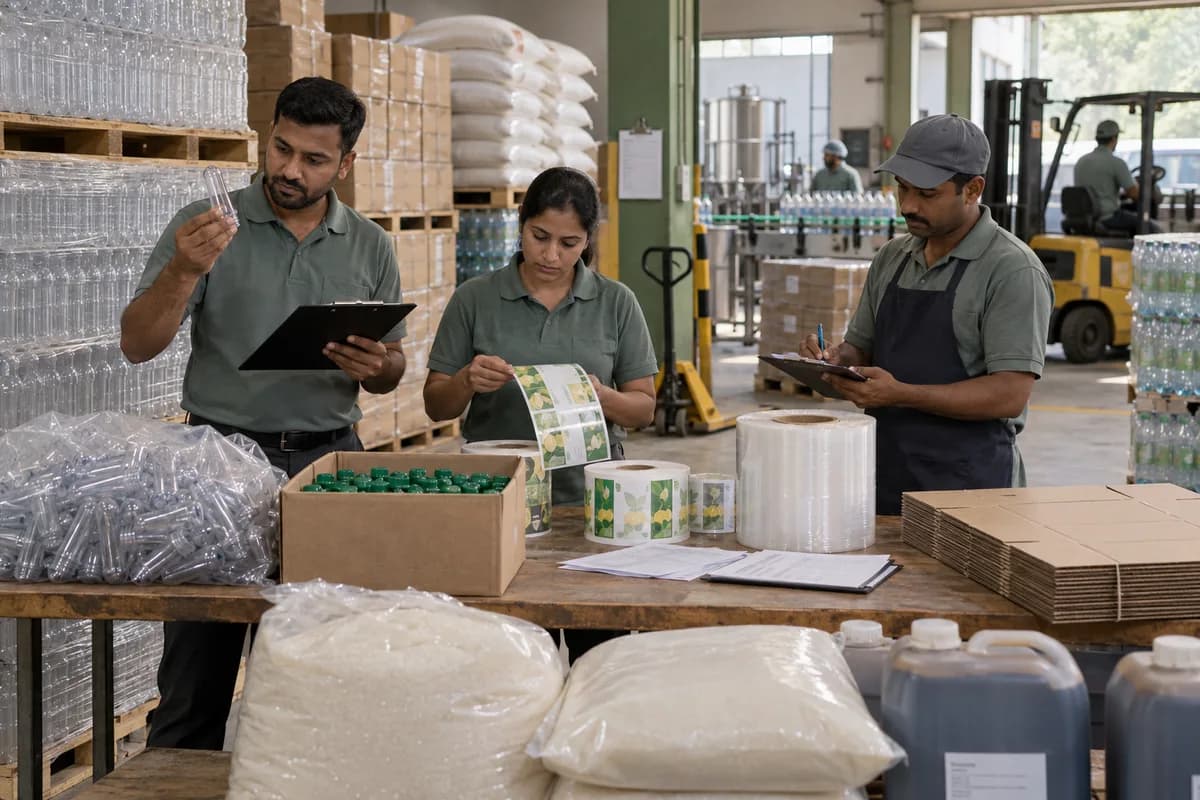
How the business operates.
You buy preforms, caps, labels, sugar, concentrate and treated water, blend and fill in batches, and sell to distributors, retail outlets and institutions. Your result depends on breakage, empties returned and what each line actually filled in a shift.
The records that hold the operation together.
- Ingredient and packaging lot receipts
- Blend version, batch sheet and filling record
- Quality readings and release decision
- Finished-goods batch and dispatch note
- Crate, bottle or jar movement and customer deposit
Operational bottlenecks to check
A batch cannot be traced to its materials
The batch code, the syrup sheet and the cap and label lots sit in different registers, and one of them is missing when a complaint comes in. The distributor waits for answers.
Empties and deposits do not reconcile
Crates, returnable bottles and jars go out on vans and come back short, while the deposit ledger is a notebook. The team cannot reconcile the containers held by each outlet.
Line output is counted after the shift
Fill counts, rejections and changeover stops are written on a sheet at the end of the shift, so a stoppage is hard to tie to a cause. Stoppages are remembered, not recorded.
Packing material runs short without warning
Preforms, caps and labels are reordered when somebody notices a low stack, and a line stops while it waits for cartons. Dispatch waits on the line.
Distributor claims are hard to check
Breakage, leakage and expiry claims arrive on paper, and each side remembers the scheme differently. Accounts approve what they cannot verify.
Follow the work across teams.
This is a planning flow. Confirm the steps, owners and approval rules against your actual operation.
Roles and responsibility boundaries.
Reports your managers need.
- Batch yield and packaging consumption
- Filling rejects by line and reason
- Stock by batch and remaining shelf life
- Returnable containers and deposits by customer
Connections to scope
- Accounting: approved invoices, credit notes and deposits
- Wholesale ordering: customer rates, orders and dispatch status
- Quality records: batch readings and authorised release
Confirm data access, record ownership and the exchange method for each connection. Inclusion here does not mean every connection is available in a standard package.
Setup decisions and adoption risks.
Use these requirements to plan phases, data migration and user training. Agree the release sequence after reviewing your current systems.
Limitations to settle before implementation
- Quality staff choose specifications and release decisions; software does not determine product safety.
- Returnable-container ledgers and batch extensions require explicit scope when absent from the selected production product.
Modules to consider first.
These functions connect to the operating model above. Confirm each one against the work your business actually runs.
Choose the operation you want to improve.
Use these activities to explain your scope. Your business does not need every function in the directory.
- Retail outlet and cooler placement
- Dealer and sub-dealer appointment
- Contract bottling and private label
- Event, wedding and caterer supply
- Canteen, hospital and corporate supply
- Modern trade and quick commerce listings
- New flavour or pack launch
- Winter and off-season products
- Export and neighbouring state entry
Explore the business functions.
Production, stock, fleet and recurring billing functions apply only where your business runs those activities. Read the suitability conditions on each page.
Manufacturing
Bill of Materials
Define the materials and quantities needed for a manufactured item.
View workflow and suitability →Job Work Management
Track material sent to an outside processor and returned after work.
View workflow and suitability →Production Planning
Plan manufacturing quantities against demand, materials and capacity.
View workflow and suitability →Quality Control
Record specified inspections and the disposition of checked goods.
View workflow and suitability →Work Order Management
Track a production job from material issue to completed output.
View workflow and suitability →
CRM
Inventory Management
Start with the problem your team can describe.
Bring a sample record and show where information is copied, missed or waiting for approval. Scope the first useful change from there.
What happens after you share your requirements
- We review your brief and the systems you already use.
- We clarify the workflow, missing information and the work to consider first.
- The proposed scope sets out the deliverables, responsibilities and dependencies.
- Review the scope and commercial terms before deciding whether to proceed.
Start with your requirements
Describe your current process, the people involved and the change you need. Start with the details you know; we can clarify the rest together.
Share your requirements