Business solutions for Cloud kitchens
Explore software for work such as “Menu and dish catalogue management”. Review each business function below, including when it fits and what to check before implementation.
How the business operates.
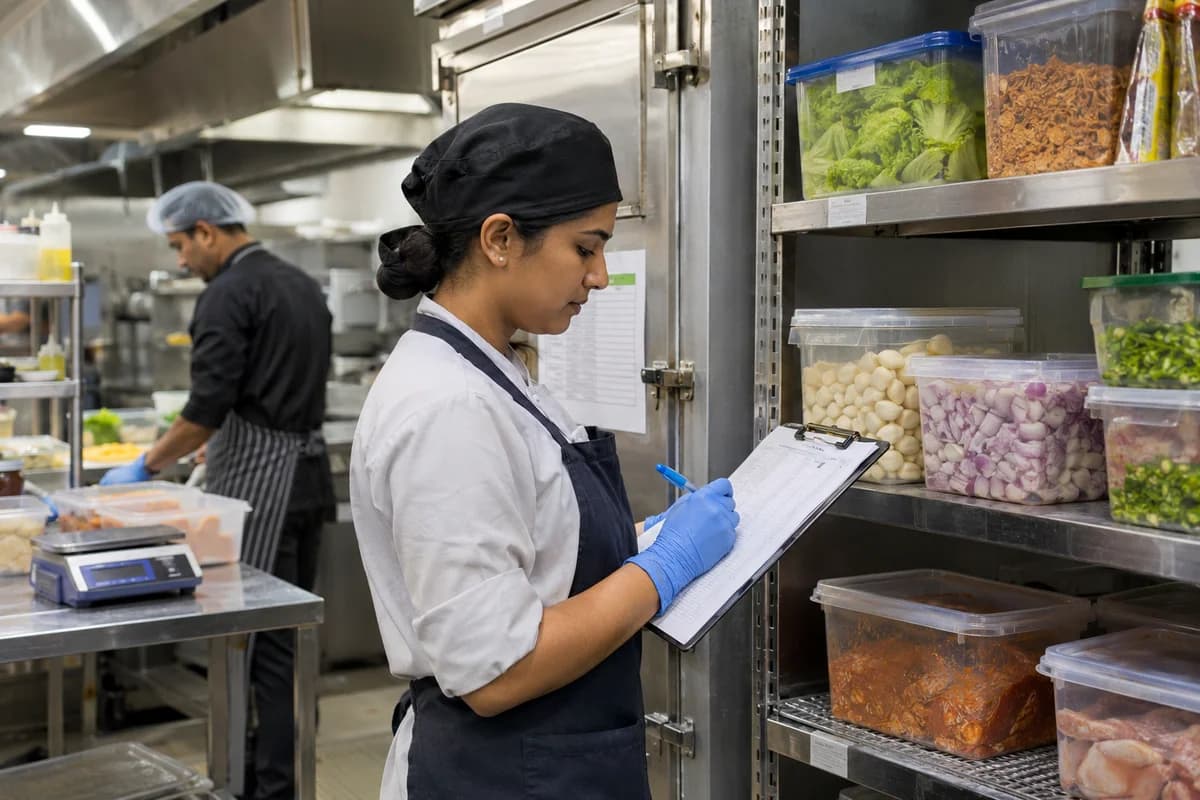
A cloud kitchen has no dining room. It has a pass, a row of stations and three or four delivery brands that all draw on the same walk-in fridge.
The records that hold the operation together.
- Channel order intake. Bring orders from each delivery app and the brand’s own link into one queue, tagged by brand, channel and promised pickup time, with accept and reject rules.
- Brand menus and item pauses. Keep a separate menu for each virtual brand over shared recipes, and pause an item on every brand at once when its ingredient runs out.
- Station tickets and kitchen screens. Split each order into tickets for grill, fryer, wok and cold pass, and show the pass which parts of a combo are still open.
- Prep lists and batch cooking. Build the morning prep list from expected orders, record gravies and marinades made in batches, and note the discard time of each batch.
- Recipes and portion cost. Set grams of protein, rice, sauce and garnish per dish, and read the plate cost for each brand’s version of a shared item.
- Shared walk-in and dry stock. Receive goods from vendors, deduct ingredients as dishes are cooked, and read consumption brand by brand against what was bought.
- Packing and packaging stock. Mark orders sealed and labelled, and track boxes, bags, cutlery and sachets per brand so packaging cost enters each order.
- Rider handover and wait times. Record rider arrival and pickup, read waits at the hatch by app, and flag orders likely to be marked late before they leave.
Operational bottlenecks to check
Each app is a separate tablet
Orders, menu edits and item pauses are handled app by app. A dish sold out on one brand stays live on another, and the kitchen cooks an order it cannot finish.
Every brand draws on one walk-in
Chicken, rice and sauces are shared across menus, yet stock is counted once a week. Nobody knows which brand consumed the chicken thighs or the marinated wings.
Brand margin is hidden by commission
A virtual brand shows strong sales on its app, but after commission, packaging, promotions and refunds the figure is unclear. Which brand earns money stays a guess.
Rider waits cause cold boxes
Packing is not timed against rider arrival. Food sits at the hatch, riders wait and the app marks the order late. Complaints and refunds follow.
Payout statements cannot be matched
Deductions for cancellations, ad spend and disputed refunds arrive as a lump, and checking them against orders takes a day of spreadsheet work each cycle.
Follow the work across teams.
This is a planning flow. Confirm the steps, owners and approval rules against your actual operation.
Roles and responsibility boundaries.
Reports your managers need.
- Orders by brand, channel and hour
- Ingredient use by brand against purchases
- Plate cost and margin after commission by dish
- Rider waits at the hatch by app
- Refunds and complaints by dish and cook
- Payout statements matched to orders and deductions
- Batch discards for marinades and gravies
Connections to scope
- Delivery app order feeds
- Kitchen printer and screens
- SMS and messaging
- Payment gateway
- Accounting export
Confirm data access, record ownership and the exchange method for each connection. Inclusion here does not mean every connection is available in a standard package.
Setup decisions and adoption risks.
Use these requirements to plan phases, data migration and user training. Agree the release sequence after reviewing your current systems.
Limitations to settle before implementation
- A restaurant that mostly serves guests at tables will find Restaurant Management System closer.
- A kitchen cooking for events, buffets and bulk contracts will find Catering Management Software closer.
Modules to consider first.
These functions connect to the operating model above. Confirm each one against the work your business actually runs.
Choose the operation you want to improve.
Use these activities to explain your scope. Your business does not need every function in the directory.
- Menu and dish catalogue management
- Rating recovery, with a plan for complaints
- Separate identity for each brand from the same kitchen
- Corporate lunch accounts with a fixed quote sheet
- Pricing that accounts for commission and packaging
- Packaging that arrives intact
- A list of customers who have agreed to be contacted
- Search listing for the area the kitchen can actually serve
Explore the business functions.
Production, stock, fleet and recurring billing functions apply only where your business runs those activities. Read the suitability conditions on each page.
Manufacturing
Procurement
CRM
Inventory Management
Finance & Accounting
Project Management
Start with the problem your team can describe.
Bring a sample record and show where information is copied, missed or waiting for approval. Scope the first useful change from there.
What happens after you share your requirements
- We review your brief and the systems you already use.
- We clarify the workflow, missing information and the work to consider first.
- The proposed scope sets out the deliverables, responsibilities and dependencies.
- Review the scope and commercial terms before deciding whether to proceed.
Start with your requirements
Describe your current process, the people involved and the change you need. Start with the details you know; we can clarify the rest together.
Share your requirements