Resident profiles for assisted living care teams
Resident profiles give each person living in your community one record. It holds needs, diet texture, allergies, preferences, the keyworker, emergency contacts and the paying family. Morning, evening and night teams open the same page. Roles decide which parts each person may read, so the kitchen sees diets and nurses see health notes.
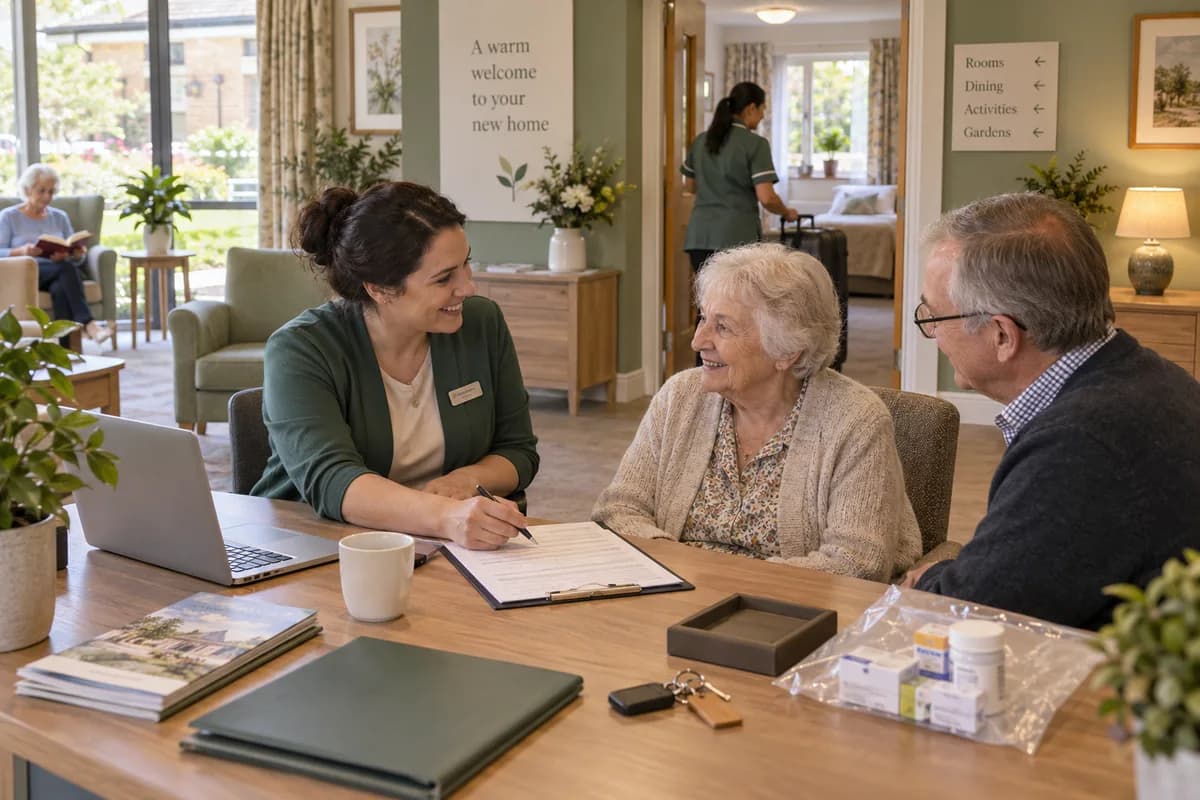
What a resident profile holds
A profile is the single page about a person that every team trusts, from the cook to the night carer. It starts at move-in. It changes as the person changes, and staff update it as they learn, within what their role allows.
Using resident profiles through a care day
Records are read more than they are written. Staff open a profile at the start of a shift, at a meal, after a fall or when a family rings about a parent. Each visit is brief. Four everyday moments follow.
Who opens a profile and what each person sees
One record does not mean one view. Every role is shown the parts it needs. Care staff see tasks and needs, and health notes open only for nurses and managers, so privacy is built into daily use.
Decisions to settle before profile set-up
Profiles hold personal and health detail, so a few choices are worth making early. Agree them with your administrator and nursing lead. Consent and retention rules for your country are reviewed with you during implementation.
How profiles connect to the rest of the product
The profile is the page that other features look up. Tasks, plans, medicines, rooms and bills all name a resident, and the profile is where that name leads. One fact is held in one place. A person never has two versions on the screen at once.
- Care plans and reviews are written against the resident’s needs
- Daily tasks and shift handover use the same diet and mobility facts
- Medication schedule reads the allergy fields before a dose is given
- Rooms and occupancy link each room to the person living there
- Billing and family statements go to the named paying family
Where the resident profile stops
A profile describes a person and who is responsible for them. It does not replace a clinical record system. It does not decide what care a resident receives, which stays with the nurse and the doctor. Consent, retention and the legal basis for holding health data remain with the owner and an adviser. A tiny home may keep paper files.
Frequently asked questions
Can the kitchen see allergies without health notes?
Yes. Roles decide the view, so kitchen staff see diet texture and allergies and nothing else on the page. Only nurses and managers open health notes. The split is agreed during set-up and can be reviewed later.
Who can correct an emergency contact number?
That is your decision. Some homes allow admissions staff and nurses to correct contacts, and keep carers to adding notes. The roles are set to match your rule, so the right people hold the right permissions.
Can the paying family differ from the first contact?
Yes, as separate lines. The profile names the emergency contacts in calling order and the paying family. A resident’s daughter may be called first in an emergency while another relative receives the monthly statement in the post.
What happens to the profile at move-out?
The room is released and the account is settled. The family receives a final statement. How long the profile is kept is a retention rule, reviewed with you during implementation and agreed with your adviser.
Do night staff read the same profile as day staff?
Yes, they do. GullySystem hosts one resident record, so the morning, evening and night teams read the same page. What each person sees still depends on their role. The hour of the shift does not change it.
How this feature fits the system.
Assisted Living Community Management Software: the parts that work with this feature, the trades that use it and the ways to put it in place.
Enquiries and tours
Each family enquiry and tour is logged with its outcome, so admissions staff know which prospects are still deciding and who should be called.
Lead ManagementDaily tasks and shift handover
Every resident has tasks for each shift, ticked off on a phone or tablet, and unfinished ones are visible to the next team.
Task ManagementStaff rosters and licences
Carers and nurses are rostered by floor and role, with attendance recorded so cover for absence can be arranged early.
Attendance & Time TrackingTell us what you need.
Tell us what your team does today, where work gets stuck and what you want to change.
What happens after you share your requirements
- We review your brief and the systems you already use.
- We clarify the workflow, missing information and the work to consider first.
- The proposed scope sets out the deliverables, responsibilities and dependencies.
- Review the scope and commercial terms before deciding whether to proceed.
Start with your requirements
Describe your current process, the people involved and the change you need. Start with the details you know; we can clarify the rest together.
Share your requirements