Audiograms and Test Files for Hearing Clinics
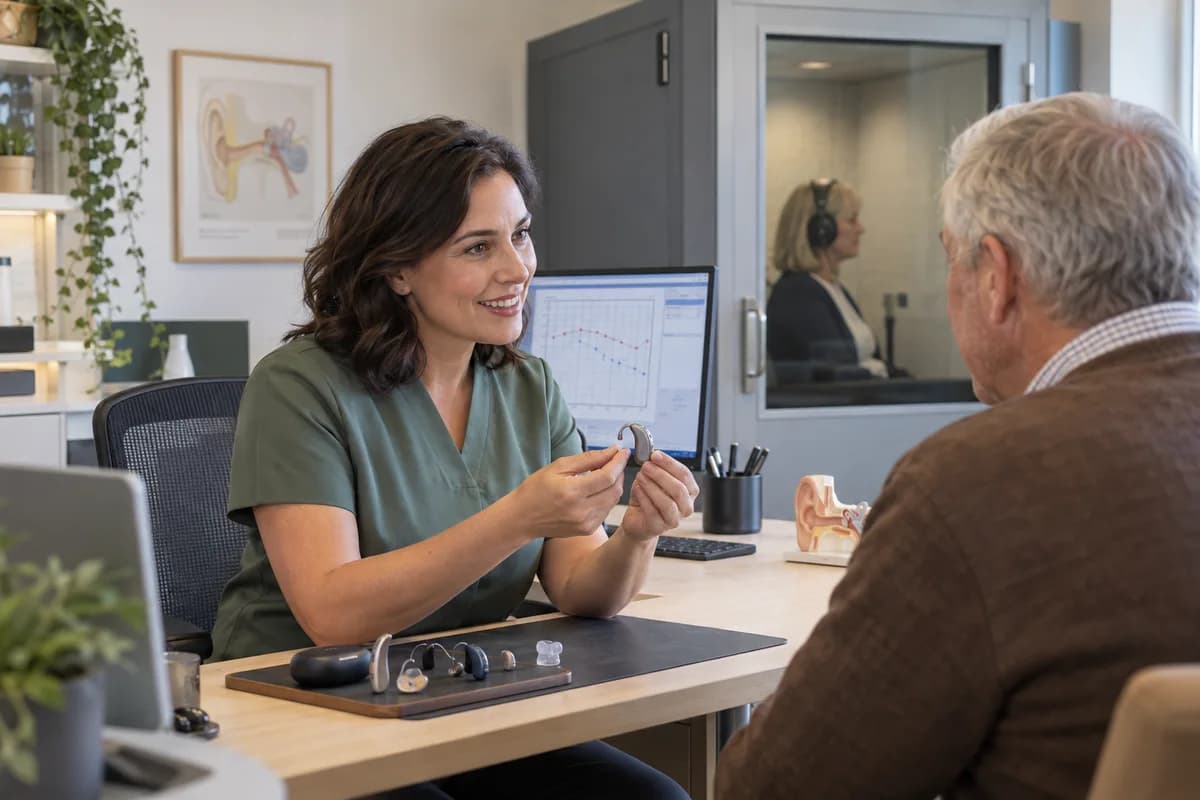
Audiogram, tympanometry and speech-in-noise files exported from your audiometer software attach to the patient and the date of each test. Audiologists open the latest curve beside earlier ones without leaving the record. Tests are still run and saved in the audiometer program itself, so no habits change in the booth.
What the audiogram and test file record keeps
The audiometer software remains the place where a test is run. This feature keeps the files it exports, each fixed to a patient and a date. Staff open results from the record. No one hunts through folders on a single PC.
From the audiometer to the patient record
Test files only help when they are easy to find at the right moment. These four moments show how a hearing clinic moves a result from the booth to the screen, and then back to it months later. Each starts in the booth.
Who opens test files and what they see
Test results are clinical and private. Each role opens only what its work needs, and the roles are agreed with GullySystem staff at set-up. Local privacy rules are reviewed then too.
Decisions to settle before test files are attached
File handling depends on the audiometer software in the booth. Agree these points before go-live. Each takes a short conversation, and sample exports help GullySystem staff see what your software produces.
How test files join the clinic record
A test file is rarely read alone. Staff open it from a visit, it informs a quotation and it is looked at again when a device is adjusted. Here are the links that carry the file from the booth to the devices that follow it.
- Appointments by audiologist and booth hold the test visit
- Patient history and referrals sit beside each file
- Device and serial register shows what was fitted afterwards
- Trials and adjustments compare settings against the audiogram
- Quotations and part payments start from the test result
Where audiogram storage stops
The feature stores exported files and shows them by date. It does not run the audiometer, read a curve for the audiologist or advise on treatment. A deeper link to the audiometer can be scoped after a review. A clinic with one audiometer and no device sales may be content with filed audiograms. Filing by hand is then reasonable.
Frequently asked questions
Which test files can be attached to a patient?
Audiogram, tympanometry and speech-in-noise files exported from your audiometer software. Each is attached to the patient and the date of the test. A referral letter sits on the history instead, not here. Letters stay with the history.
Can the latest audiogram be compared with older ones?
Yes, the latest result opens beside the earlier curves from previous dates. The audiologist sees at a glance whether hearing has moved between visits. The comparison needs no second program. This is a normal step of the retest.
What if our audiometer exports an unusual file type?
Send sample exports at the start. GullySystem staff review what your software produces, and access to that software is needed if its files are to be read. A deeper link can be scoped after that review. Format questions are answered then.
Is each file tied to the date of the test?
Yes, each file carries the date of its test and the visit it belongs to. The patient’s results therefore read in date order. A file from last year cannot pass for today’s. The date is shown beside each curve.
Can we add older audiograms for existing patients?
That is settled at set-up. Patient names and devices load from your current system. Earlier audiogram files are a separate decision. Bring sample files of the older audiograms, and the team agrees which are attached and which stay where they are.
How this feature fits the system.
Audiology Clinic Management Software: the parts that work with this feature, the trades that use it and the ways to put it in place.
Appointments by audiologist and booth
Tests, fittings and follow-ups are booked by audiologist and sound booth, and reminders cut down the visits patients forget.
Appointment SchedulingAudiograms and test files
Files exported from the audiometer attach to the patient and the date of the test, so results open from the record.
Document ManagementDevice and serial register
Each device is held by serial number with its side, fitting date and warranty end, so a repair claim starts from the record.
Batch and Serial TrackingTell us what you need.
Tell us what your team does today, where work gets stuck and what you want to change.
What happens after you share your requirements
- We review your brief and the systems you already use.
- We clarify the workflow, missing information and the work to consider first.
- The proposed scope sets out the deliverables, responsibilities and dependencies.
- Review the scope and commercial terms before deciding whether to proceed.
Start with your requirements
Describe your current process, the people involved and the change you need. Start with the details you know; we can clarify the rest together.
Share your requirements