Department and floor stock for department stores
Department and floor stock keeps one count of every item in each place: shop floor, display, stockroom or clearance rail. Season, supplier, size and colour travel with the item. Buyers, stockroom staff and cashiers read the same figures. Every transfer is recorded as it happens.
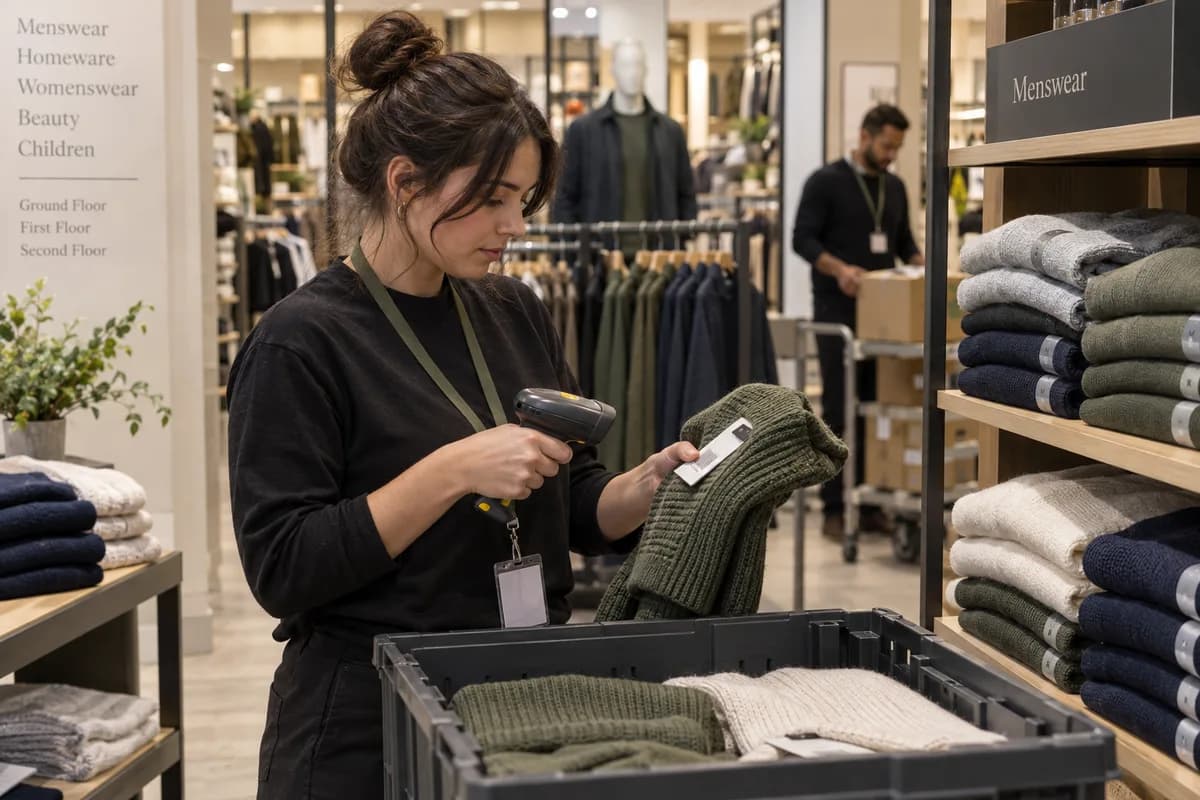
What the department stock record holds
Every item belongs to one department and carries a separate count for each place it is held. The record keeps the variants a department store sells, from a coat in two colours to a sandal in several sizes. Four kinds of entry sit behind it.
Department stock through a trading day
A department store changes shape by the hour. Stockroom staff replenish before opening, cashiers sell through the afternoon and buyers walk the floor after closing. Four moments show how the stock record is used in that rhythm, from the first shelf to the last rail.
Who reads department stock and what shows
Everyone opens the same stock record, but each person sees the part that matters to their job. What each screen shows is agreed at set-up, so a cashier is not buried in supplier terms. Nobody keeps a private list.
Decisions before department stock goes live
A few choices made early keep the counts trustworthy once the floors are trading. These are plain questions. They are questions for the buying team, the stockroom and the store manager to answer together.
How department stock links to other features
The rest of the product reads from department and floor stock. Orders add to it when goods arrive, the tills take from it at each sale, and returns put items back. A markdown changes the price of what it holds. Five links carry the work.
- Season buying raises orders that become expected stock
- Goods receiving adds counted, ticketed stock to the stockroom
- Tills reduce the floor count at every barcode sale
- Returns put an item back on the floor or with the supplier
- Markdowns read stock age and sell-through by department
Where department stock tracking stops
This feature records where items sit and the quantity in each place. It does not value stock for the accounts. Your accountant decides how stock is valued at year end. It does not walk the shelves, so a stock check still needs people with scanners. A shop with one floor and one till can keep a simpler count.
Frequently asked questions
Can one coat be tracked by size and colour?
Each size and colour is a variant of the item, with a count in every place. A navy medium has its own count. A shopper asking for it is answered from that count, not from the style total.
Does a transfer change the count straight away?
Once a transfer is recorded, the count falls where the item left and rises where it arrived. The entry keeps the person and the date, so a later check can follow it. Until then, the old counts stand.
Can a display or window count as stock?
A display is a place in its own right, so cushions in a window are counted there and not on the homeware floor. They remain stock. A second transfer brings them back to the floor.
How is the clearance rail handled?
The clearance rail is held as its own place. Lines sent there are logged by variant, so a buyer can read what remains and decide what to mark down next. Stock age follows the item.
Can a cashier see stock on other floors?
Item availability across floors is visible to cashiers and floor staff. That lets them answer a shopper at the till. The lookup is by barcode or description. What else appears on their screen is agreed with you at set-up.
How this feature fits the system.
Department Store Management Software: the parts that work with this feature, the trades that use it and the ways to put it in place.
Department and floor stock
Each floor, display and stockroom keeps its own count of an item, and a transfer between them moves the stock without losing the trail.
Multi-Outlet StockSeason buying and purchase orders
Buyers raise orders against a department’s season plan, and each order tracks its delivery window and what the supplier still owes.
Purchase Order ManagementGoods receiving and ticketing
The stockroom receives line by line against the order, notes short and damaged items, and the receipt later matches the supplier’s statement.
Goods Receipt (GRN)Tell us what you need.
Tell us what your team does today, where work gets stuck and what you want to change.
What happens after you share your requirements
- We review your brief and the systems you already use.
- We clarify the workflow, missing information and the work to consider first.
- The proposed scope sets out the deliverables, responsibilities and dependencies.
- Review the scope and commercial terms before deciding whether to proceed.
Start with your requirements
Describe your current process, the people involved and the change you need. Start with the details you know; we can clarify the rest together.
Share your requirements