Season buying and purchase orders for department stores
Season buying lets each department’s buyer plan a season and raise purchase orders against it. Every order records the supplier, the delivery window and the ticket price for each line. Outstanding quantities are tracked by supplier. Buyers and merchandisers write the orders, and the stockroom receives against them.
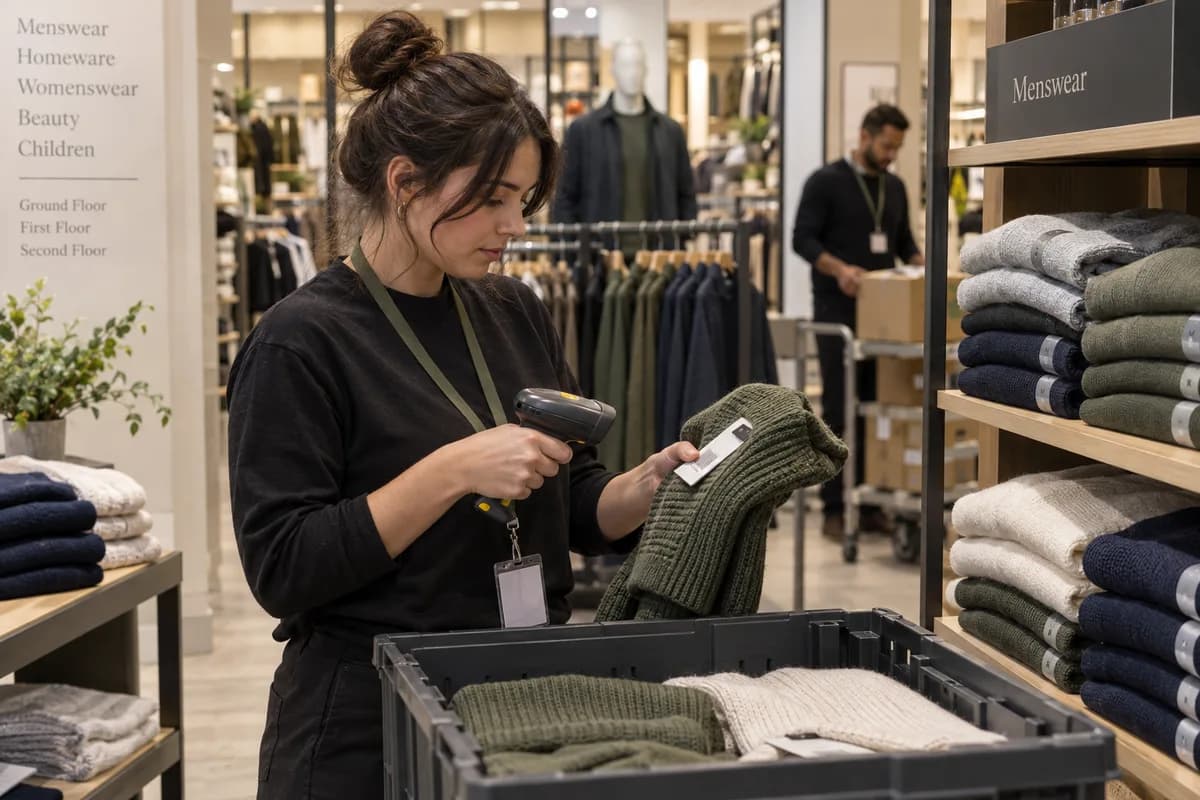
What a season buying order records
A buying record starts with the department’s season plan and ends with a purchase order the supplier can act on. In between sit the choices a buyer makes for every line. The stockroom and finance read those choices later. Four parts carry the detail.
Season buying from plan to delivery
A season is bought in stages, and the order record follows each one. Planning comes first, then orders, then chasing suppliers as the delivery windows close in. The list below shows four moments from a department store’s buying calendar. Each is a small job.
Who reads season buying and what each sees
Buying touches the whole store, but not everyone needs every order. Each role opens the orders that bear on its own work and nothing more. Set-up decides how far each screen reaches.
Decisions before season buying goes live
Buying habits differ from one store to the next, so the record should follow yours. These four questions are settled with your buyers before the first order is raised on the system. None needs technical skill.
How season buying links to other features
A purchase order is the first record in a line’s life, so the rest of the product reads from it. It tells the stockroom what to expect and tells finance what was promised. It also gives each season a name that reports can group by. Five links matter.
- Department and floor stock takes its season codes from here
- Goods receiving checks each delivery against the order lines
- Ticket prices travel from the order to printed barcode tickets
- Supplier accounts match statements to what was ordered and received
- Markdowns compare sell-through for the season the order opened
Where season buying stops
Season buying records what was ordered and what is outstanding. It does not choose what to buy, and it does not negotiate with a supplier. That judgement stays with the buyer. Prices, payment terms and any duty on imported goods remain matters for the buyer, the owner and their adviser. A store buying from one supplier a season can keep orders on a simple sheet.
Frequently asked questions
Can one order cover several colours and sizes?
An order holds a line for every item and variant the buyer needs from that supplier. Each line names size and colour. Receiving is line by line, so a short colour is visible at once.
How do I see what a supplier still owes?
Each supplier’s open orders show what is still due. Open a supplier and read each order, with lines delivered and lines still due. A passed delivery window stands out. The record is the same one the stockroom updates.
What happens when a delivery arrives in parts?
Each part is received against the order. What has landed is recorded against its lines, and what remains stays outstanding. The order stays open until the lines are complete, short or cancelled by the buyer.
Can a buyer see another department’s orders?
Buyers read the department they own. A store manager reads across all the departments on the floor. Who else may see an order is a set-up choice, agreed with you before the first order is raised.
Why record ticket prices on the order?
The floor team needs the intended price when it prints tickets. Holding it on the order line means the stockroom prints what the buyer meant. Markdowns handle later reductions. They carry their own approval and dates.
How this feature fits the system.
Department Store Management Software: the parts that work with this feature, the trades that use it and the ways to put it in place.
Department and floor stock
Each floor, display and stockroom keeps its own count of an item, and a transfer between them moves the stock without losing the trail.
Multi-Outlet StockSeason buying and purchase orders
Buyers raise orders against a department’s season plan, and each order tracks its delivery window and what the supplier still owes.
Purchase Order ManagementGoods receiving and ticketing
The stockroom receives line by line against the order, notes short and damaged items, and the receipt later matches the supplier’s statement.
Goods Receipt (GRN)Tell us what you need.
Tell us what your team does today, where work gets stuck and what you want to change.
What happens after you share your requirements
- We review your brief and the systems you already use.
- We clarify the workflow, missing information and the work to consider first.
- The proposed scope sets out the deliverables, responsibilities and dependencies.
- Review the scope and commercial terms before deciding whether to proceed.
Start with your requirements
Describe your current process, the people involved and the change you need. Start with the details you know; we can clarify the rest together.
Share your requirements