Farm customer records for equipment dealers
Each farm is held as one customer record with its acreage, crops such as wheat, maize or silage grass, contacts and the machines it runs. A call about a baler opens the whole fleet. Salespeople, the parts counter and the workshop see the same farm. Pre-season reminders go out from it.
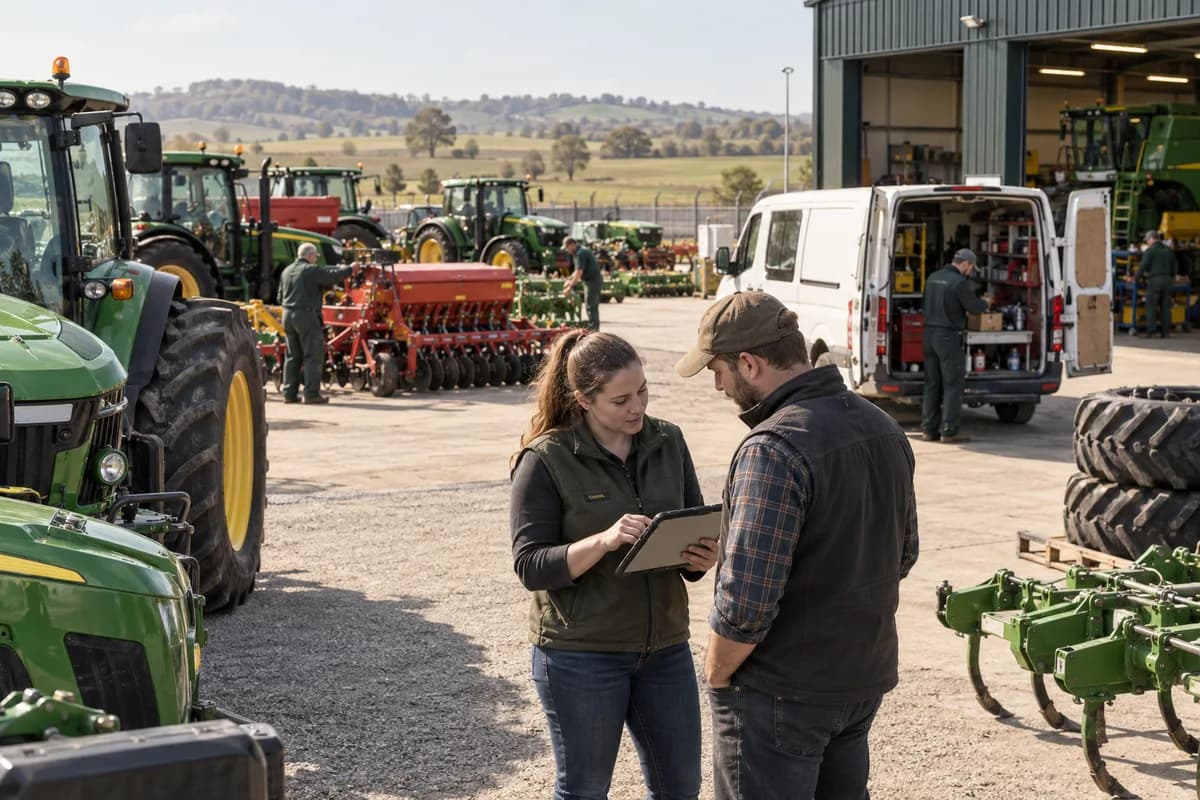
What a farm record keeps about the farm
A farm is not a person. It is a place with fields, machines and several people, such as the owner, the manager and the driver, who ring for different reasons. The record keeps all of that together. Here is what sits on one farm’s page.
A farm record through a season
Farms are busy in bursts. Planting, silage cutting and harvest decide when the phone rings, and the farm record is used differently in each. This is how one wheat and silage farm appears to the dealership across a full year, from field day to trade-in.
Who opens a farm record and what shows
The same farm opens for every role. Each looks for something different. A salesperson wants the next sale, a clerk wants the right fleet and a technician wants the history. Here is what each person sees first.
Decisions to settle before farms are loaded
A customer file grows untidy when nobody owns it. Settle a few rules first. The dealer principal, a senior salesperson and the parts lead can agree them in one sitting, before any farm is keyed in.
How farm records link to other features
The farm is the customer end of every other feature. Quotes, loans, service calls and finance all name a farm, and the farm page shows them together. Machine serials come from stock, so a tractor is typed once. The page points at those records. It keeps no copy of its own.
- Packaged quotations open from the farm and its fleet
- Demo loans and field calls attach to the farm
- Machine stock supplies the serials listed for each farm
- Service reminders read tractor hours and dates per farm
- Financing and deposits stay with that farm’s deals
Where farm customer records stop
It describes who a farm is, what it grows and what it runs. It does not map fields, hold yield figures or advise on crops. Those stay with the farmer and their agronomist. Credit decisions stay with the lender. A dealer with a small handful of farms and one salesperson may find a good address book enough.
Frequently asked questions
Can one farm have several people to ring?
Yes, a farm can list the owner, the manager and the driver, each with a number and a reason to call. A parts clerk then rings the right person. A salesperson rings the one who signs orders.
Does it hold field maps or yield figures?
No, those stay elsewhere. The record holds acreage and the crops grown, enough for a salesperson to judge scale. Field maps, yields and agronomy advice stay with the farmer and an adviser, who keep their own records.
How does a call about a baler find the fleet?
Search the farm by name. Its page lists each tractor, baler and implement with serial and hours. The person answering sees the whole fleet before saying a word, and can pick the right part or job.
Who gets a pre-season reminder for a tractor?
The reminder goes to the farm that owns the tractor, by hours or by date, and the workshop sees the same list. Where the messaging link is switched on, it reaches the farmer. Otherwise staff ring.
What changes when a farm passes to a new owner?
Update the contacts and keep the farm. Machines, past visits and quotes stay on its page. The new owner starts with the fleet history in front of the dealership, and nothing learned about the farm is lost.
How this feature fits the system.
Farm Equipment Dealer Management Software: the parts that work with this feature, the trades that use it and the ways to put it in place.
Machine stock by serial number
Every tractor, combine, baler and implement keeps its serial from inward receipt to sale, so hours and repairs attach to the right machine.
Batch and Serial TrackingPackaged quotations
A tractor, loader and baler are quoted as one package with the drawbar and coupler kit listed, and revisions stay on file.
Quote & Proposal ManagementDemo machines and farm loans
Enquiries from field days, calls and the showroom are logged against the farm, beside its demo loan, acreage and the machines it already runs.
Lead ManagementTell us what you need.
Tell us what your team does today, where work gets stuck and what you want to change.
What happens after you share your requirements
- We review your brief and the systems you already use.
- We clarify the workflow, missing information and the work to consider first.
- The proposed scope sets out the deliverables, responsibilities and dependencies.
- Review the scope and commercial terms before deciding whether to proceed.
Start with your requirements
Describe your current process, the people involved and the change you need. Start with the details you know; we can clarify the rest together.
Share your requirements