Job stages and progress for hardscaping crews
Job stages and progress follow each hardscaping job through excavation, sub-base, bedding, laying, jointing and handover. From a phone, crew leaders mark a stage complete and add photographs and notes. Back at base, staff see where every job stands without ringing the site, and customers see progress on their own job.
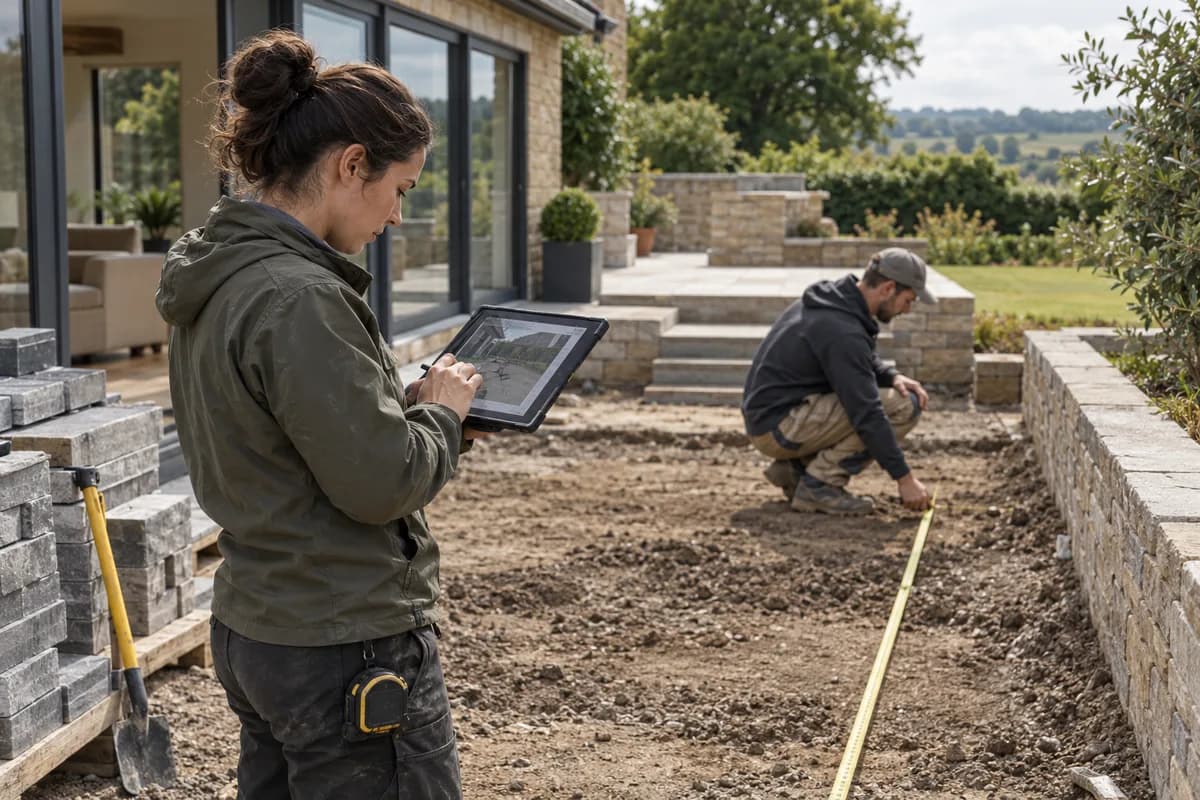
What a hardscaping stage record keeps
One stage is one step of the build. It runs from the dig to the final joint, and each has a date, a status, photographs and notes, held in one place. Together they tell the story of a job from the ground up.
A patio job from dig to jointing
Follow one patio, stage by stage. From the dig to the final joint, the crew leader marks each status, takes photographs and leaves a note. Meanwhile the office watches the job move without a call to site, and nobody has to ask for an update.
Who sees stage progress on a hardscaping job
Everyone wants stage progress, but each person wants a different part. Crew leaders enter it, the desk reads it, owners read the summary and customers see their own job. Each sees only what they need.
Stage settings to agree for hardscaping jobs
Stage names drive billing and scheduling, so they are worth agreeing before the first job is entered. GullySystem staff set them up as the firm words them, and change them on request. Four decisions need an owner.
How stages connect to the rest of the product
Stages are the spine of a hardscaping job. Orders are timed to them, the schedule is built around them and invoices are raised when they are signed off. The same photographs and notes then serve handover and aftercare, so one record does the work of several files.
- Stage dates set delivery dates in supplier orders and deliveries
- Crew and plant scheduling books people and machines per stage
- A signed-off stage lets a stage invoice be raised
- A variation attaches to the stage it changes
- Stage photographs support the final inspection and handover
Where hardscaping stage tracking stops
Stage tracking records that work was done and shows photographs of it. It does not inspect the work, certify its quality or decide whether a base is good enough to lay on. Where an engineer or inspector must see the work, the firm arranges that visit. A single small patio can be tracked with a few phone photographs.
Frequently asked questions
Can stage names differ for walls and patios?
Yes. Each job type carries its own stages. A wall can run footing, courses and coping while a patio runs dig, base and laying. GullySystem staff set the lists up and change them on request.
What if a stage is only partly finished?
Until it is marked complete, a stage stays in progress, with a note on what remains and when the crew returns. Partial work can be photographed. Billing for part of a stage depends on your contract terms.
Can the office see photographs without visiting?
Yes. Photographs added from the phone appear on the job under the right stage, so the office can read them at the desk. A blurred or missing picture can be asked for at once. Nobody drives out to check.
Do customers see stage photographs?
Customers see progress on their own job and nothing from other jobs, whether on a phone or a laptop. What is shown beyond the stage status, such as photographs, is agreed during implementation. Internal site notes stay internal.
How does a paused job affect invoices?
A paused stage is not complete, so its stage invoice waits. Earlier signed-off stages are billed as normal. The paused job shows on the list, so the office can tell the customer why the next bill is delayed.
How this feature fits the system.
Hardscaping Contractor Management Software: the parts that work with this feature, the trades that use it and the ways to put it in place.
Quotations by area and material
Measured areas and depths multiply your unit rates into a quote, and each revision the customer saw stays on file.
Estimate/Quotation ManagementSupplier orders and deliveries
Orders for aggregate, block and pavers are raised per job, and each delivery is received against its order.
Purchase Order ManagementSupplier orders and deliveries
A drop is checked on arrival against its delivery note, so short or damaged pallets are noted before the driver leaves.
Goods Receipt (GRN)Tell us what you need.
Tell us what your team does today, where work gets stuck and what you want to change.
What happens after you share your requirements
- We review your brief and the systems you already use.
- We clarify the workflow, missing information and the work to consider first.
- The proposed scope sets out the deliverables, responsibilities and dependencies.
- Review the scope and commercial terms before deciding whether to proceed.
Start with your requirements
Describe your current process, the people involved and the change you need. Start with the details you know; we can clarify the rest together.
Share your requirements