Unit Register for Heavy Equipment Dealers
The unit register holds every excavator, grader, telehandler, wheel loader and crane as one record. Each unit carries its serial number, model, hour meter reading, boom and stick options and owner. Sales, rental, the workshop and the parts counter read and add to the same history. One machine, one file.
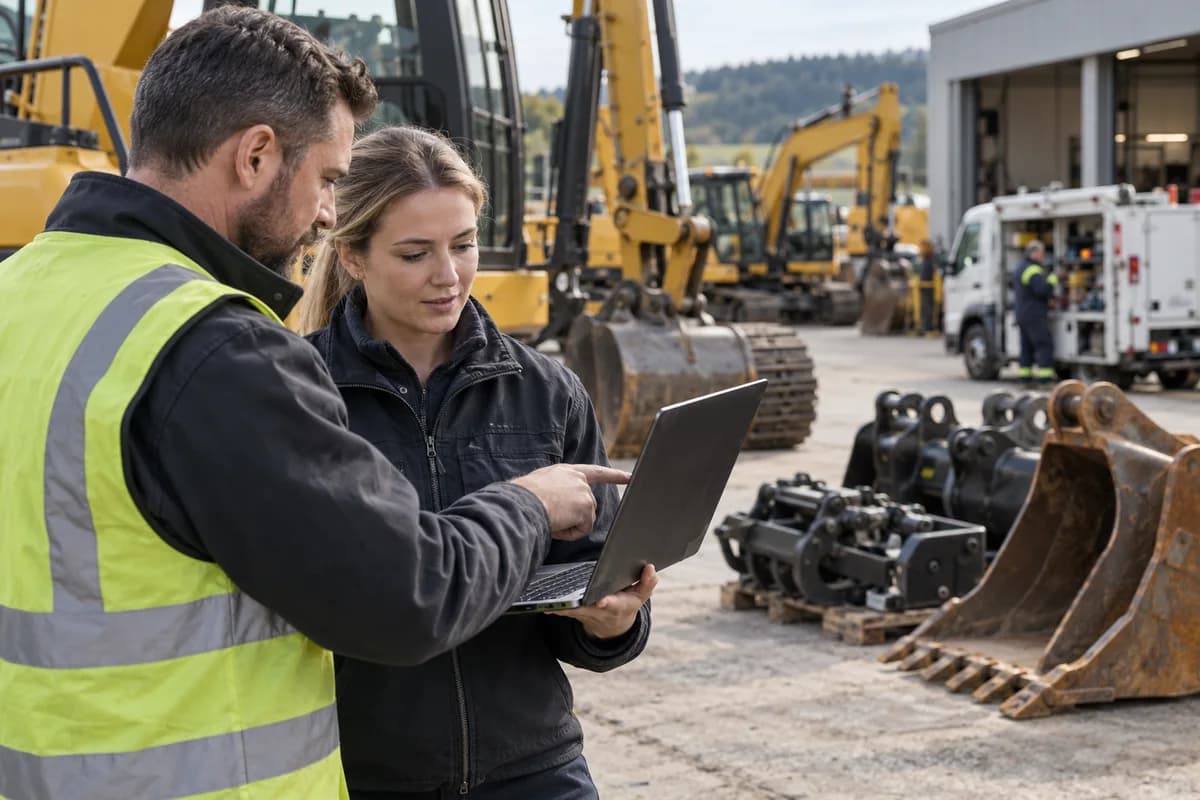
What a unit record holds for a machine dealer
A unit record is the single file for one machine. It opens when the dealership buys or receives the machine. It stays after a sale, a rental or a trade-in. Use these fields when a customer rings about one serial number. Four matter first.
A week of unit lookups at the dealership
The register earns its place in small moments. Each one below starts with a serial number or a model. Each ends with someone acting on the record, instead of phoning a colleague to ask what happened to the machine. The week is made of these.
What each role sees on a unit record
Everyone opens the same record, and each role starts at the part it uses. Which seats may edit a field is agreed during implementation. Reading is open. Changing is not. That keeps a serial number from being overtyped at the counter.
Decisions to settle before the register opens
Settle these four points with the dealership before units are keyed in. Each is harder to change later. Service jobs and rentals attach to the records quickly.
How the unit register feeds other features
This register is the record other features attach to. Quotations, rentals, job cards and claims open from a unit instead of typing the machine again. Each writes its result back. The history grows without a second entry. Every seat, from the counter to accounts, reads the same facts.
- Quotations pick the machine and its options from here
- Used stock takes the unit in after a trade-in
- Rental bookings read status and hour meter readings
- Job cards add hours, faults and parts fitted
- Warranty claims draw serial number and hours from it
Where the unit register stops
This feature records what happened to a machine. It does not value the machine, set a service interval or settle a warranty dispute. Depreciation and tax treatment of the fleet stay with the owner and the accountant. A yard that sells a few machines a year can get by with a ledger and a folder.
Frequently asked questions
Can one unit move from sale to rental?
Yes, it keeps one record when it changes use. A machine sold new, taken back on trade-in and then hired out shows each stage in date order. The owner is named at every step. Nothing is re-created.
How are boom and stick options recorded?
They are fields on the unit, listed beside the model. A quotation or parts order reads them. The counter then picks a ram seal or a hose that fits the boom actually fitted. Wrong-length orders are less likely.
Can we load units from our existing files?
Yes. Serial-numbered units, owners and service history come across from the files the dealership keeps today. Sources are listed first. Each unit is matched once and then checked by the sales head before it goes live.
What happens when an hour meter is replaced?
The old readings stay on the record, and a note marks the change. The service manager enters the new meter with its starting figure. Interval tracking carries on without a jump in hours. The audit trail stays whole.
Can customers see their own units?
The register is for dealership staff. Sales, service and accounts seats read a customer’s units. What the customer is told is the dealership’s choice, by phone, email or message. Customer logins are not part of this feature.
How this feature fits the system.
Heavy Equipment Dealer Management Software: the parts that work with this feature, the trades that use it and the ways to put it in place.
Enquiries and quotations
Quotations combine the machine, buckets, rippers, breakers, delivery and warranty terms, and every revision is kept against the enquiry.
Quote & Proposal ManagementUnit register and history
Each machine is identified by serial number, so a sale, a rental and a repair all land on the same unit.
Batch and Serial TrackingRental fleet and bookings
Every machine in the rental fleet is listed with its location and status, so the coordinator sees what is free for a date range.
Fixed Asset RegisterTell us what you need.
Tell us what your team does today, where work gets stuck and what you want to change.
What happens after you share your requirements
- We review your brief and the systems you already use.
- We clarify the workflow, missing information and the work to consider first.
- The proposed scope sets out the deliverables, responsibilities and dependencies.
- Review the scope and commercial terms before deciding whether to proceed.
Start with your requirements
Describe your current process, the people involved and the change you need. Start with the details you know; we can clarify the rest together.
Share your requirements