Podiatry Patient Records on One Screen
Each podiatry patient has one record. It holds contact details, medical history, medicines, allergies and every visit. Any podiatrist who opens it reads the whole foot history without hunting through paper charts. Reception, podiatrists and assistants all work from the same file, and every other feature builds on it.
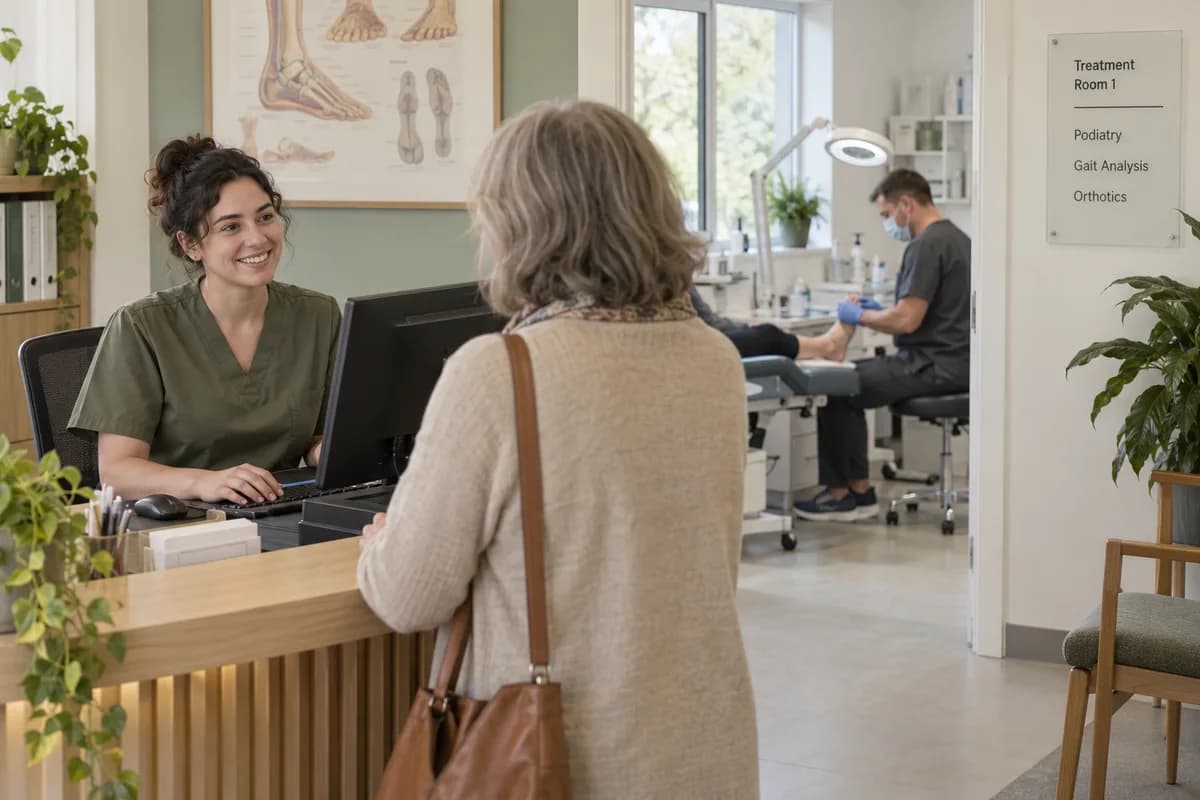
Each team member’s view of a patient chart
Someone with foot trouble passes the front desk, the consulting room and the treatment couch. Every stop opens the same chart. The record stays one file, whoever opens it and whatever they came to check.
What one podiatry patient file holds
Each file starts at the first booking and grows with every visit. It keeps the facts that rarely change, such as contact details and allergies, beside the facts that change at each appointment. Both sit together. The history reads as one story.
From the first call to the next review
A new patient rings about a painful toenail, and a file is born. Over the course of care it is opened at the desk, in the consulting room, at the lab order and on the recall list. Each stop adds a line.
Points to agree before charts are loaded
On screen, a file looks the same for every clinic. What fills it does not. A few rules about content and about who edits what should be fixed with the podiatrists before any chart is carried across.
Edges of the patient file
The file keeps what the clinic enters. It does not diagnose, prescribe, or decide who may see a chart under local privacy rules. Those questions belong to the clinicians and the clinic’s advisers. A sole podiatrist with a small list of patients may find a locked card cabinet enough. Retention periods are also the clinic’s to set.
Links from the patient file outward
Every other feature opens with the patient file. Bookings are made against it, the assessments and wound entries are written into it, and billing and recalls read from it. A change made here, such as a new phone number, is seen by all of them.
- Supplies patient details to appointments by clinician and room
- Holds foot assessment and treatment notes for each visit
- Carries wound measurements and photographs on the same chart
- Gives contact details to recalls and reminders
- Passes the account to billing and receipts
Frequently asked questions
Is every visit kept on the same record?
Yes, every visit adds a dated line to the patient’s file, linked to its notes, wound entries and bill. Entries run in date order from the first appointment. Nothing needs filing in a separate folder.
Where are medicines and allergies shown?
Medicines and allergies sit near the top of the file, where the podiatrist and the assistant see them before treatment starts. They are listed as the patient reports them. The clinic decides when each list is confirmed again.
Can reception edit contact details alone?
Reception can correct a telephone number or address while the patient is present. What the front desk may change beyond that is a set-up choice agreed with the clinic before the first live day. Clinical entries stay with clinicians.
How does reception find a patient quickly?
Reception searches by name or telephone number and opens the matching file. Search comes before create. Checking first keeps one patient to one record, and duplicates are the usual way a foot history gets split in two.
Can the record show who treated each visit?
Every visit line carries the date, the podiatrist and the room. A file for a patient seen by three clinicians lists all three. They show in order. The treatment notes are dated and attributed as well.
How this feature fits the system.
Podiatry Clinic Management Software: the parts that work with this feature, the trades that use it and the ways to put it in place.
Appointments by clinician and room
The desk books short and long visits against a podiatrist and a room, and the day reads by clinician, room or date.
Appointment SchedulingHome and care home visits
Visits away from the clinic are planned as routes for each podiatrist, so the day’s homes and care settings are listed in order.
Technician SchedulingOrthotic and device orders
A device order leaves for the lab with a due date, and the clinic follows it through receipt, checking and fitting.
Job Work ManagementTell us what you need.
Tell us what your team does today, where work gets stuck and what you want to change.
What happens after you share your requirements
- We review your brief and the systems you already use.
- We clarify the workflow, missing information and the work to consider first.
- The proposed scope sets out the deliverables, responsibilities and dependencies.
- Review the scope and commercial terms before deciding whether to proceed.
Start with your requirements
Describe your current process, the people involved and the change you need. Start with the details you know; we can clarify the rest together.
Share your requirements