Remote glucose, oximeter and blood pressure readings
Remote readings bring a patient’s home glucometer, oximeter and blood pressure cuff onto the record. The clinician sets the range for each patient, values outside it are flagged and the next check-in is scheduled. Nurses read the flags, and clinicians see the trend beside the visit notes.
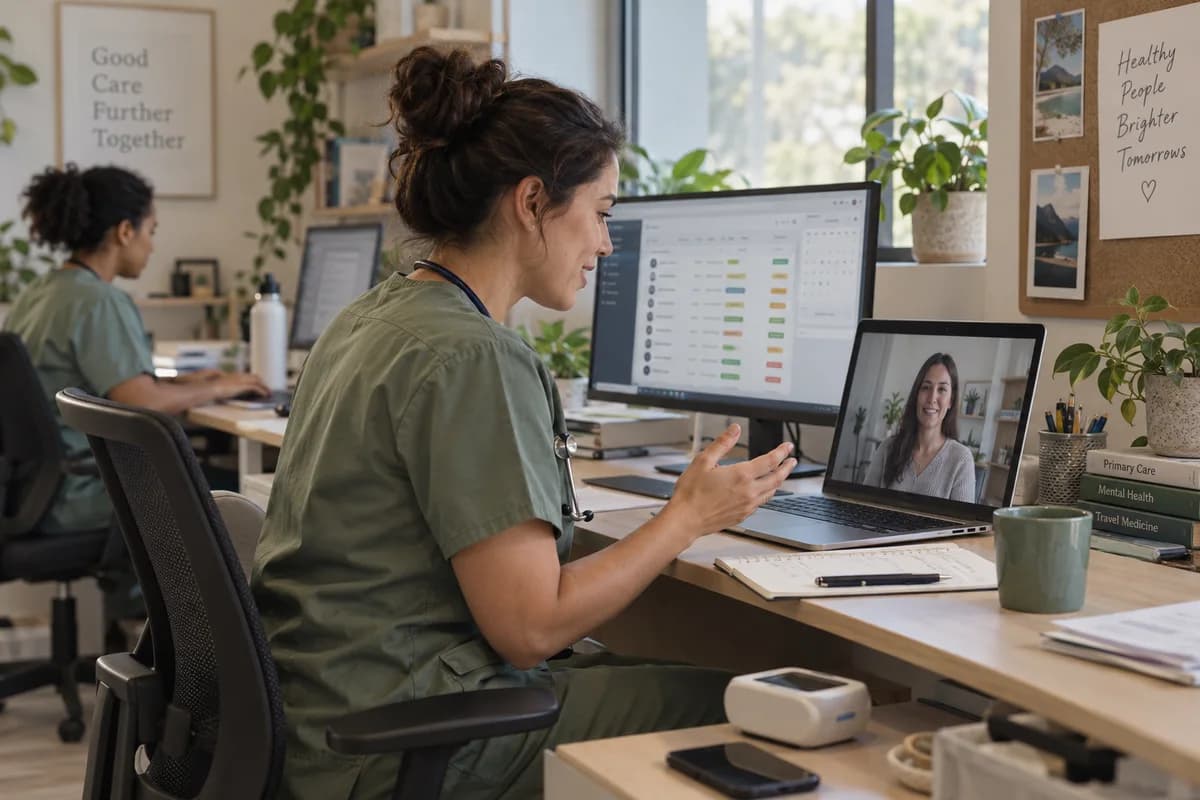
Who watches the numbers a patient sends home
Nobody should watch a stream of numbers all day. The range set by the clinician does the watching, and people respond to its flags. Each flag asks for a person. Roles split the reading from the deciding.
Readings, ranges and flags on the patient file
Each reading is a number with a time, a device and a patient. The range set by the clinician turns it into a decision. Anything outside the range gets marked. All of it sits beside the history for anyone treating that person.
A week of readings from a patient at home
Someone with hypertension or diabetes measures at home, sends a value and returns to the day. The service meets that value later, when a nurse opens the list. Someone has to see it. Nothing should fall between the two moments.
Settling ranges, alert owners and device connections
Alerts need an owner. Settle who watches the flags, what counts as urgent and which devices are in use before the first patient sends a reading. The clinical lead decides the clinical points.
Limits of remote readings in telehealth
Readings are numbers. Numbers alone do not make a diagnosis. The feature flags values against a range the clinician set. It cannot judge a patient’s condition, call an ambulance or watch the screen around the clock. Flags reach staff only when staff are looking, so cover outside session hours is a decision for the owner and the clinical lead. Occasional readings may do well on a paper log.
How readings feed visits, queues and orders
A reading is rarely the end of anything. It changes what a nurse does next, what a clinician asks at the review and which tests are worth ordering. Each of those happens in another feature. Readings supply the evidence for them, and nothing is typed in again.
- Follow-up queues list flagged and overdue readings
- Visit notes show the trend beside the plan
- Patient records keep every reading with its date
- Test orders can follow a worrying pattern
- Support tickets cover device and passcode problems
Frequently asked questions
Which home devices can send readings?
Glucometers, oximeters and blood pressure cuffs are the devices the platform records readings from. Each device type adds connection work. That work is priced in your proposal. The list at go-live is agreed with you in advance.
Who decides what counts as out of range?
The treating clinician sets the range for each patient and each measure. The platform flags values outside it. Staff do not invent thresholds. Any change to a range is made by the clinician and kept on the record.
Does a flag call someone urgently?
A flag appears for the nurse and lead clinician on their lists. It does not phone anyone or summon help. Services that need a response outside session hours must arrange that cover themselves, with named staff.
Can the clinician see trends before a visit?
Readings sit in the patient file in date order, so the clinician sees the pattern before and during the visit. The visit note can refer to it. A new check-in date is set before the call closes.
What if a patient stops sending readings?
The check-in date passes and the patient appears on the overdue follow-up list. A nurse makes contact. The owner also sees overdue follow-ups by clinician in the reports, so slow cases are noticed early on.
How this feature fits the system.
Telehealth Provider Management Software: the parts that work with this feature, the trades that use it and the ways to put it in place.
Virtual slots by clinician and service
Patients pick a service, clinician and time on a booking page, and the confirmed slot carries a link to the videoconference call.
Online Booking PortalClinician rosters and payouts
Clinician availability is planned by shift and time zone, so the booking page only offers slots that a named clinician can take.
Appointment SchedulingFollow-up and review queues
Reminders for follow-ups, unsigned notes and upcoming visits go to patients and clinicians by message or email, and each send is logged.
WhatsApp, SMS and Email NotificationsTell us what you need.
Tell us what your team does today, where work gets stuck and what you want to change.
What happens after you share your requirements
- We review your brief and the systems you already use.
- We clarify the workflow, missing information and the work to consider first.
- The proposed scope sets out the deliverables, responsibilities and dependencies.
- Review the scope and commercial terms before deciding whether to proceed.
Start with your requirements
Describe your current process, the people involved and the change you need. Start with the details you know; we can clarify the rest together.
Share your requirements