Machine Hours and Servicing for Tree Equipment
A tree company runs on saws, chippers, ropes, trucks and cranes that wear with use. This feature records hours and fuel by machine and by job, and raises service and inspection reminders by hours or by date. The manager sees which job used each machine.
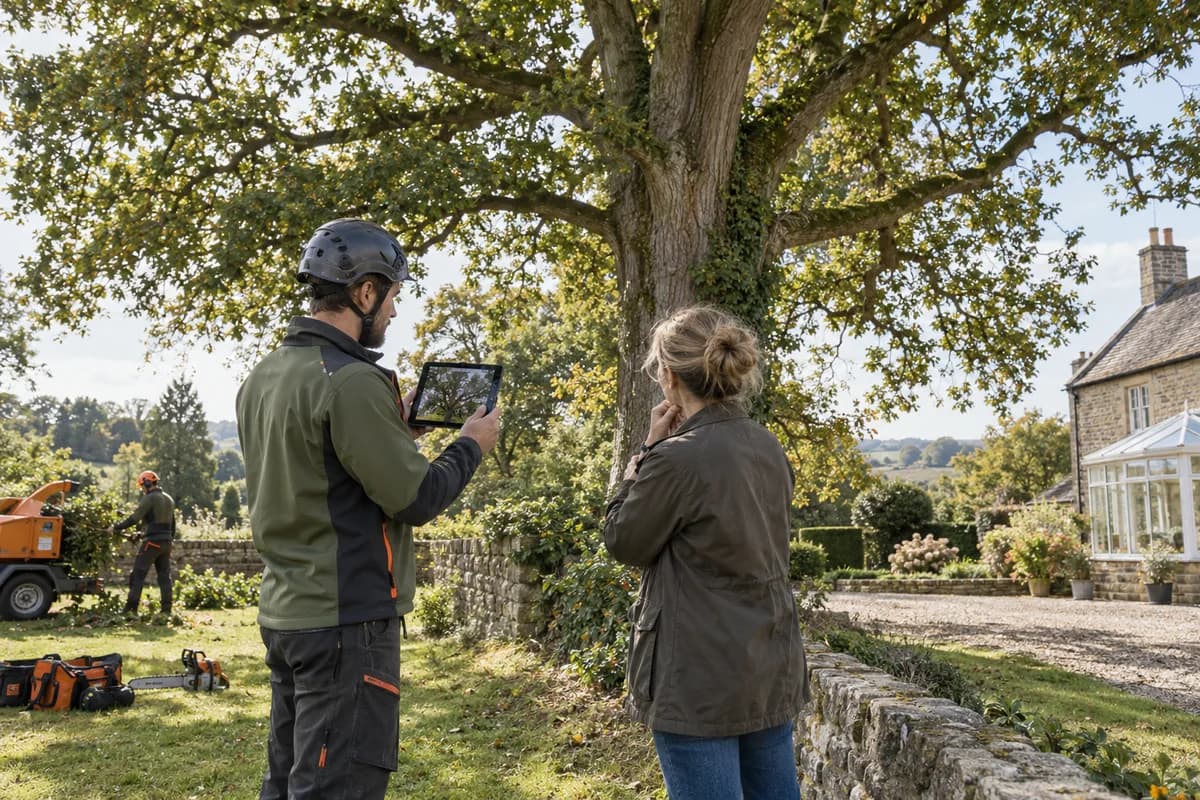
Machine records read by yard and office
Crews use a chipper in the field, the equipment manager services it and the owner pays for it. All three read the same machine record. Each looks at it for a different purpose, and none needs to ring another.
Hours, fuel and inspections kept per machine
Each machine has its own page, and each page grows with every job. Hours add up, fuel adds up, and the service plan counts down. A saw, a chipper and a climbing rope differ. Each keeps its own rules. The page is the machine’s whole history.
Chipper, crane truck and climbing rope
The yard works through a long list of small tasks: top up the fuel, log the hours, book the service, retire a worn rope. Here is how four such tasks look when the record is kept per machine and per job. Small tasks add up.
Equipment choices before the first hour is logged
Hour records are only as good as the first list of machines. Early choices keep the record clean. Each needs a named owner. A short meeting settles all of them.
What machine records cannot do in the yard
The feature holds the hours and dates people enter. It does not read an engine meter by itself, and it does not diagnose a fault or approve a machine for use. Safety inspection rules for climbing and lifting gear come from the owner, the maker and an adviser. A mechanic’s judgement stays with the mechanic. A firm with a couple of saws and one chipper may manage with a notebook.
Hours that travel from machine to job cost
Equipment records do not stand alone. The hours entered here reach the cost of each job. The booking of each machine depends on its service dates. A figure typed once serves the crew leader, the equipment manager and the owner. Five links carry the traffic.
- Hours per job flow into job costing
- Fuel entries join machine cost on each job
- Booked machines on the schedule show service dates
- Crew leaders record machine use inside the job record
- Subcontracted crane hire is costed apart from owned machines
Frequently asked questions
Does the system read hours from the machine?
Hours are typed in by a person, normally the crew leader, at the end of a job. The software adds them up and works out when service is due. It has no link to an engine meter, so nothing is read from the machine. Entries are manual.
Can a reminder follow hours rather than dates?
A service plan can be set by hours, by date or by both. A chipper might fall due after a set number of hours while a rope falls due on a calendar date. Every machine follows its own plan.
How are ropes and lifting gear tracked?
Each item is entered with its type and its inspection dates. The record shows the last check and the next one due. The result of each inspection is typed in by the person who made it. Dates drive the reminder.
Can fuel be split across several jobs?
Fuel and hours are entered per machine and per job. If a truck serves two sites on the same day, the leader enters its use against each job. The cost then lands where it belongs. Nothing is lumped together.
Who sees a service reminder when it is due?
Who sees reminders is agreed when the machine list is built. Reading falls naturally to the equipment manager, and the office may also see them when booking. Nothing is sent without that arrangement. That choice is made once.
How this feature fits the system.
Tree Service Management Software: the parts that work with this feature, the trades that use it and the ways to put it in place.
Enquiries and surveys
Each enquiry is logged with its source and address, the survey is booked, and tree records and photographs stay on the client record.
Lead ManagementQuotations by tree and task
Every tree and task is priced from the firm’s labour, equipment and disposal rates, with each revision kept beside the open quotes.
Estimate/Quotation ManagementJobs and crew scheduling
Climbers, groundstaff, vehicles and cranes are placed against the day’s jobs, so a clash shows before a date is promised to a client.
Technician SchedulingTell us what you need.
Tell us what your team does today, where work gets stuck and what you want to change.
What happens after you share your requirements
- We review your brief and the systems you already use.
- We clarify the workflow, missing information and the work to consider first.
- The proposed scope sets out the deliverables, responsibilities and dependencies.
- Review the scope and commercial terms before deciding whether to proceed.
Start with your requirements
Describe your current process, the people involved and the change you need. Start with the details you know; we can clarify the rest together.
Share your requirements