Return visits and call-backs for urgent care
Patients due a phone call after discharge, or a return for a wound check, are listed with the reason and the clinician who asked. Nurses work down the list and note each call on the original visit. Managers read the same list before the shift ends.
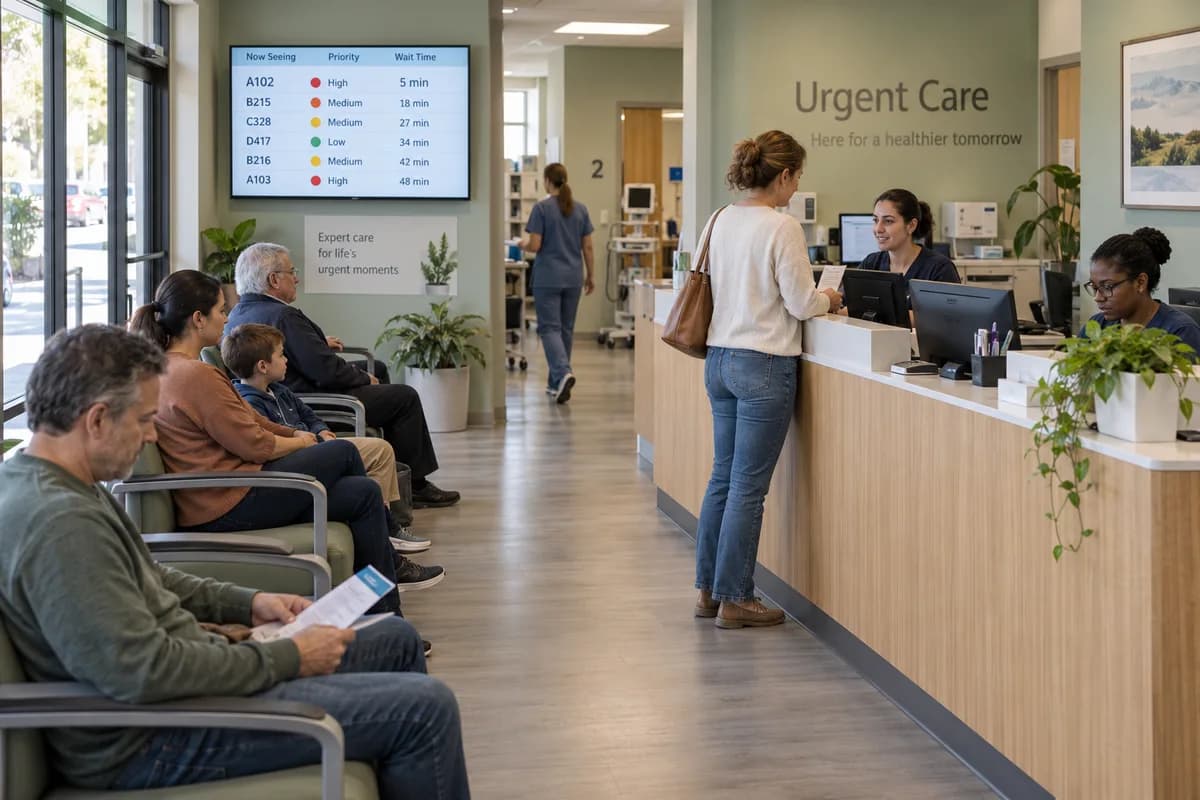
Entries on the call-back list
Every call-back is a promise made at discharge. Nothing about the call lives on a sticky note. The list keeps that promise visible after the patient has gone home. Entries point back to a visit, so whoever dials knows what happened and why the call matters.
A nurse working the afternoon call list
The call list is a quiet task in a loud shift. Between patients, a nurse picks up the phone and works through the names. Some answer, some do not, and each outcome is noted before the next call. Every call leaves a trace on the visit.
Requesting a call, making a call
Clinicians ask for calls. Nurses make them. Whoever manages the centre decides whether there is time, and the desk deals with patients who return in person. All of it runs from one list.
Call-back rules to agree with the clinicians
A call-back list can fill quickly. Agree which patients get a call and how long to keep trying before stopping. Bring the clinicians and the lead nurse to that meeting, with recent discharges as examples.
Where call-backs begin and where they end
Call-backs start at discharge. They end on the visit that began them. In between, the list reads from the discharge papers and writes back to the note. Today’s call is a line on the old visit tomorrow. The manager’s view of calls due comes from the same entries.
- Discharge instructions and prescriptions set the follow-up date
- Visit notes and treatment hold the call and its outcome
- Registration and live queue supplies the phone number to dial
- Waiting time and throughput reports sit beside wound checks and calls due
- Imaging, test and referral orders add calls for results that come late
Limits of the call-back list
The list reminds staff to call and records what happened. It does not dial, send a message or judge from a patient’s words whether care is needed. That is for the nurse and the clinician. Someone who cannot be reached is a clinical and legal matter for the medical lead. A centre with very few discharges could keep a notebook beside the phone.
Frequently asked questions
Does the system place the phone calls?
It does not dial. This view shows who is due a call, with the reason and the clinician who asked. Nurses phone the patient and note the call on the visit. Each call-back entry is a task, not a message.
Can a clinician add a call-back after discharge?
Yes, a clinician who wants a patient called can ask for it and give the reason. It then appears on the list. Which diagnoses always get one is your centre’s rule, set with the medical lead.
How is a missed call recorded?
A nurse notes on the visit that the call was tried and that no one answered. The entry stays on the list. Your centre decides the number of attempts made, and who takes over after the last.
Can managers see the number of calls due?
Wound checks and call-backs due are among the reports. Each lists what is due, with the reasons and the clinicians who asked. Staffing for the call work can then follow from the real number. Guessing is not needed.
Do patients get a text instead of a call?
Messaging is among the connections. Whether a text can replace a call is a clinical decision for your medical lead. The tracking itself covers calls made by staff. Agree the wording with your medical lead. Ask about it during installation.
How this feature fits the system.
Urgent Care Centre Management Software: the parts that work with this feature, the trades that use it and the ways to put it in place.
Registration and live queue
Booked patients join the queue at their time and walk-ins join on arrival, so the desk reads one list ordered by priority.
Appointment SchedulingImaging, test and referral orders
Each X-ray or test order stays open on the visit until a result is attached, and open orders appear on a single list.
Ticket ManagementRooms and clinician allocation
Treatment rooms and imaging rooms are shown as free or in use, so the next patient goes to a room that is ready.
Resource and Room BookingTell us what you need.
Tell us what your team does today, where work gets stuck and what you want to change.
What happens after you share your requirements
- We review your brief and the systems you already use.
- We clarify the workflow, missing information and the work to consider first.
- The proposed scope sets out the deliverables, responsibilities and dependencies.
- Review the scope and commercial terms before deciding whether to proceed.
Start with your requirements
Describe your current process, the people involved and the change you need. Start with the details you know; we can clarify the rest together.
Share your requirements