Enquiries and tours for assisted living homes
Enquiries and tours keeps one record for every family that rings, visits or compares your assisted living home. Admissions staff log the prospective resident’s needs, book a tour with a named colleague and note the outcome. The list shows which families are still deciding after seeing a room, so the next call goes to the right person.
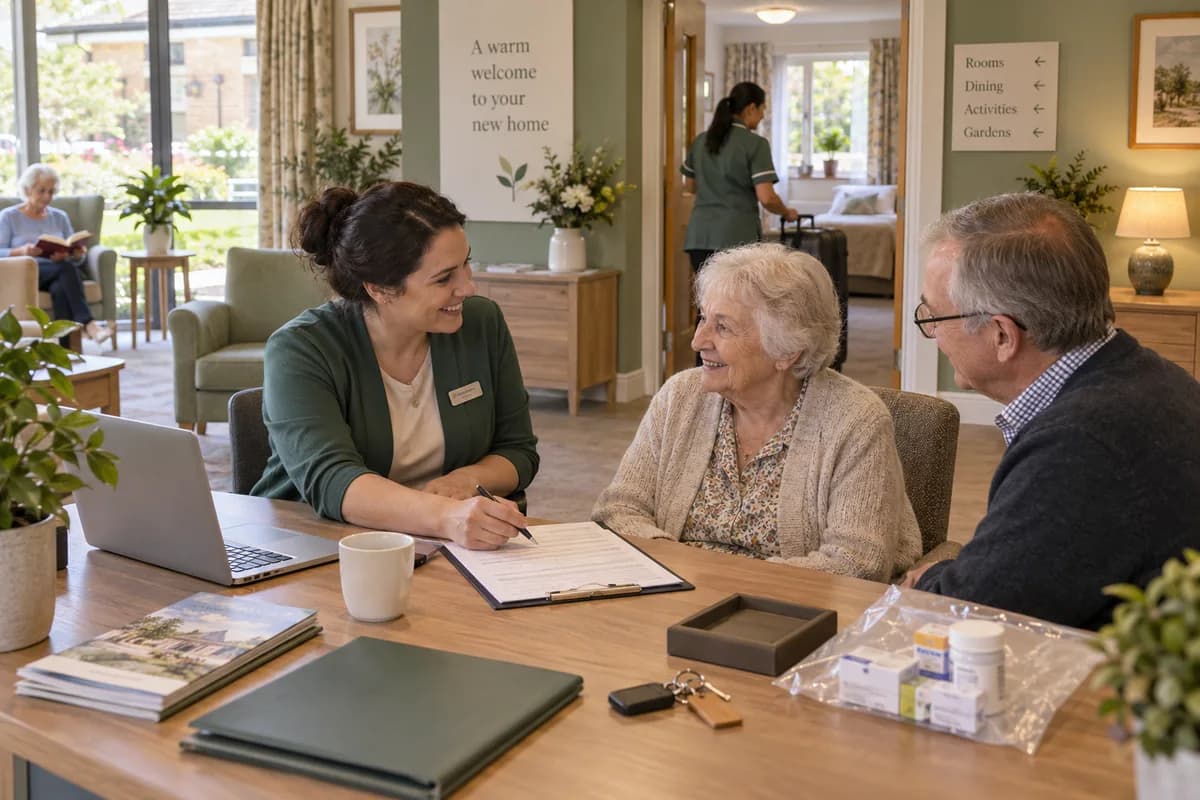
What each family enquiry record keeps
Every enquiry starts as a short record about one prospective resident and one family contact. It grows with each call and visit. Each person who speaks to the family adds what they learn, so a colleague picking up the file never asks the family to repeat the story.
A working week in the admissions office
The admissions lead opens the enquiry list as the office opens and sees at once which families are waiting for an answer. Calls arrive through the day, tours fill the afternoons and notes are added between visits. Four moments follow.
Who uses the enquiry list and what they see
Enquiry records are shared between the office and the care team, but each role opens them for a different reason. Roles decide who sees what. A record never shows more than the person needs.
Decisions to settle before enquiry set-up
A few choices are better made before the first enquiry is entered. They decide how the list reads. Settle them with your administrator and admissions lead, so the whole office trusts what it sees on the screen.
How enquiries connect to the rest of the product
An enquiry is the first record a family creates with your home, and later features start from it. The details written at the first call and after the tour stay on the record when the family decides, so nobody asks again. Admissions work from one trail.
- Rooms and occupancy shows which room the family toured
- Assessment and move-in begins once a family chooses
- Resident profiles build on the needs first noted
- The calendar link places booked tours beside other diary entries
- Billing and family statements later name the paying family
Where the enquiry list stops
This feature records enquiries, tours and outcomes. It does not hold the care assessment, the contract or the deposit, which belong to assessment and move-in. Offering a room, setting a rate and agreeing a fee stay with the administrator and the owner. A very small home with a handful of enquiries may manage with a diary and a notebook.
Frequently asked questions
Can we log a family who has not toured yet?
Yes, it can. An enquiry exists before any tour is booked. Admissions staff note the needs and the contact, and add the tour date later. The record then shows the family as an enquiry waiting for a visit.
How do we see who is waiting for a decision?
Open the list of prospects marked still deciding. Each one carries the room they saw and the latest note. Colleagues work down that list when planning calls. It is the first screen to open each morning.
Can we record why a family chose another home?
Yes, with a note. When the outcome is set to chose another home, a short reason can be added to the record. The administrator reads these notes across all tours when judging what families are asking for.
Can the enquiry list replace our notebook waiting list?
It can, after a check. Your staff enter the names or supply the file, then compare the result with the notebook. From then on every member of the admissions team reads the same list, and the notebook can be retired.
Who is told when a tour is booked?
The host is told. The tour appears on the record under the named staff member. The family can receive a confirmation by email or messaging, as your policy sets, and the calendar link can place the tour beside other diary entries.
How this feature fits the system.
Assisted Living Community Management Software: the parts that work with this feature, the trades that use it and the ways to put it in place.
Enquiries and tours
Each family enquiry and tour is logged with its outcome, so admissions staff know which prospects are still deciding and who should be called.
Lead ManagementDaily tasks and shift handover
Every resident has tasks for each shift, ticked off on a phone or tablet, and unfinished ones are visible to the next team.
Task ManagementStaff rosters and licences
Carers and nurses are rostered by floor and role, with attendance recorded so cover for absence can be arranged early.
Attendance & Time TrackingTell us what you need.
Tell us what your team does today, where work gets stuck and what you want to change.
What happens after you share your requirements
- We review your brief and the systems you already use.
- We clarify the workflow, missing information and the work to consider first.
- The proposed scope sets out the deliverables, responsibilities and dependencies.
- Review the scope and commercial terms before deciding whether to proceed.
Start with your requirements
Describe your current process, the people involved and the change you need. Start with the details you know; we can clarify the rest together.
Share your requirements